
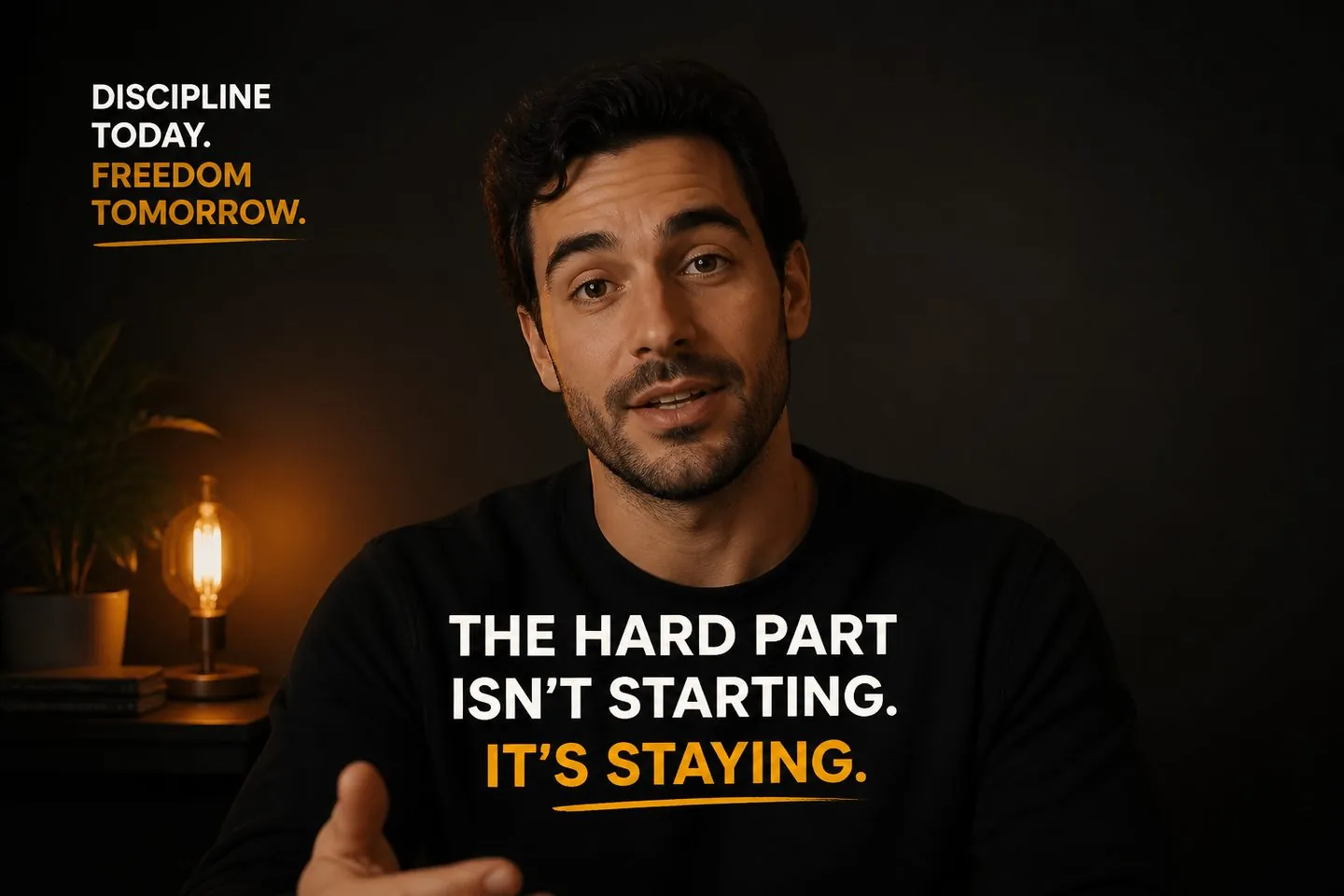
Social uploaders
Add captions before you post so mute viewers still follow the line.
Explore Auto caption generatorCaptions on the file
Drop your MP4, get captions, style them, and export a video where subtitles stay on the file — ready for social or clients.
Drop a video to caption
MP4, MOV, WebM, or MKV. Drop a clip — get captions you can style and export.
Definition
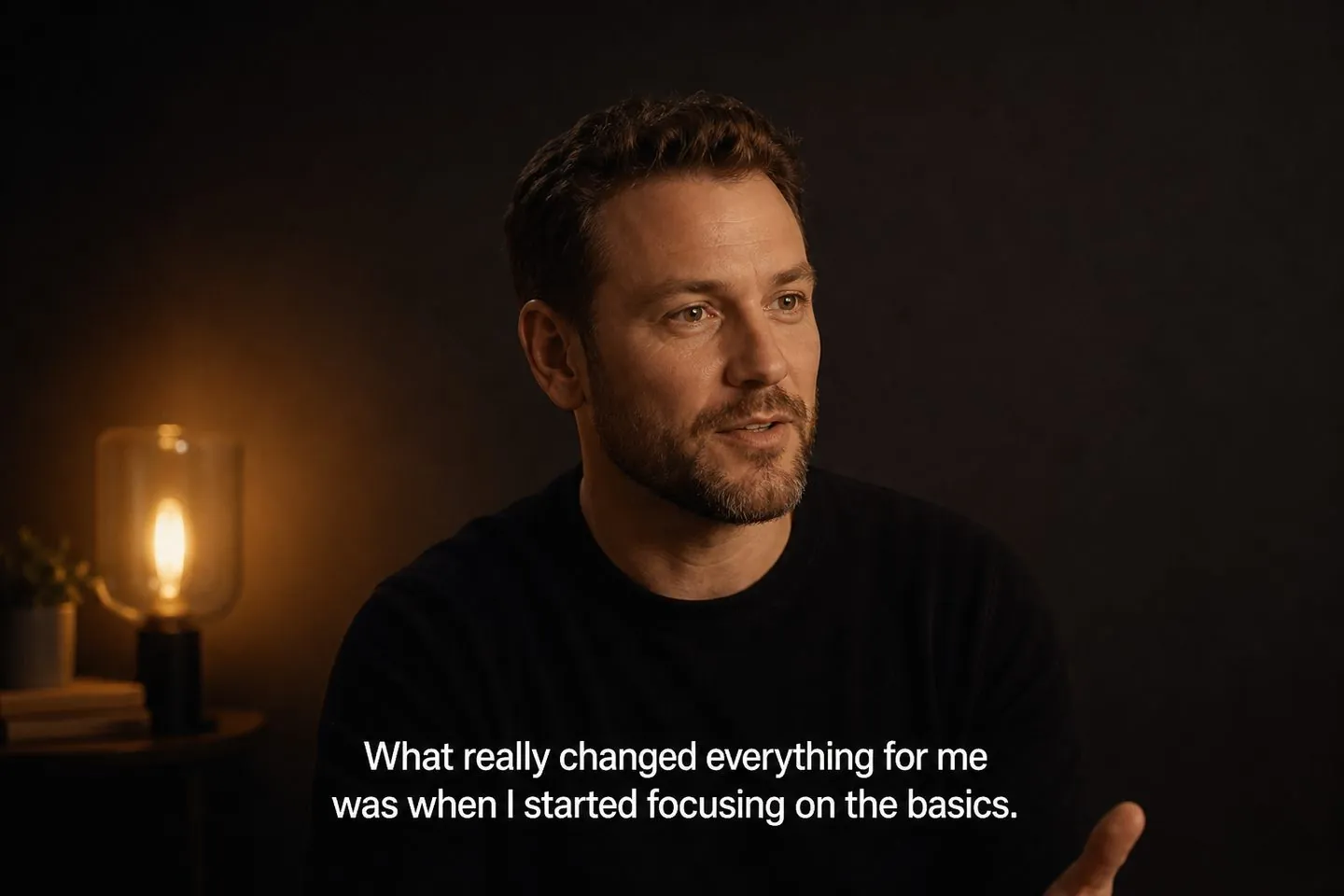
You take a finished clip, generate timed captions from speech, style them, and export so viewers see the text on the video itself — even when soft captions are off.
Outcome
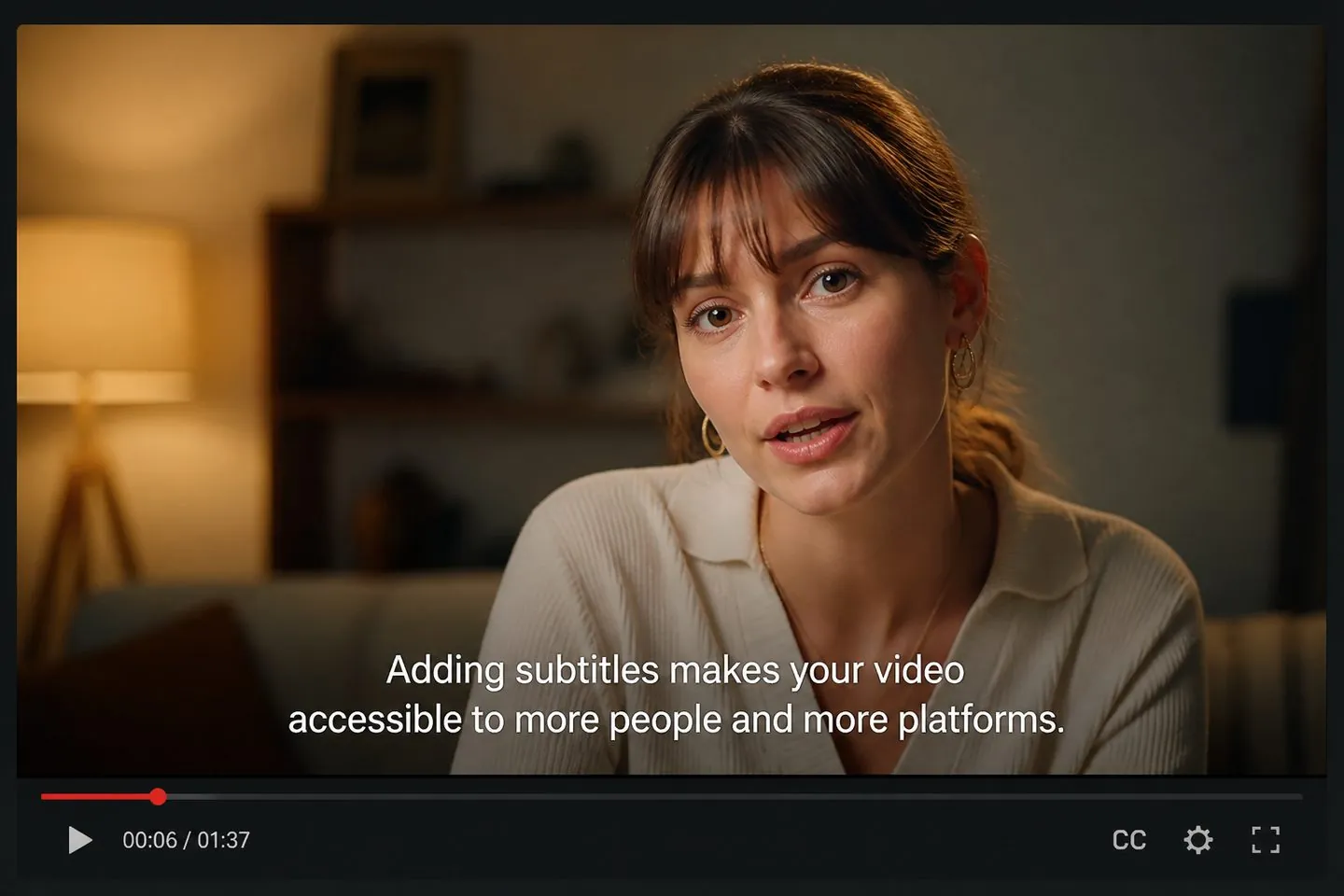
When you add subtitles to video here, the goal is text viewers see on the MP4 — perfect for social uploads and client drafts that cannot rely on platform caption toggles.
Steps
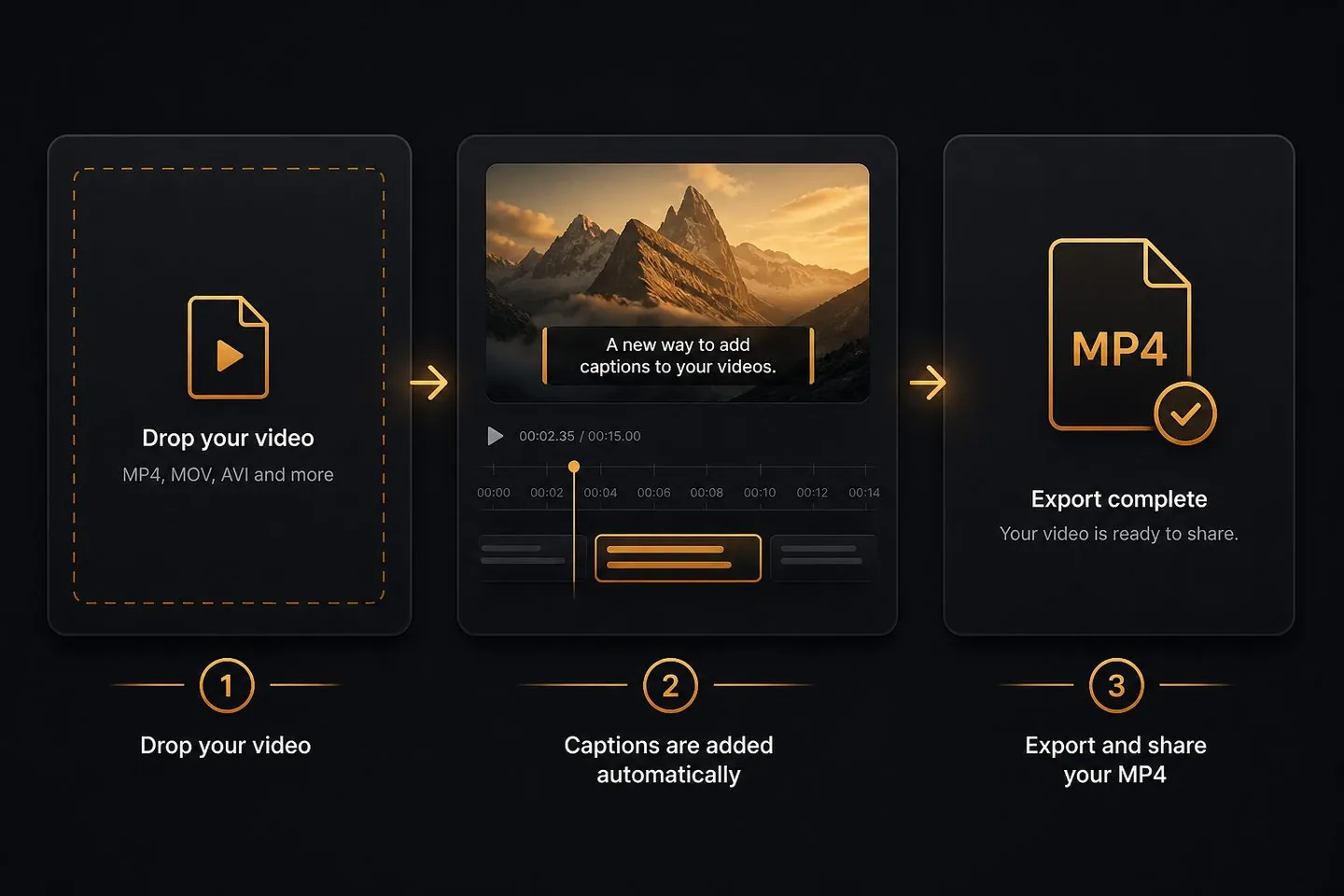
Drop the file, generate captions, style and position them, then export. Soft files remain available when you need them too.
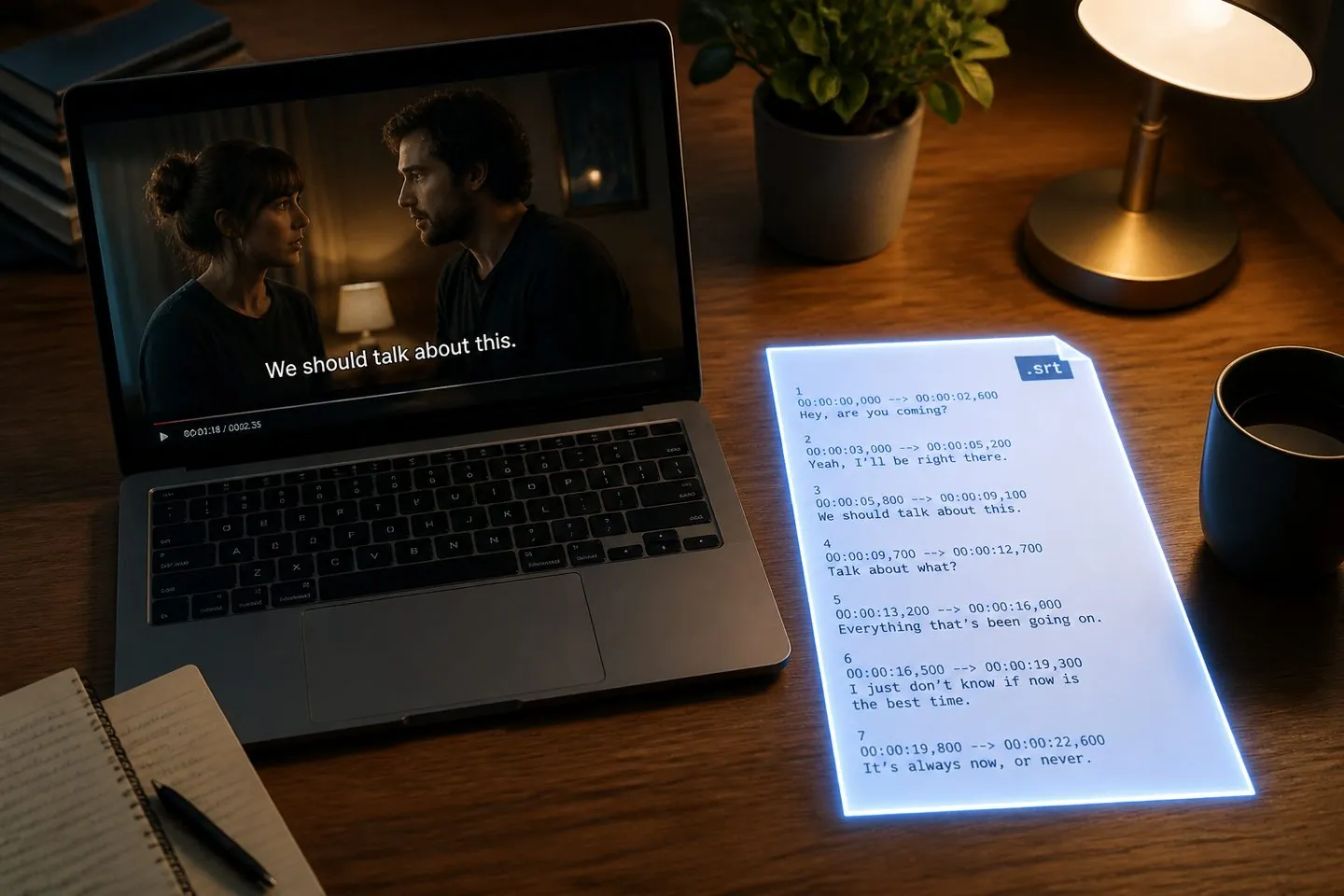
Also SRT
After captions exist, download SRT/VTT/TXT from the export menu — or jump to the dedicated SRT generator when file-first is the job.
Ship
Finish with an MP4 that carries your subtitles into the feed or client review — same page, no desktop project file.
If your job is “put captions on this MP4,” start on this page.
Add captions before you post so mute viewers still follow the line.
Explore Auto caption generator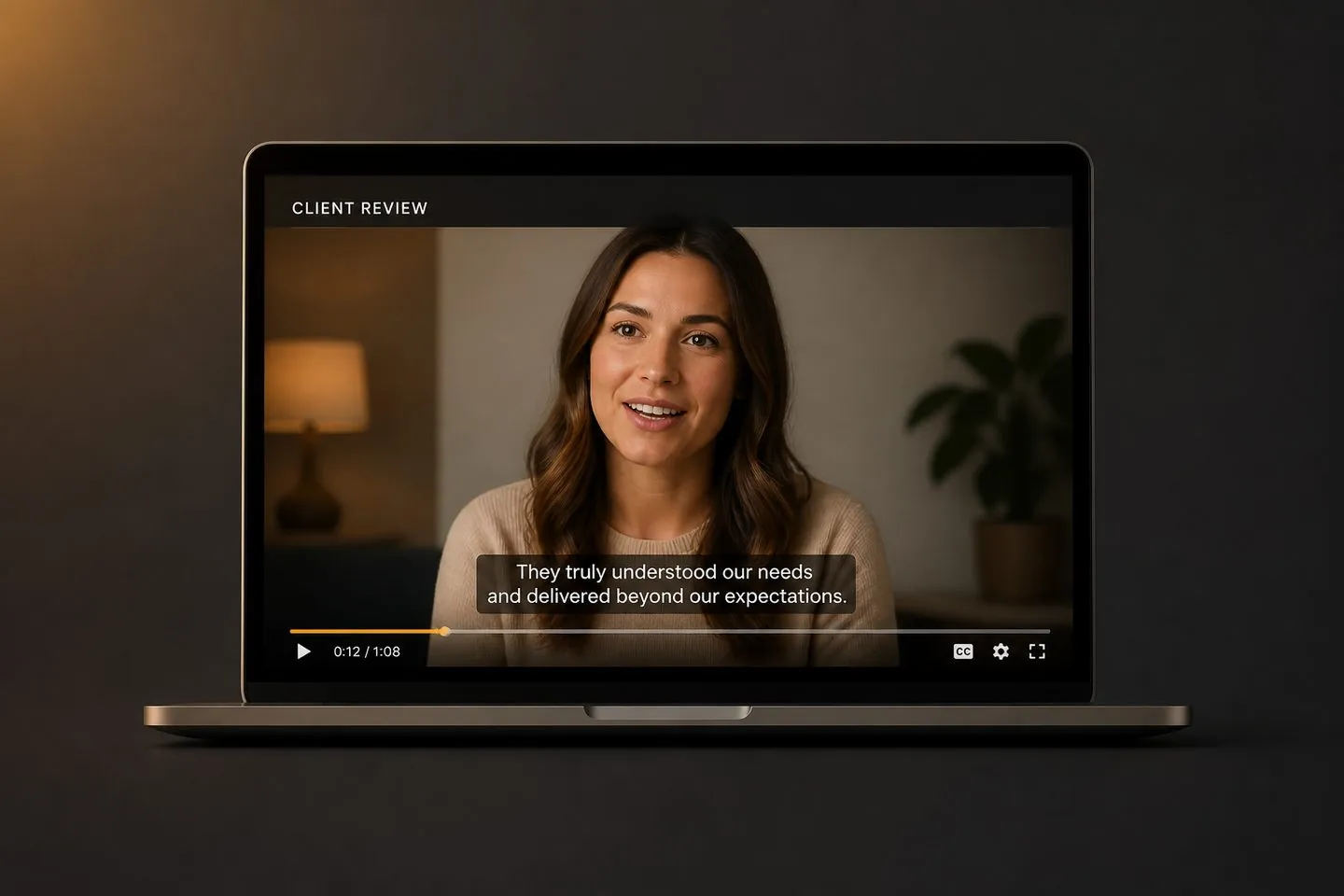
Ship review files where subtitles are already on the picture.
Explore AI subtitle generator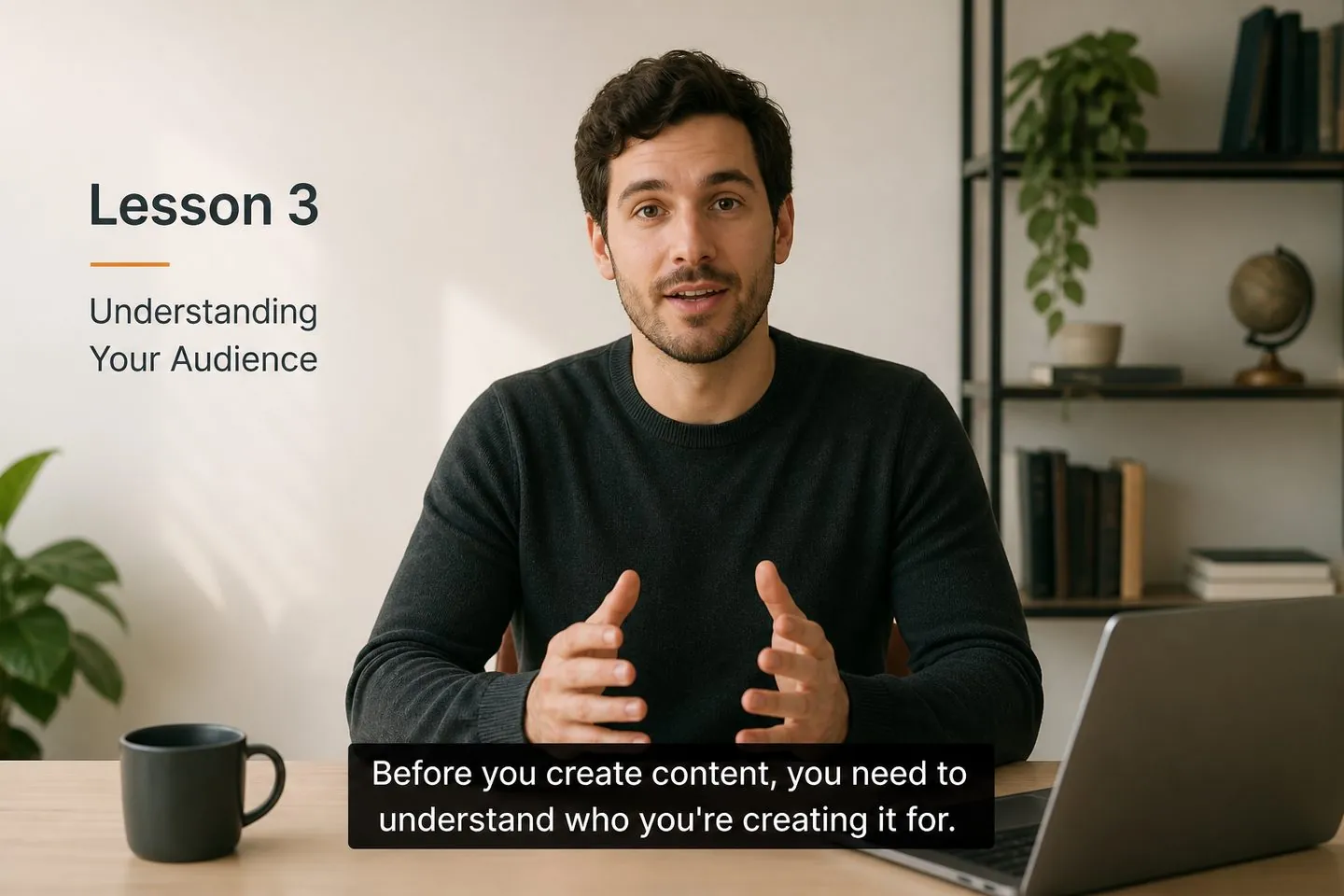
Caption lesson takes so students can read every line on the recording.
Explore YouTube subtitle generator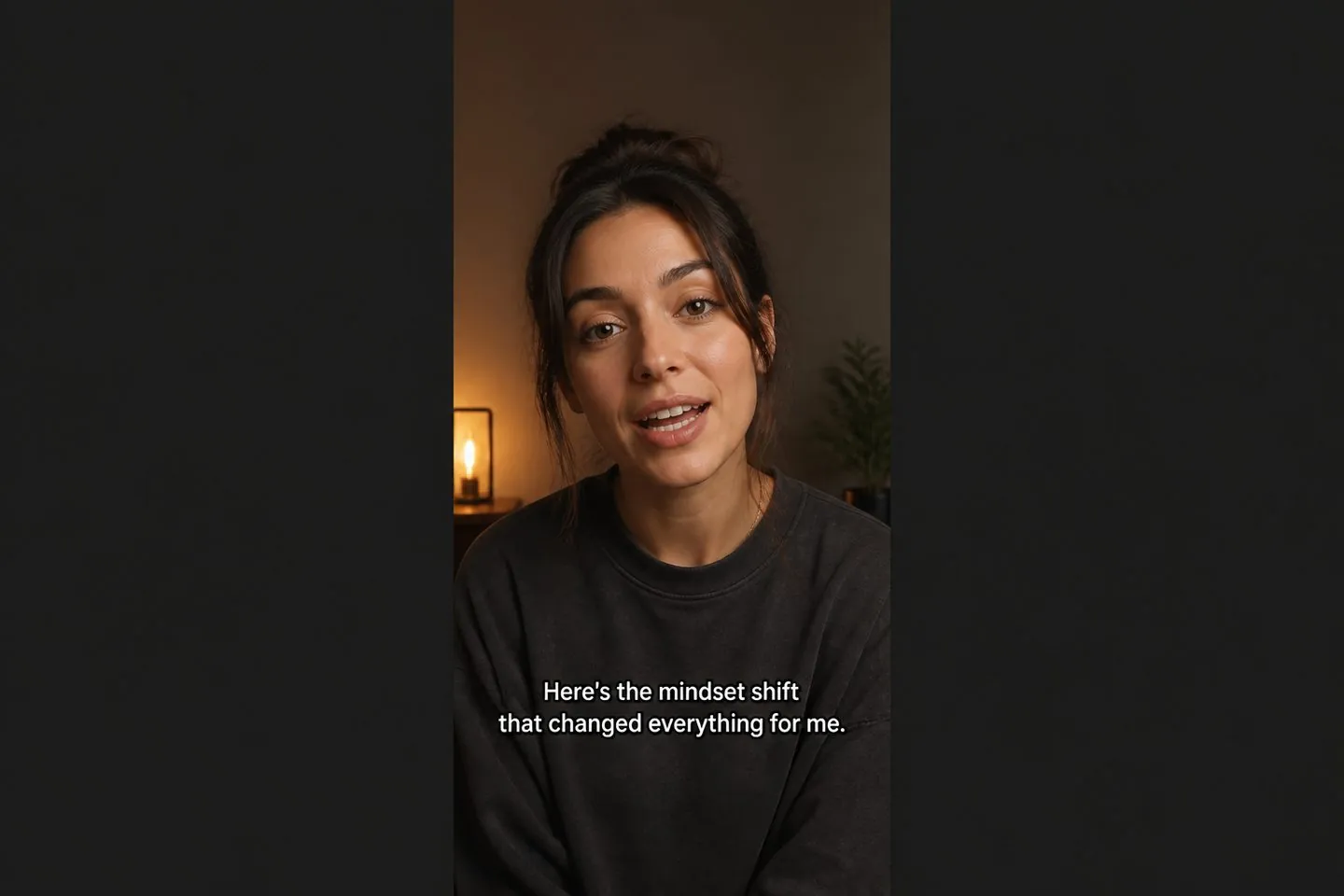
Turn talking UGC into captioned assets without opening a full editor.
Explore TikTok caption generatorYes — exported MP4s carry the captions on the picture, so viewers see them even when soft captions are off.
Export a captioned MP4 for on-video text. Download SRT/VTT when you need soft files, or use the SRT generator.
Use a common video file your browser can play (such as MP4). Drop it into the tool above to begin.
Same studio — this page frames the job as adding subtitles onto a finished file. For AI polish framing, see the AI subtitle generator.
Yes. Or open the YouTube subtitle generator for a 16:9 default and Studio SRT path.
Plan details live on pricing. Drop a video above to add subtitles now.
Drop a video above to open the full caption studio on this page — same URL, no separate app install.