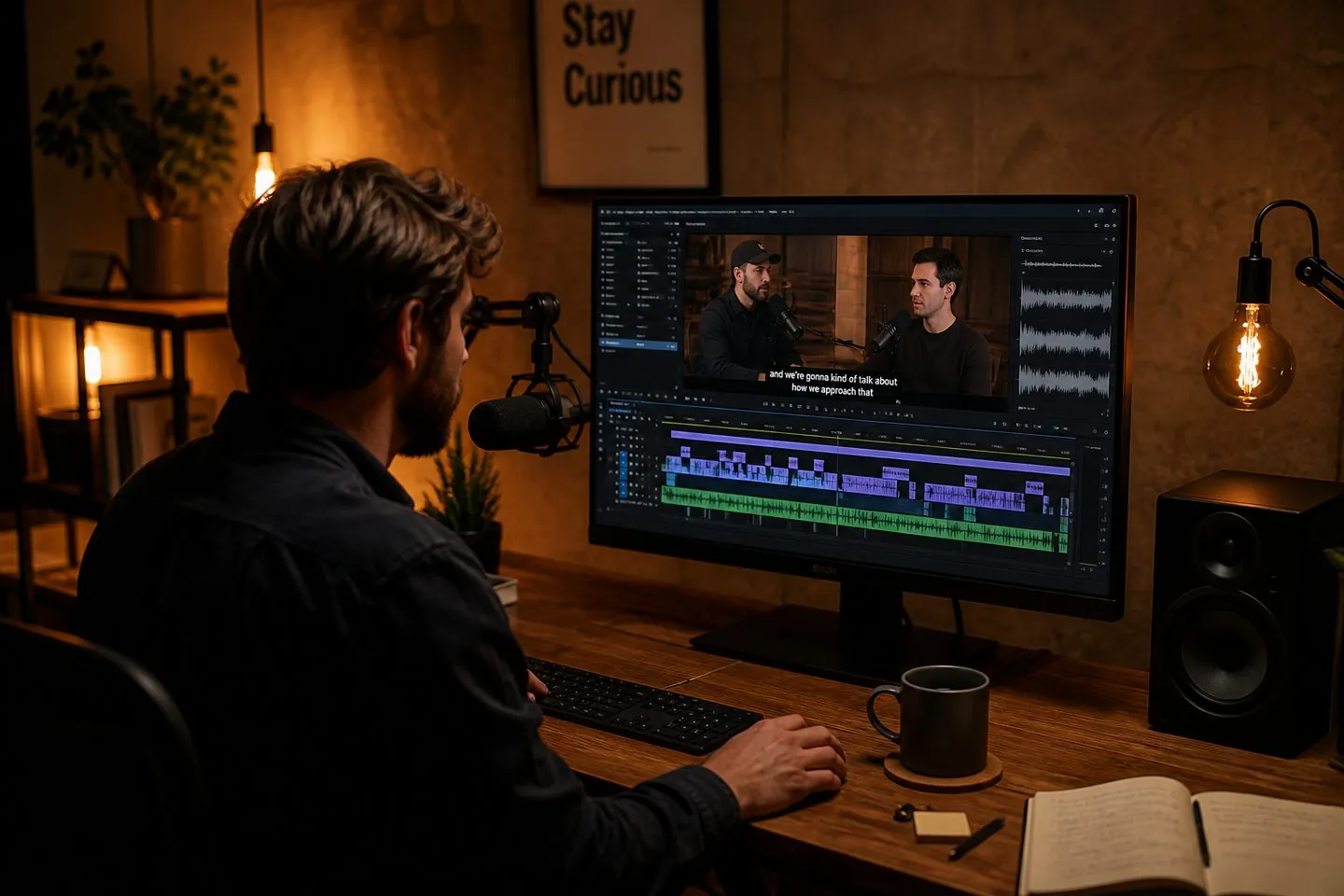
Millisecond offsets
Nudge cues by 100ms presets or type any custom shift in milliseconds.
Free sync tool
Upload or paste your subtitles, enter an offset (or tap a preset), and download a re-synced file. Positive delays cues; negative pulls them earlier — all on your device.
Positive delays cues; negative pulls them earlier. Files stay on your device.
Nudge cues by 100ms presets or type any custom shift in milliseconds.
Shift either format and download with the correct timestamp separators.
Your subtitle file never leaves the browser while you fix sync.
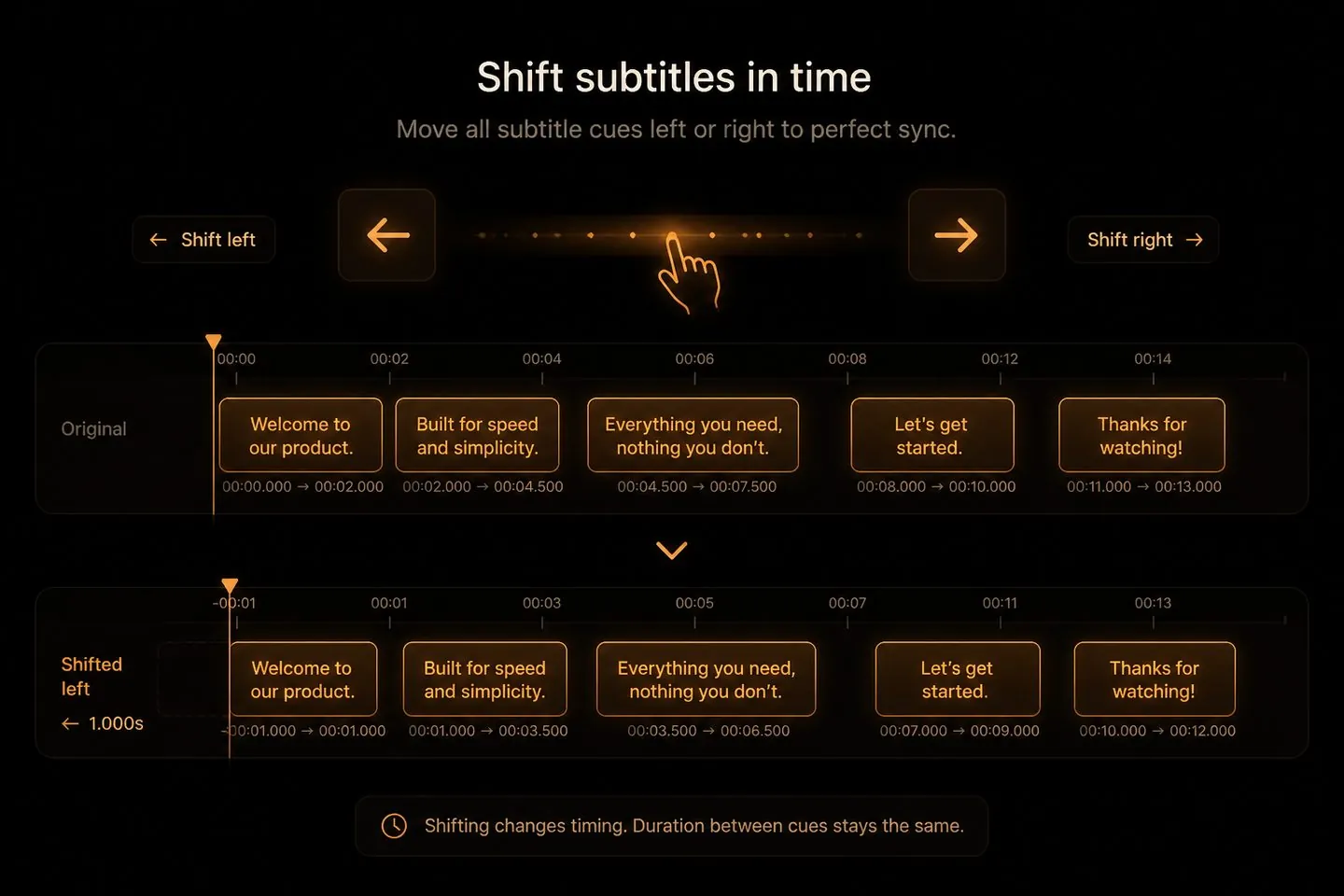
Definition
A subtitle time shifter moves every cue earlier or later by the same offset. Use it when the words are right but the whole track runs ahead of or behind the audio.

When you need it
Re-exports, intro padding, and mismatched tracks often leave captions a half-second off. You do not need to re-transcribe — you need a clean global shift.
How it works
Measure the offset once, apply it to the whole file, and download.
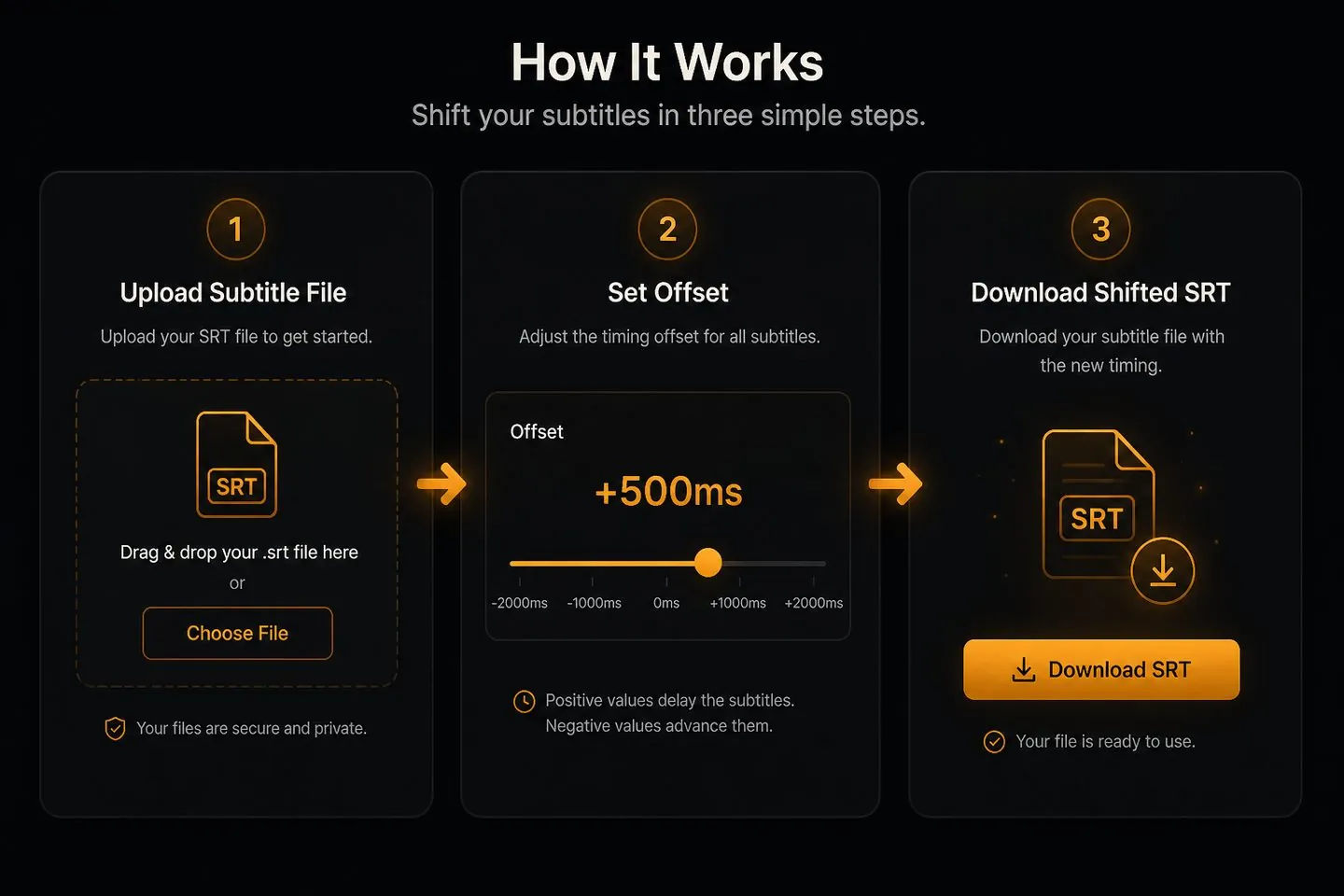
01
Paste cues or upload the subtitle file you want to shift.
02
Use presets (±100ms to ±5s) or type a custom millisecond value.
03
Export the same format with every timestamp moved.
If sync is the only problem, shift here before you reopen a full editor.
Positive values delay subtitles (they appear later). Negative values advance them (they appear earlier). Start with ±500ms and refine.
Pause on a clear spoken word in your player, note the video time, compare it to the matching cue start, and use the difference as your shift.
No. Shifting runs locally in your browser.
If cues drift progressively (get worse over time) or the text is wrong, regenerate captions. A constant shifter fixes a uniform delay only.
Yes — after you have a good file, open the AI subtitle generator to style and export a captioned MP4.
Fix soft-file sync here, then drop your clip into AutoCaptions for styled, post-ready captions.
Burn captions into your video