
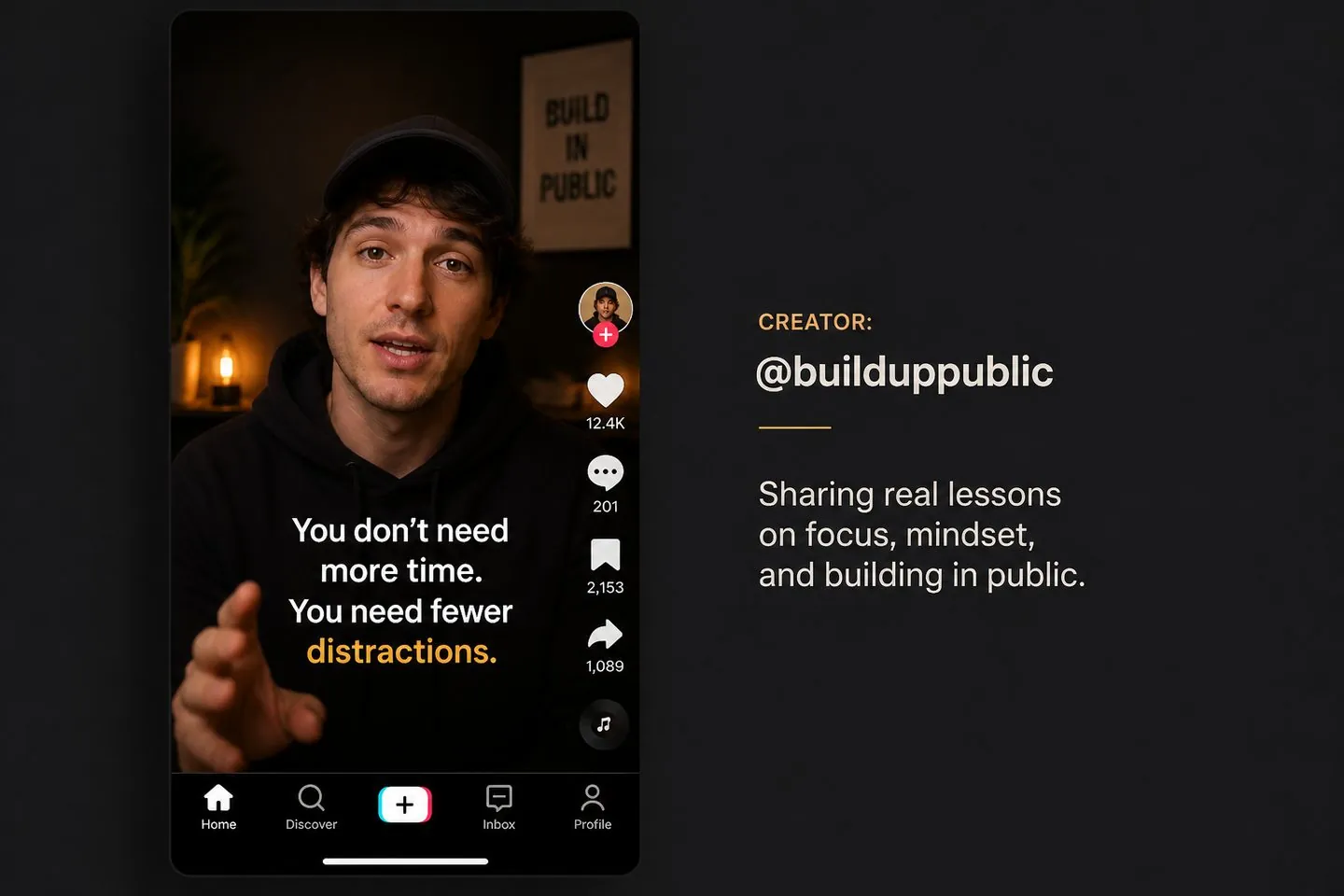
TikTok creators
Ship mute-friendly captions without fighting in-app styling limits.
Explore Auto caption generator9:16 ready
Generate TikTok-ready captions with a 9:16 canvas default. Style bold subtitles and export a vertical clip before you post.
Drop a video to caption
MP4, MOV, WebM, or MKV. Drop a clip — get captions you can style and export.
Definition
A TikTok caption generator creates auto captions framed for vertical video. You drop a clip, get timed text, style it for mute playback, and export a 9:16-ready MP4.
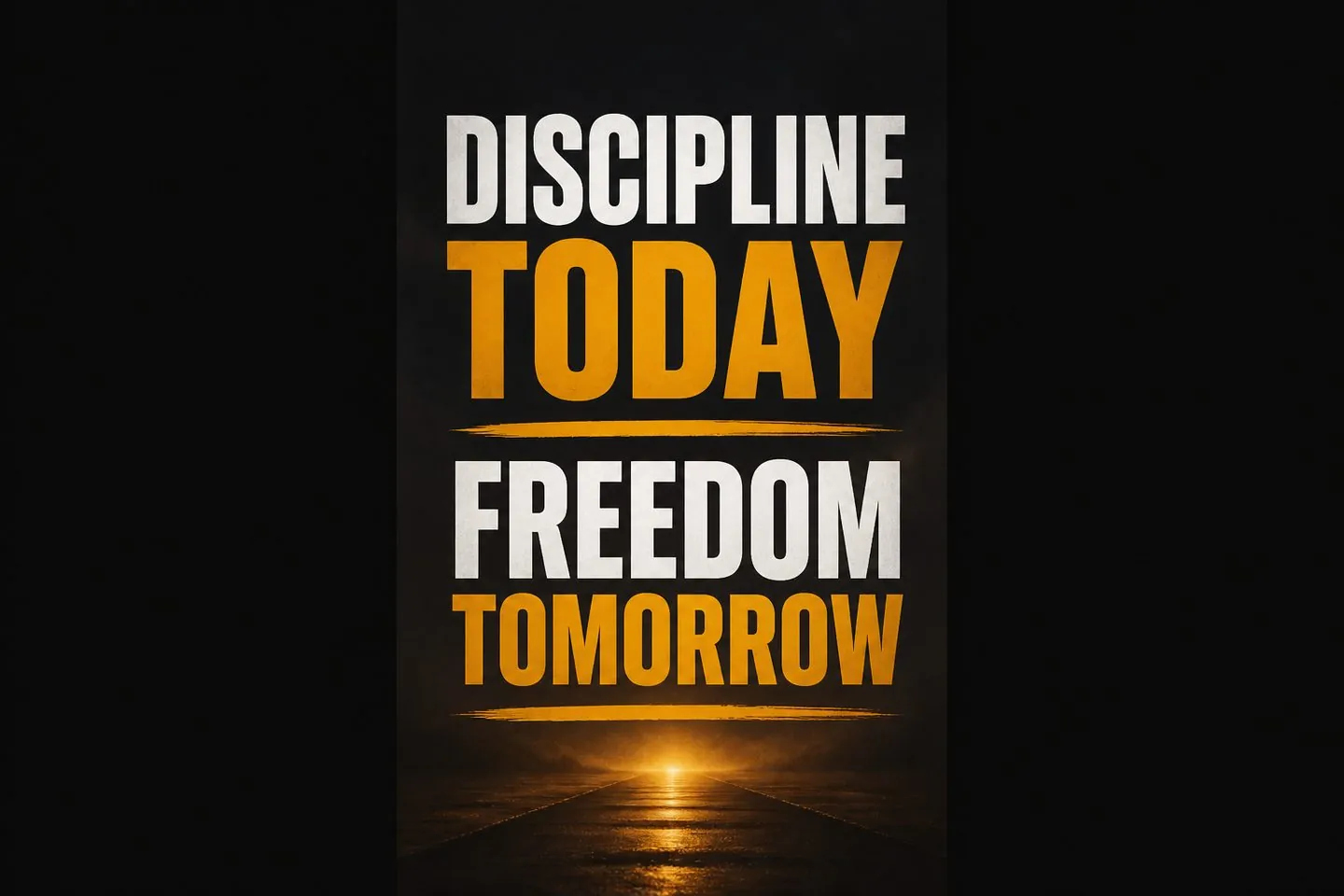
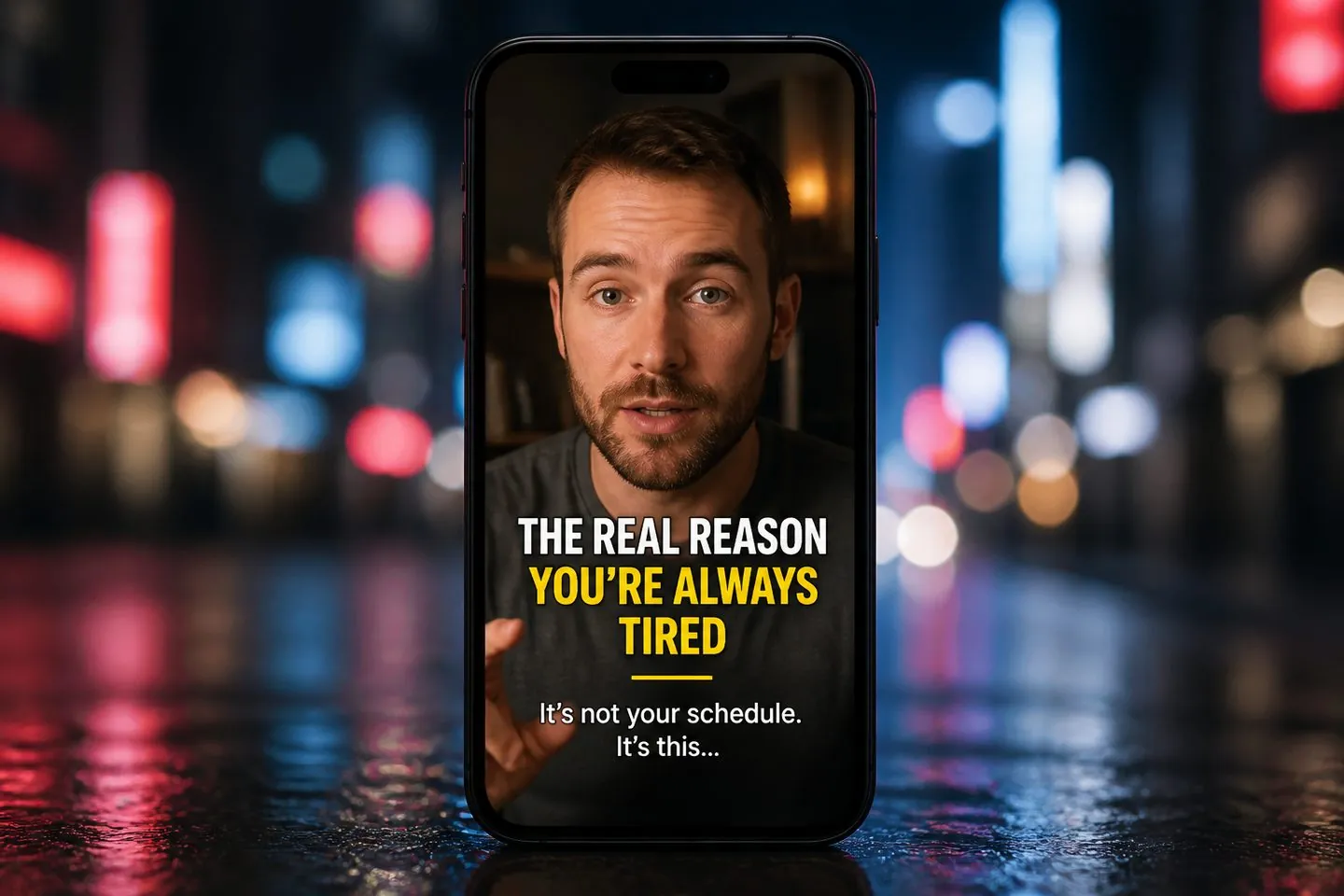
Vertical first
Uploading from this page applies 9:16 so subtitle safe zones match the feed you post to — less repositioning after the fact.
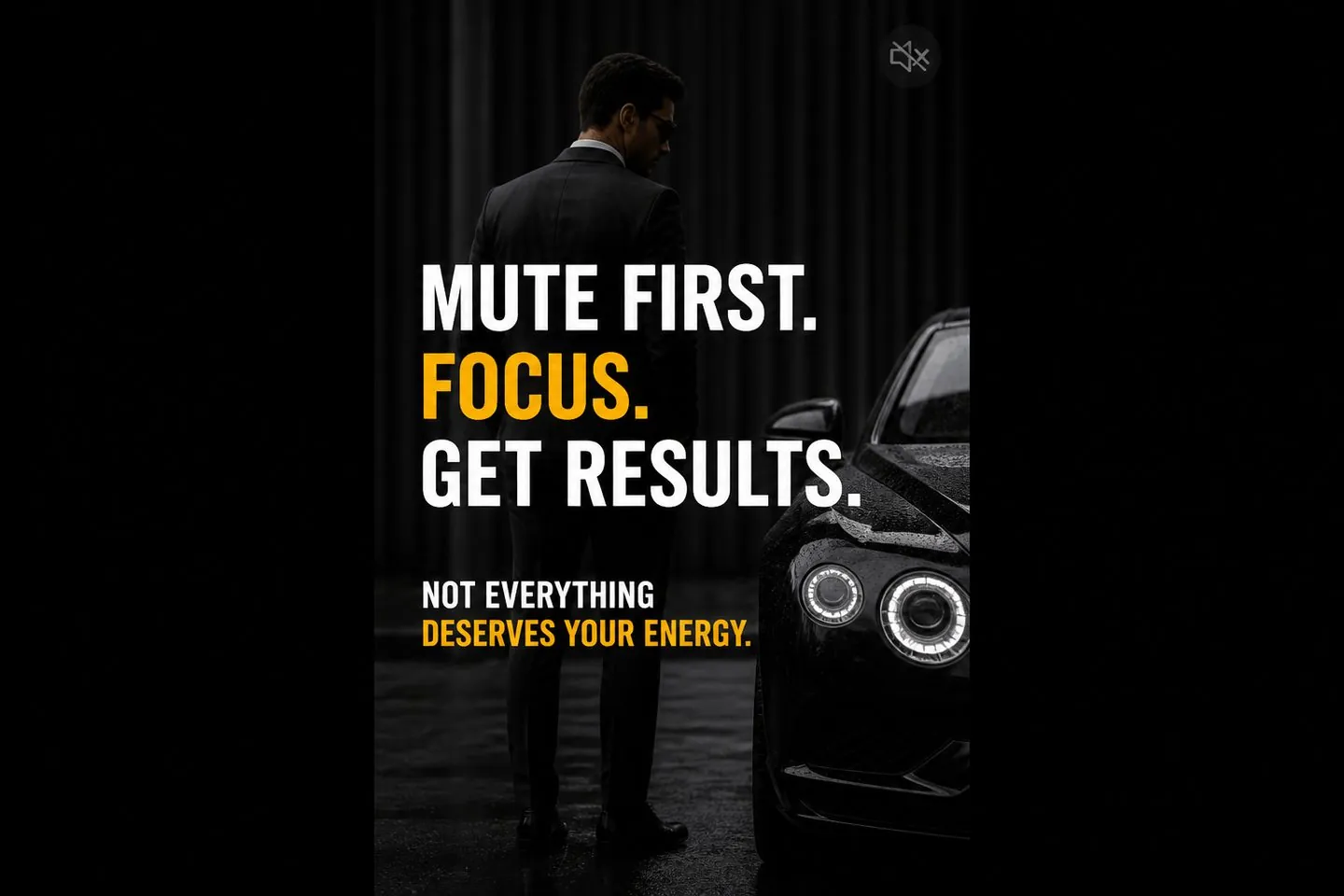
Mute
Generate captions from speech, then apply high-contrast presets so the hook still lands when sound is off.
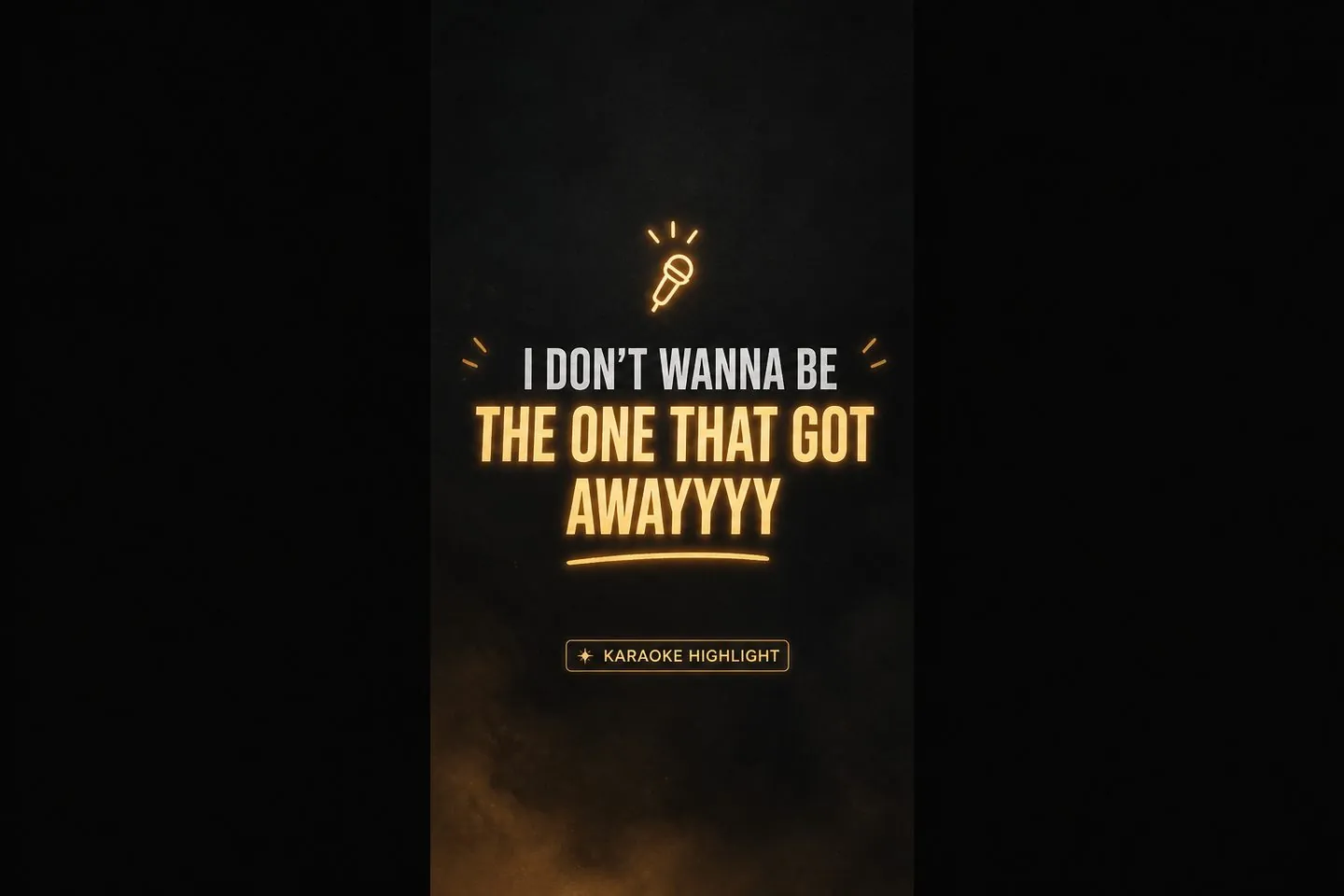
Look
Karaoke and highlight presets keep TikTok captions looking intentional — previewed on your footage before export.
Ship
Finish with a vertical MP4 that carries your captions — no need to rely on in-app defaults you cannot fully brand.
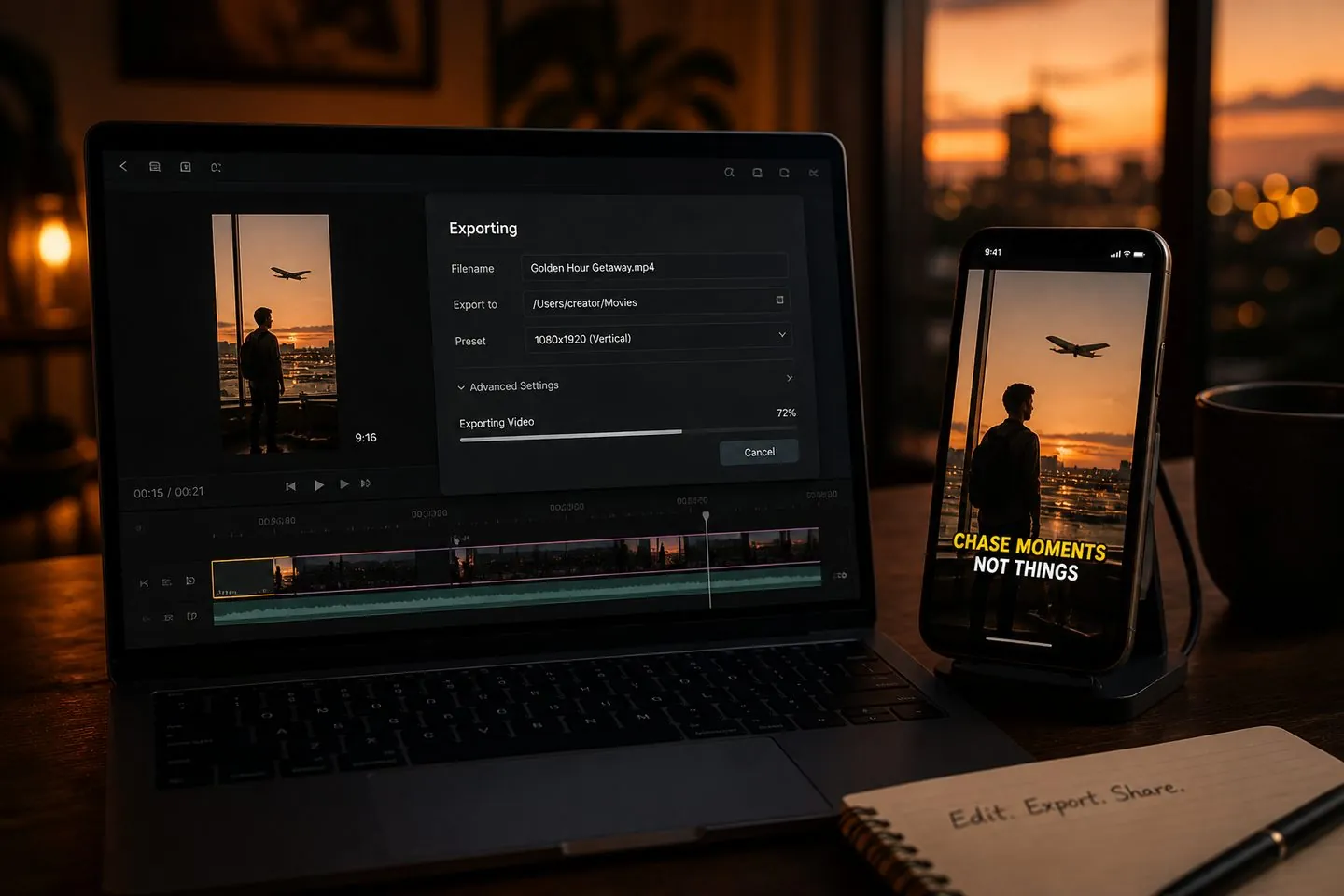
Built for vertical talking clips that must read on mute.
Ship mute-friendly captions without fighting in-app styling limits.
Explore Auto caption generator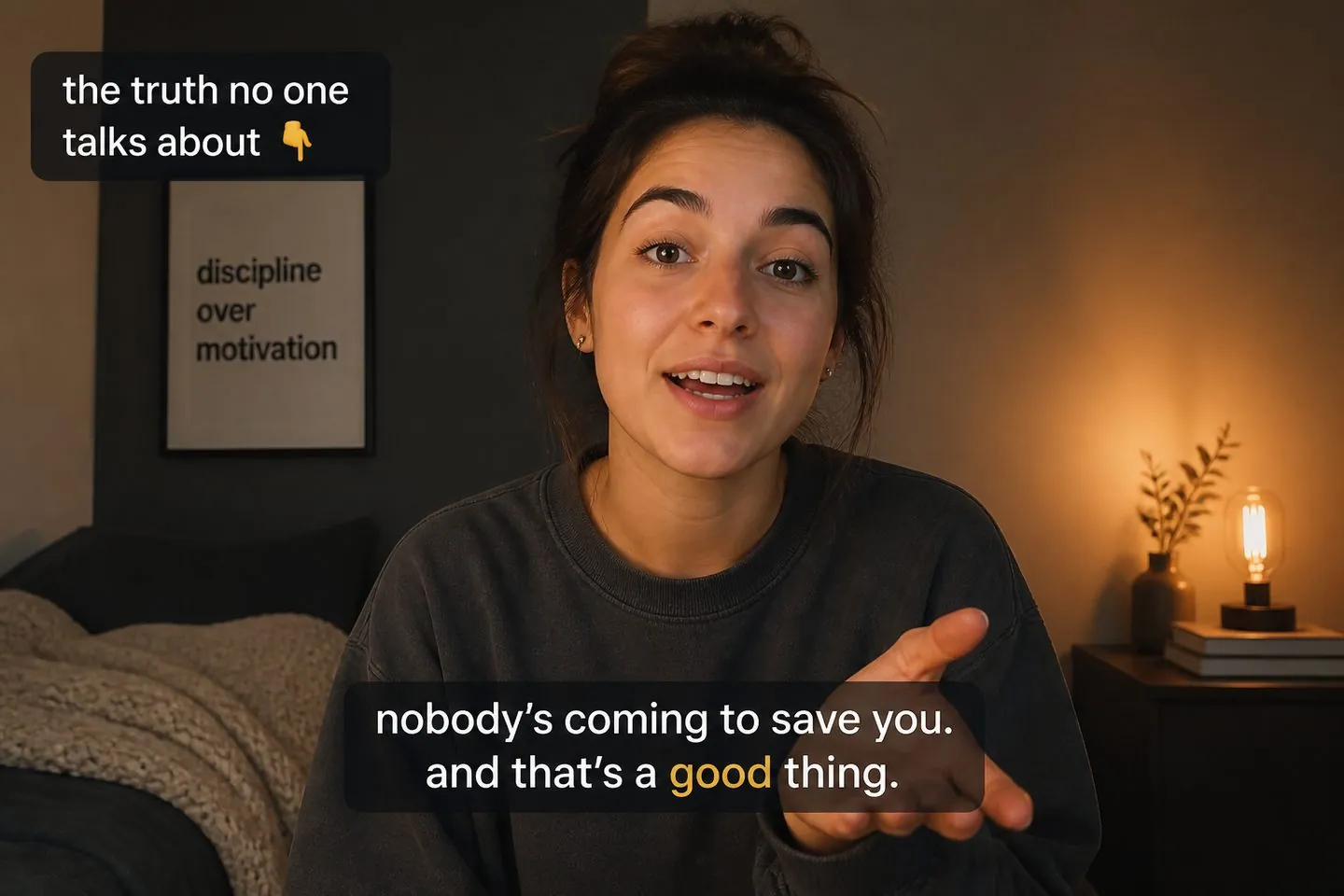
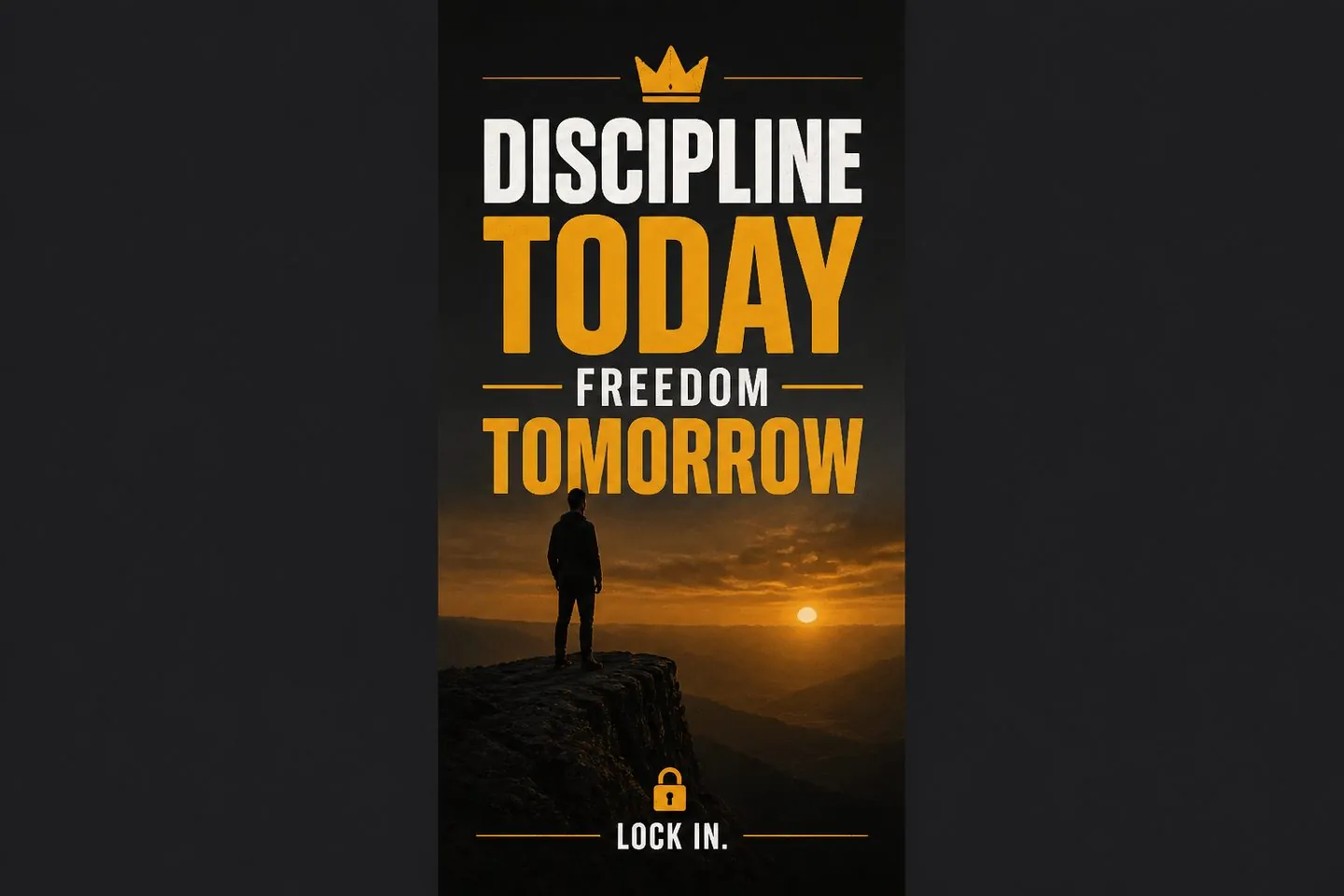
Turn longer takes into vertical cuts with captions that survive silent scroll.
Explore YouTube subtitle generator
Reuse the same caption pass for Instagram with a Reels-focused entry.
Explore Reels subtitlesYes. Uploading from this page applies a 9:16 canvas so captions are framed for vertical posting.
You can change aspect in the studio after upload if the source needs a different crop.
No — you style and put captions on your file before upload for a consistent look.
Same studio — this page defaults to TikTok’s 9:16 framing. For a general mute-first tool, see the auto caption generator.
Yes — or open Instagram Reels subtitles for Reels-focused framing and brand copy.
See pricing. Drop a video above to start.
Drop a video above to open the full caption studio on this page — same URL, no separate app install.