
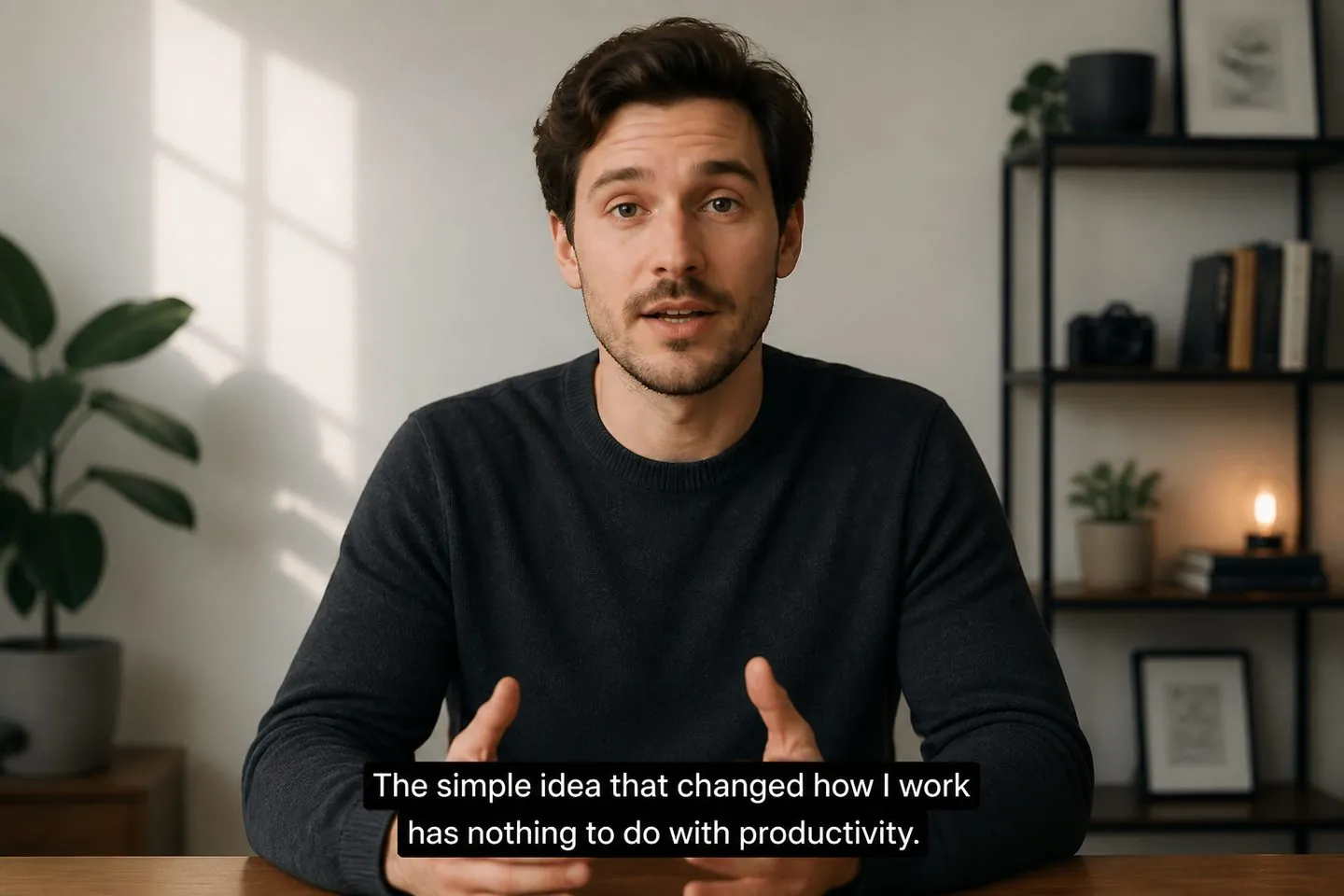
16:9 studio
YouTube subtitle generator for long-form and Shorts
Generate YouTube-ready subtitles with a 16:9 canvas default. Keep captions on the video or download SRT for YouTube Studio.
No signup to startFree SRT / VTTVideo stays in your browser
Drop a video to caption
MP4, MOV, WebM, or MKV. Drop a clip — get captions you can style and export.
Definition
What is a YouTube subtitle generator?
A YouTube subtitle generator creates timed captions for uploads. Start in 16:9, tidy the lines, then either put captions on the video or download SRT for YouTube Studio — and remix to Shorts when needed.
- · 16:9 default from this entry
- · On-video captions or SRT
- · Same project for Shorts cuts
16:9
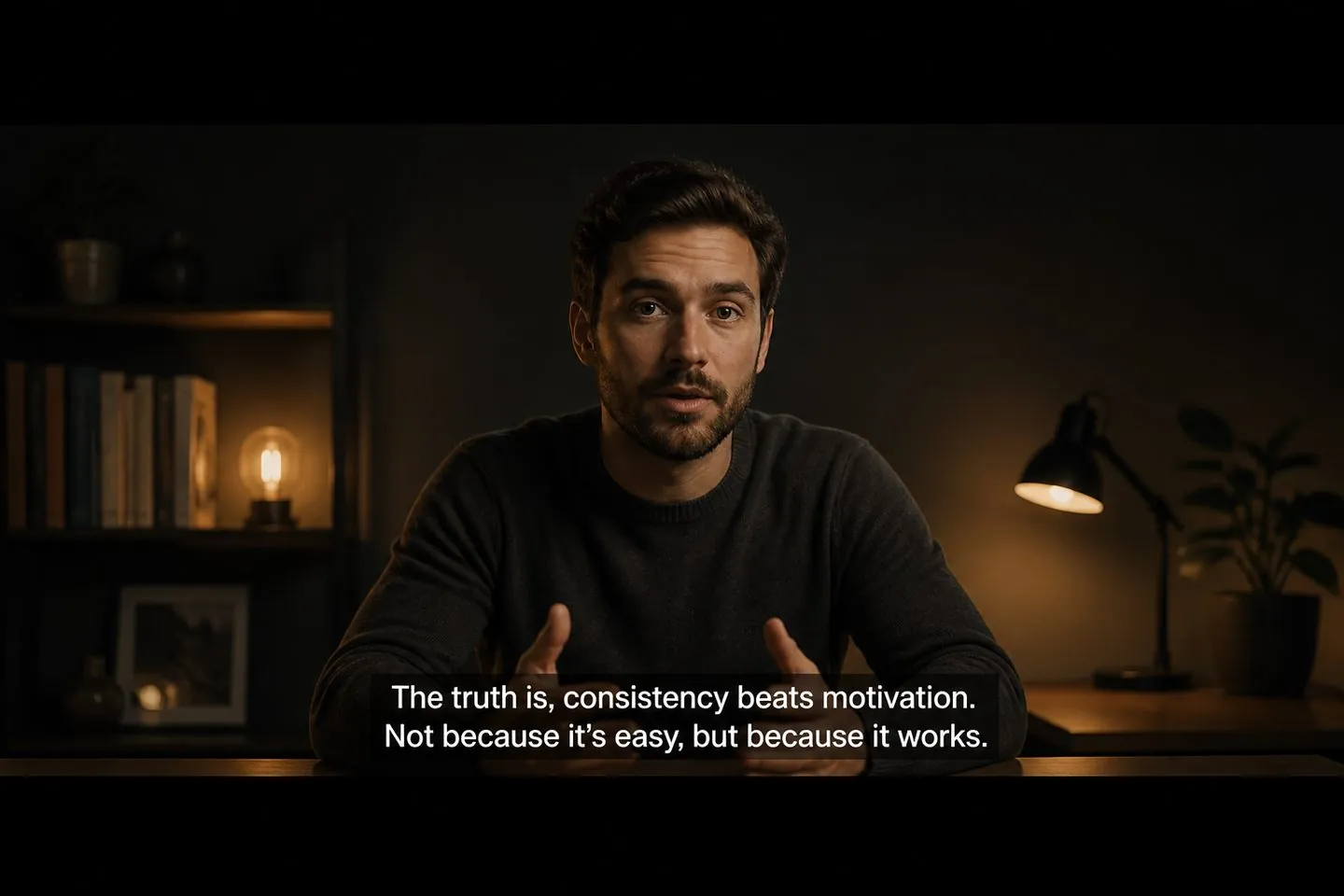
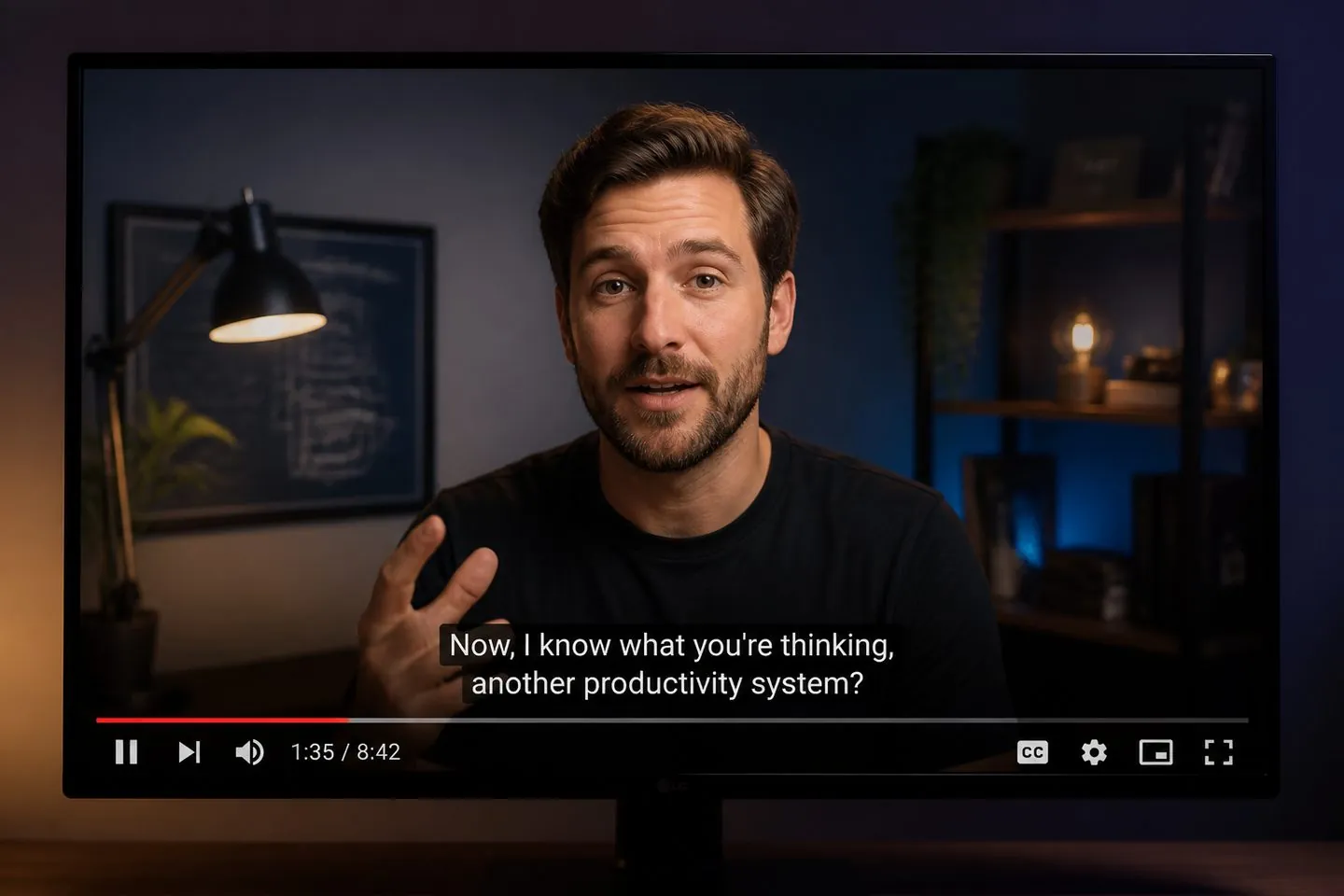
Subtitles framed for classic YouTube uploads
This page opens the studio at 16:9 so talking-head and screen videos get caption placement that matches horizontal players.
Studio upload
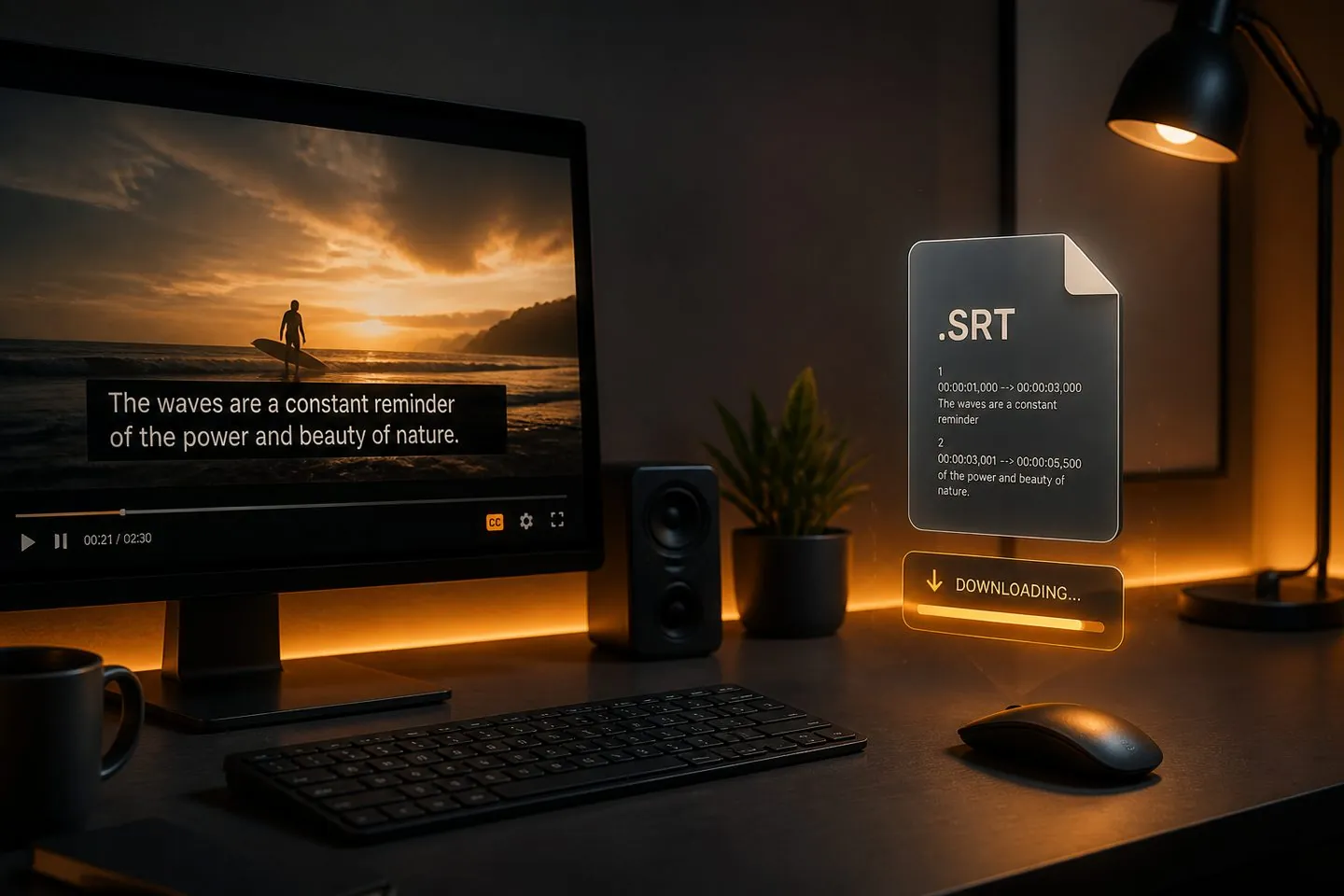
On-video captions — or SRT for YouTube Studio
Some videos want captions on the picture; others need a clean .srt. Generate once, then choose the path that matches the upload.
Shorts
Cutting a Short from the same captions?
Switch aspect to 9:16 in the studio when you remix a horizontal video into a Short — caption styles travel with you.
Ship
Export for Watch or Studio
Download a captioned MP4 for silent-friendly playback, or pull SRT for YouTube Studio — same captions either way.
Who this YouTube subtitle generator is for
Long-form, Shorts, and anyone who needs Studio-ready files.
Shorts editors
Remix captions into vertical cuts without starting over.
Explore Auto caption generator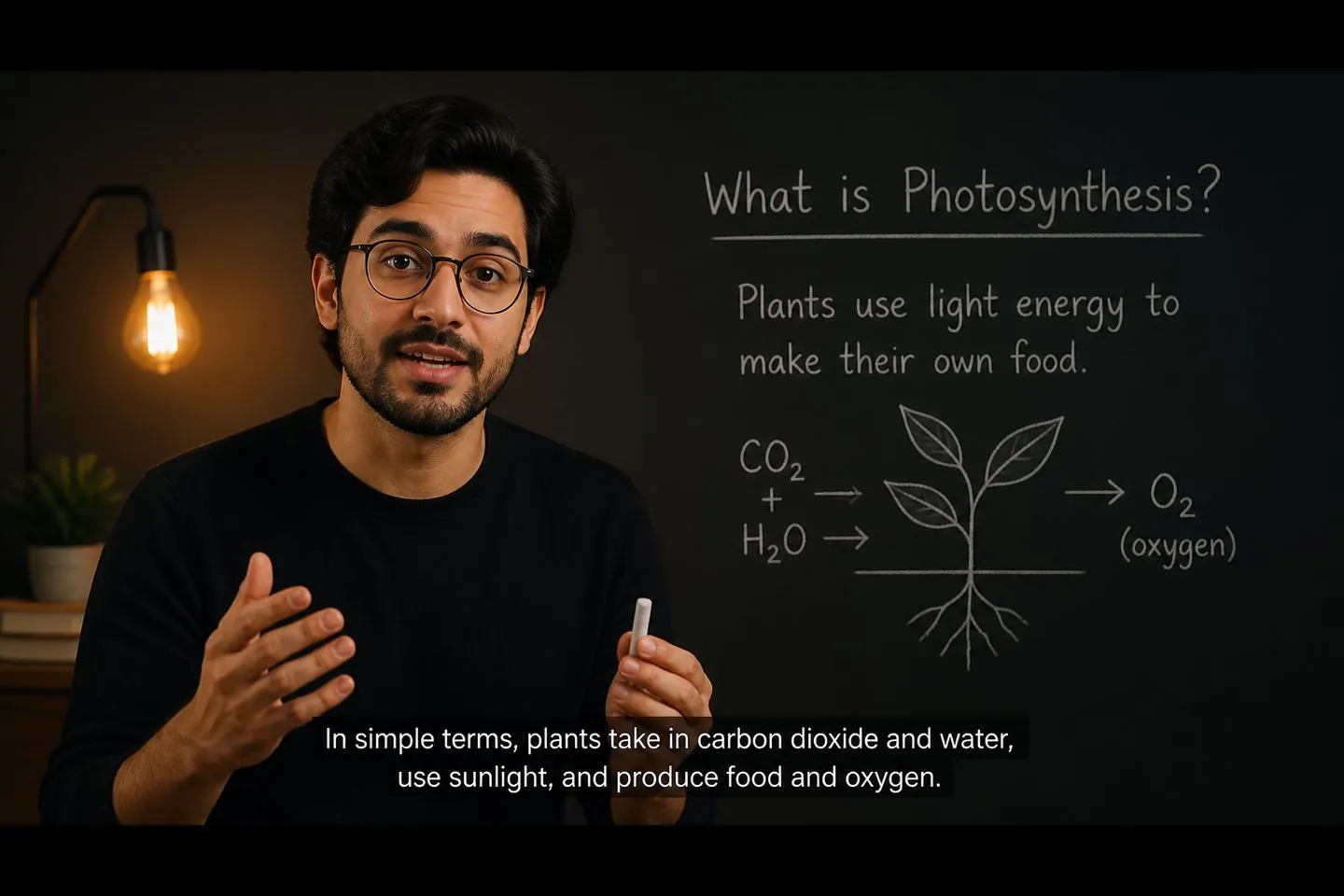
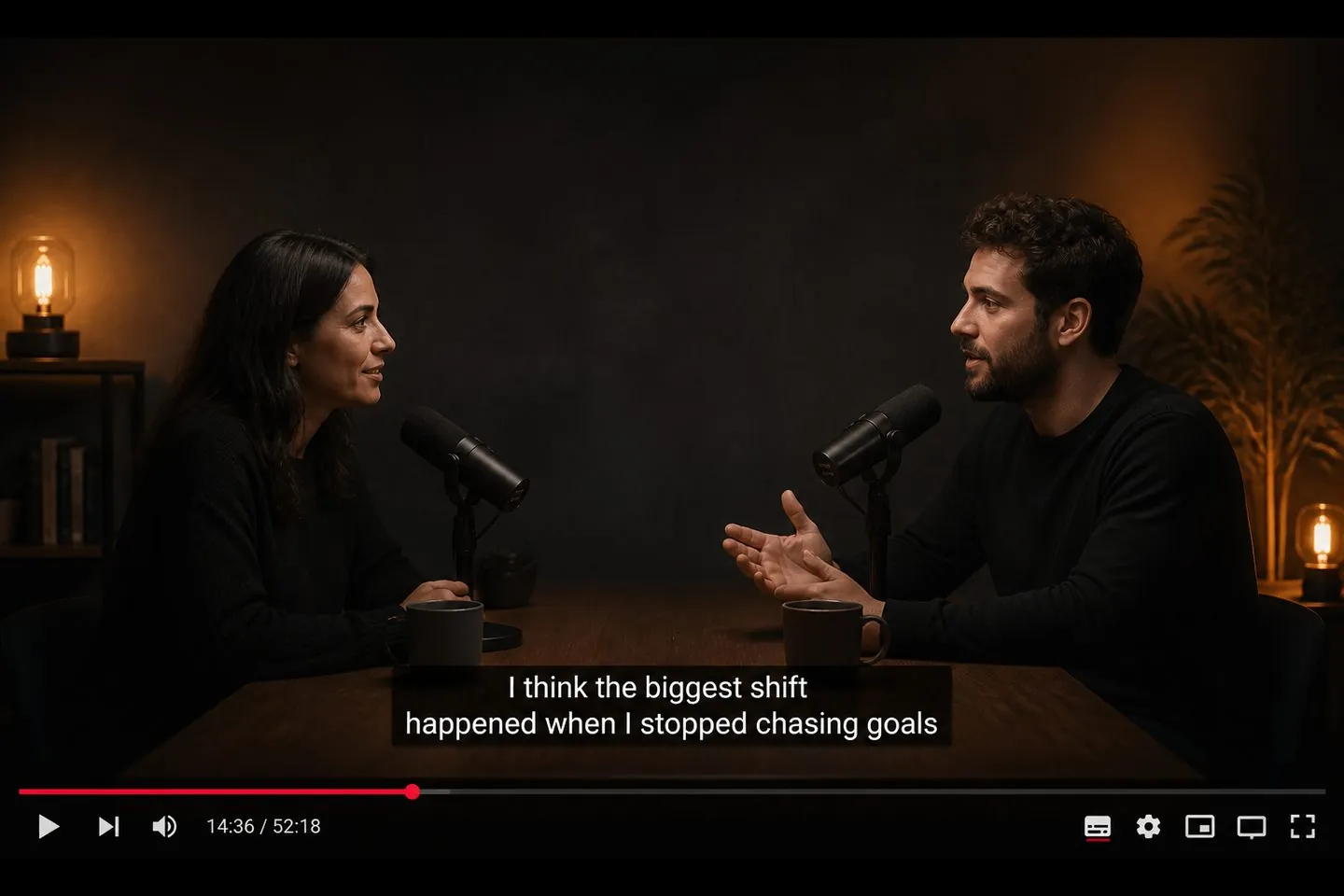
Podcasters on YouTube
Caption episode uploads and pull SRT for show notes workflows.
Explore SRT generatoryoutube subtitle generator FAQ
Does this YouTube subtitle generator start in 16:9? +
Yes. Uploads from this page default to a 16:9 canvas; change aspect anytime for Shorts.
Can I upload an SRT to YouTube Studio? +
Download .srt from the export menu after captions generate, then upload it in Studio — or use the SRT generator.
Are on-video captions allowed on YouTube? +
Yes — many creators put captions on the picture for accessibility and silent playback, especially on Shorts.
How is this different from TikTok or Reels tools? +
This page defaults to 16:9 and YouTube Studio SRT workflows. Vertical-first entries live on TikTok and Reels pages.
Can I translate YouTube captions? +
Yes — open the subtitle translator after source captions exist.
Where do I see plans and upgrades? +
See pricing. Drop a video above to start.
Ready to try this youtube subtitle generator?
Drop a video above to open the full caption studio on this page — same URL, no separate app install.