Chars, words, lines
Instant totals for cues, characters, words, and line counts.
Free QA tool
Paste SRT, VTT, or plain caption text to see character counts, line lengths, and cue totals. Timed files also show CPS so you catch lines viewers cannot finish reading.
Flags lines over 42 characters. CPS appears when timestamps exist.
Instant totals for cues, characters, words, and line counts.
Flag lines longer than the common broadcast-style line length.
When timestamps exist, see average and max characters per second.

Definition
A caption character counter measures how much text sits on each subtitle line. Creators use it to catch lines that wrap badly on phones or fly past too fast when timing is tight.

When you need it
A correct transcript can still overflow the safe title area or flash too quickly. Check length and reading speed before you upload — especially for vertical feeds.
How it works
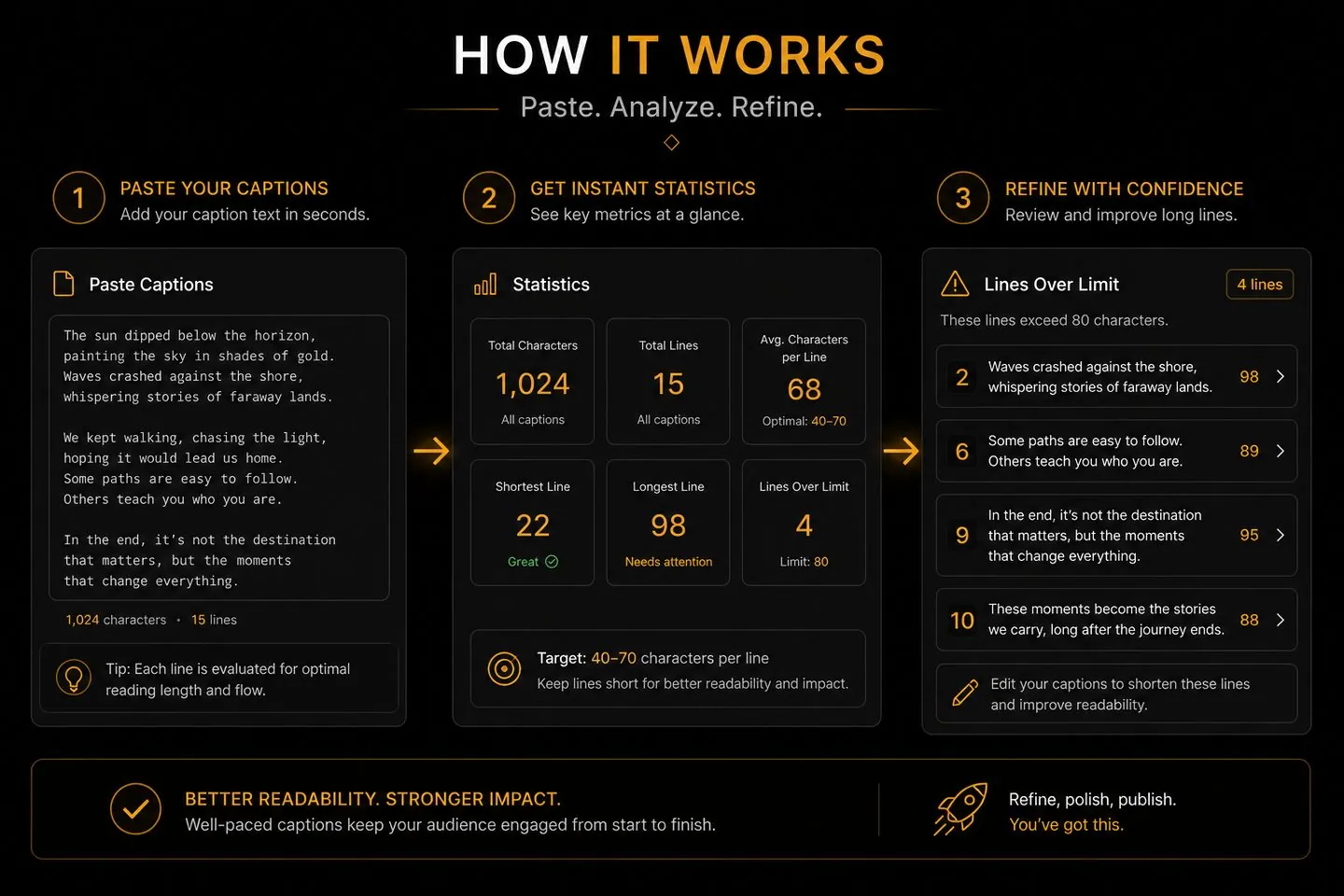
Paste once, scan the flags, then fix lines in your editor or regenerate in Studio.
01
Drop SRT/VTT or paste plain caption text into the tool.
02
Check summary stats and scroll any lines over the 42-character guide.
03
Shorten lines in your file — or open AutoCaptions to restyle readable captions.
Use it whenever readability matters as much as accuracy.
Many broadcast and streaming style guides treat ~42 characters as a practical maximum per line so text stays readable and does not wrap unpredictably on small screens.
Characters per second — how fast a viewer must read before the cue disappears. Timed files show average and max CPS so you can catch cues that flash too quickly.
No. Counting runs locally in your browser.
SRT, VTT, and plain text. Timed formats unlock CPS; plain text still reports characters, words, and line lengths.
Generate captions in the AI subtitle generator, then edit wording and timing in Studio before you export.
Audit soft files here — then generate styled, editable captions and export a burned-in MP4.
Burn captions into your video