Runs in your browser
Conversion happens locally with JavaScript — your caption file is never uploaded.
Free subtitle tool
Paste or drop a subtitle file, pick SRT or VTT, and download the result instantly. Conversion runs on your device — then open AutoCaptions when you want captions burned into the video.
Runs entirely in your browser. Files are never uploaded.
Conversion happens locally with JavaScript — your caption file is never uploaded.
Convert as many times as you need. Free, no watermark, no account wall.
Switch formats or strip timings to plain transcript text in one pass.
Definition
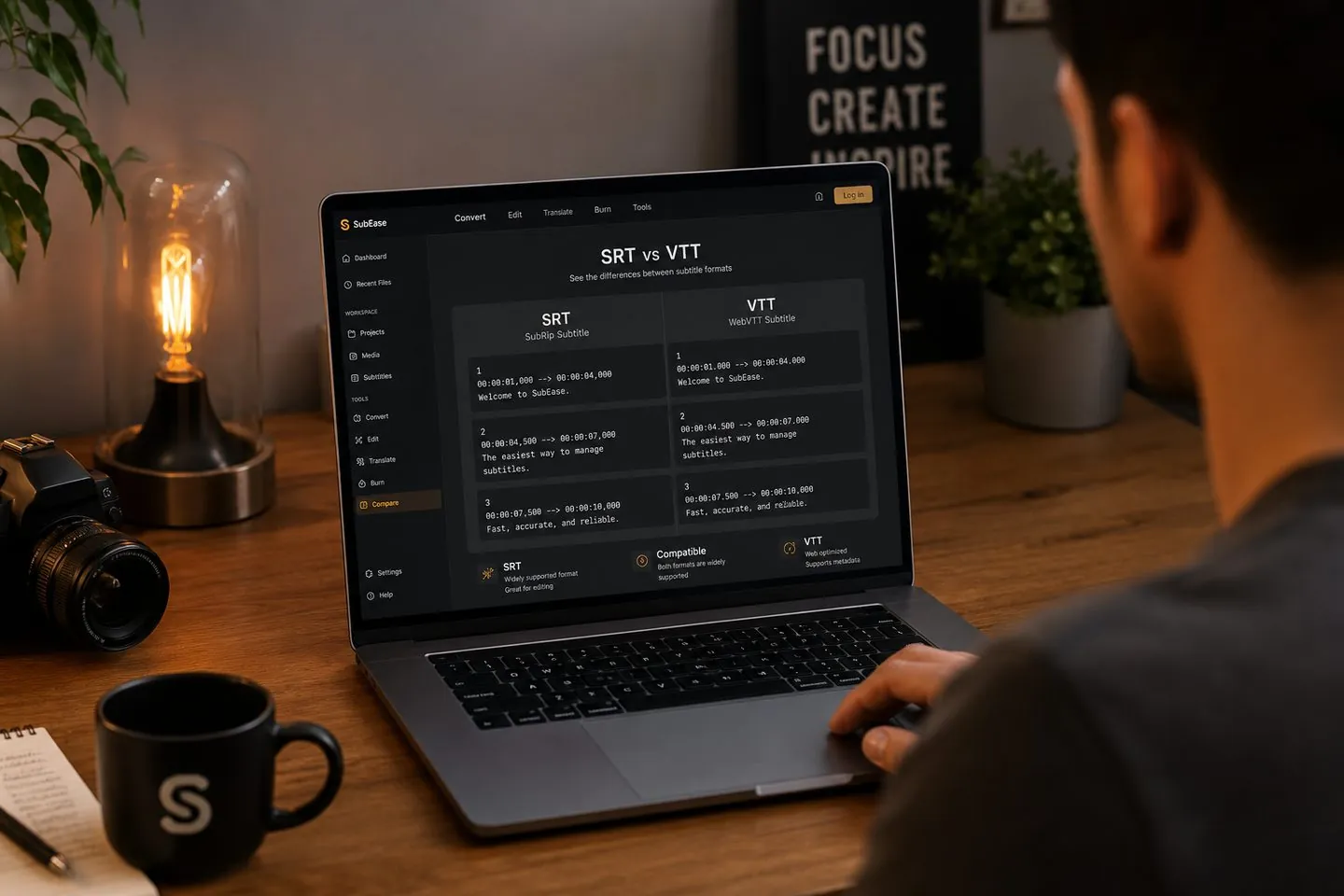
An SRT to VTT converter turns SubRip subtitle files into WebVTT — and back — by fixing the header and timestamp separators while keeping your cue text and timing. SRT is the universal upload format; VTT is what HTML5 players expect.
When you need it
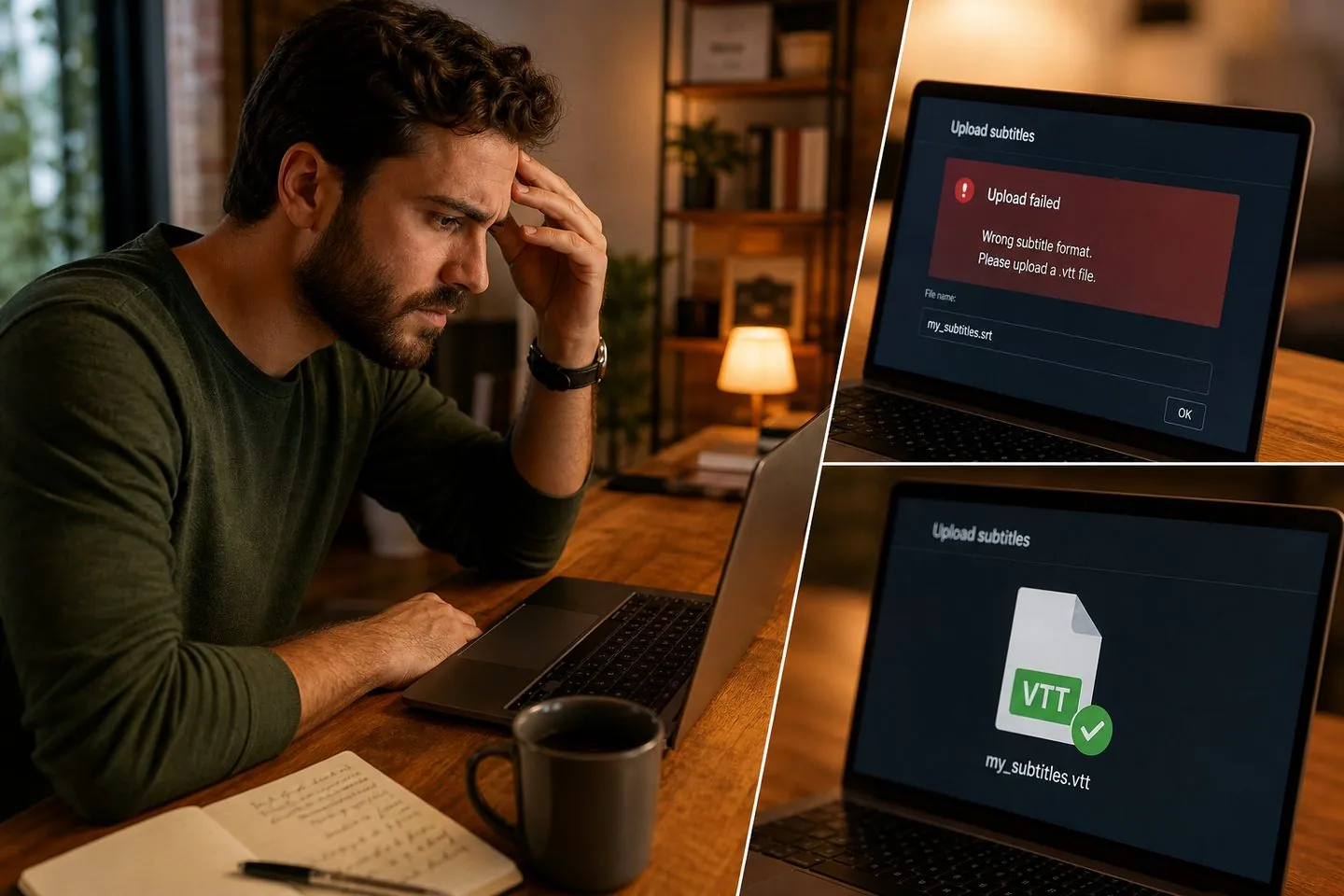
YouTube Studio and most editors want SRT. HTML5 players, LMS embeds, and many web players want VTT. You should not rebuild captions from scratch just to change the container.
How it works
No install. No queue. Paste or drop a file, choose the output, and download.
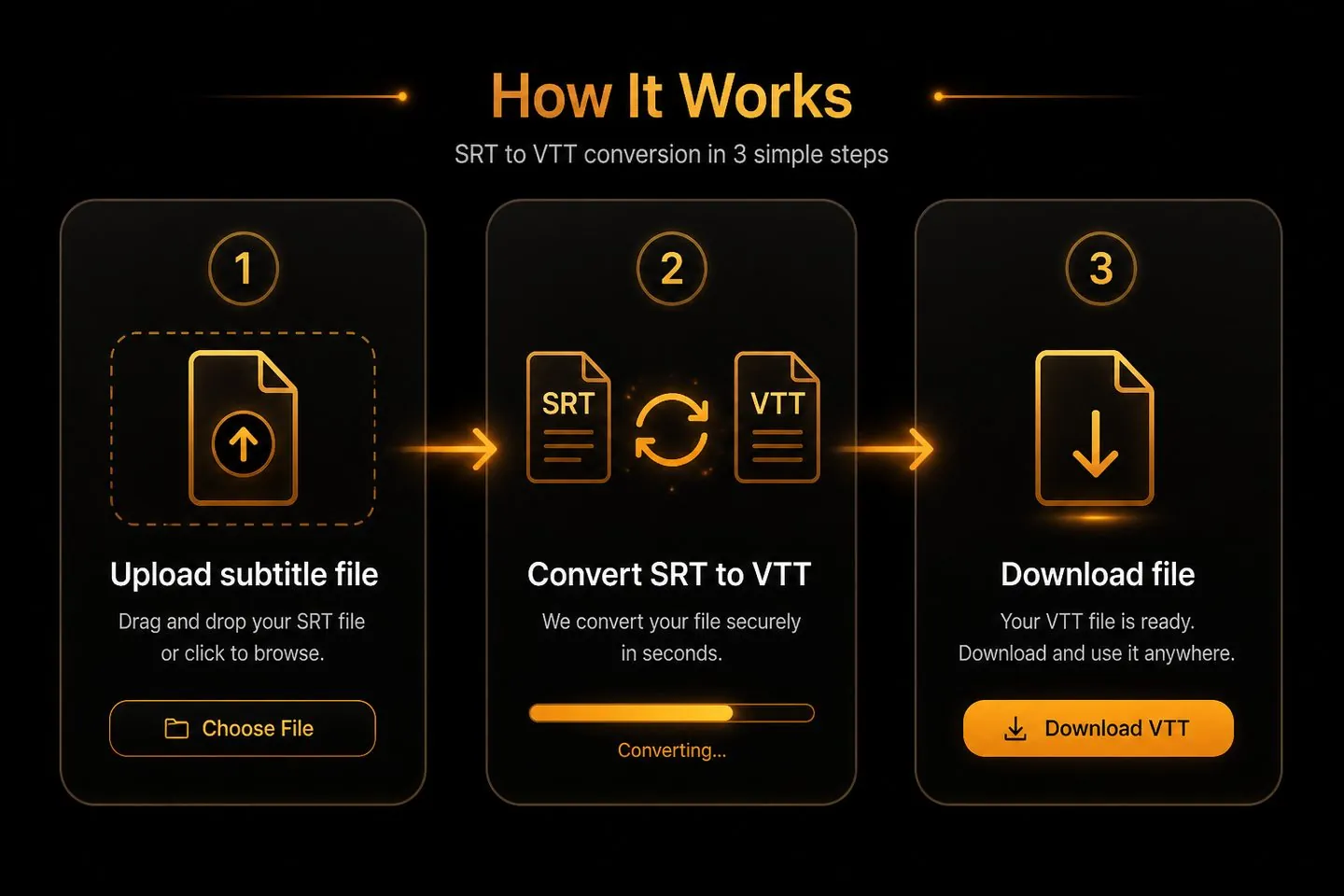
01
Paste SRT or VTT into the box, or upload the file. Format is auto-detected.
02
Pick SRT, VTT, or plain TXT. Conversion runs instantly on your device.
03
Copy the result or download a correctly named .srt, .vtt, or .txt file.
If the only job is switching subtitle formats, start here.
Paste or upload your .srt file above, choose VTT as the output, then copy or download. The tool adds a WEBVTT header and changes timestamp commas to dots.
SRT is the older, widely supported SubRip format with numbered cues and comma timestamps. VTT (WebVTT) starts with WEBVTT, uses dot timestamps, and is the web standard for HTML5 video tracks.
Yes. Conversion runs entirely in your browser. Caption files are not uploaded to AutoCaptions servers.
Yes — choose TXT as the output to strip cue numbers and timestamps, leaving one transcript line per cue.
Open the AI subtitle generator or home page, drop your clip, style captions, and export an MP4 with text that stays on the video.
Convert soft files here — then burn styled captions into an MP4 with AutoCaptions when you are ready to post.
Burn captions into your video