
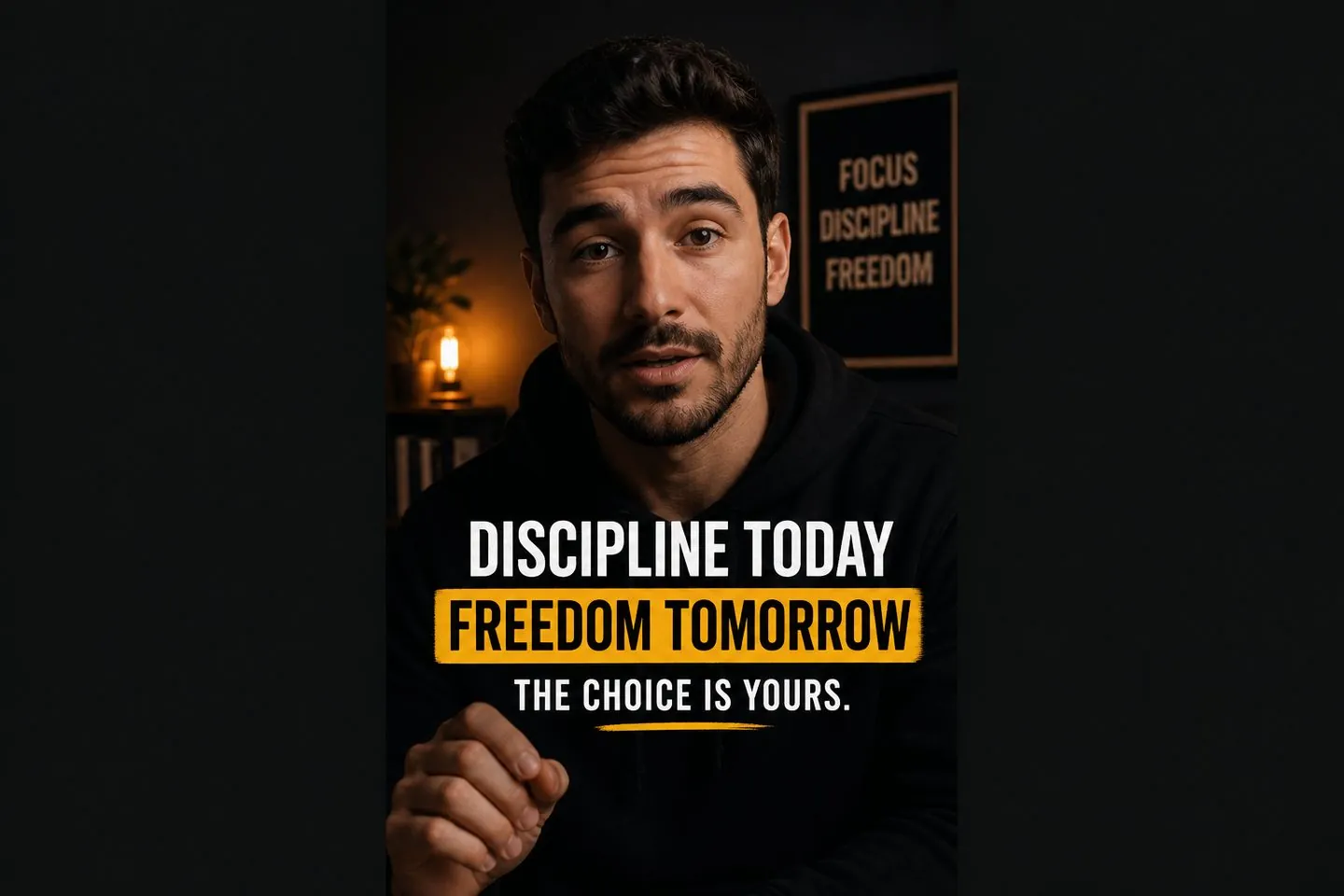
TikTok creators
Drop a vertical clip, apply a bold style, and post captions that still read on mute.
Explore TikTok caption generatorMute-first captions
Generate auto captions in one drop, then style them so viewers still get every word when the feed is muted.
Drop a video to caption
MP4, MOV, WebM, or MKV. Drop a clip — get captions you can style and export.
Definition
An auto caption generator turns speech into timed on-screen captions you can style and keep on the finished clip. The point is mute-friendly video — not a plain transcript.
Mute feeds
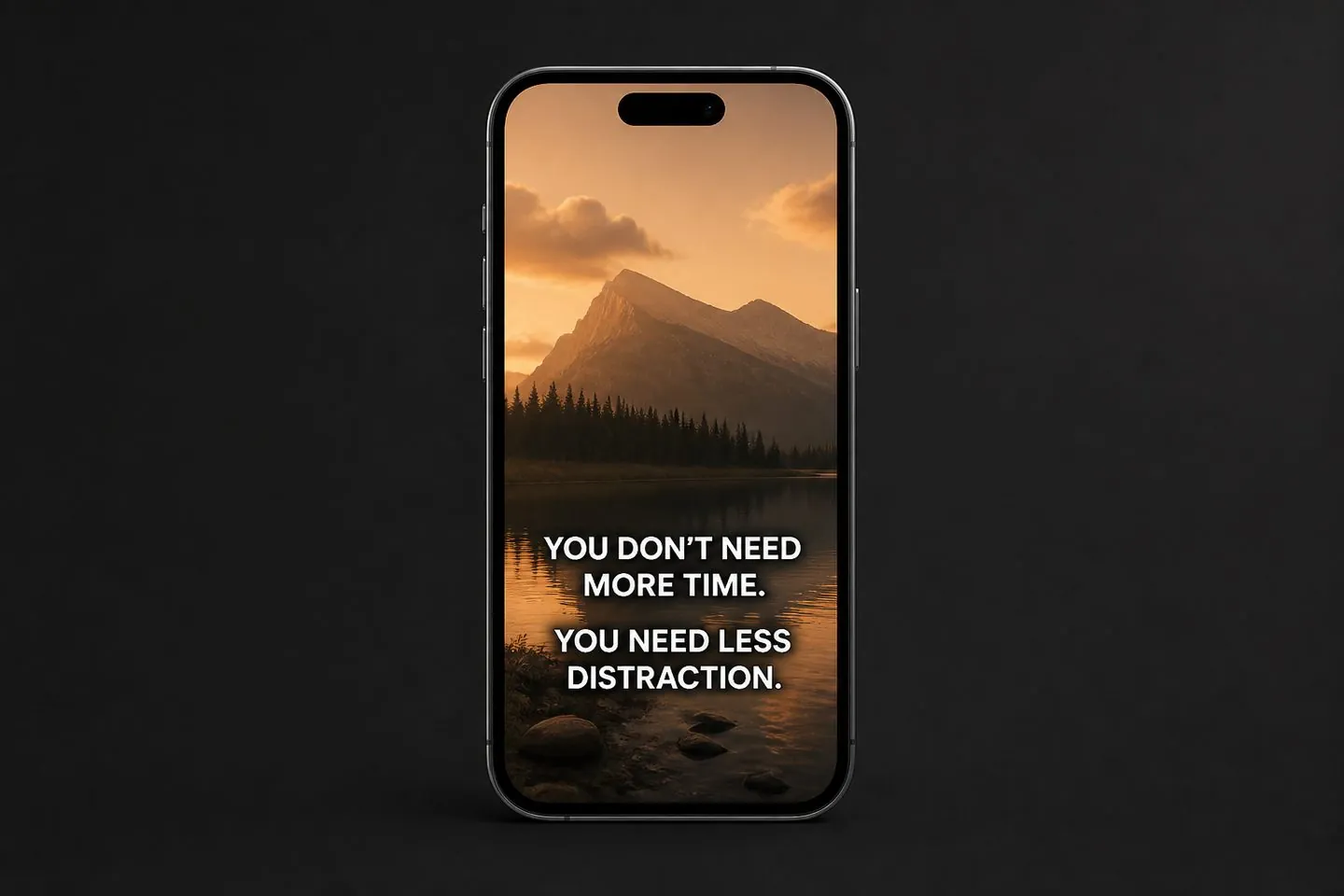
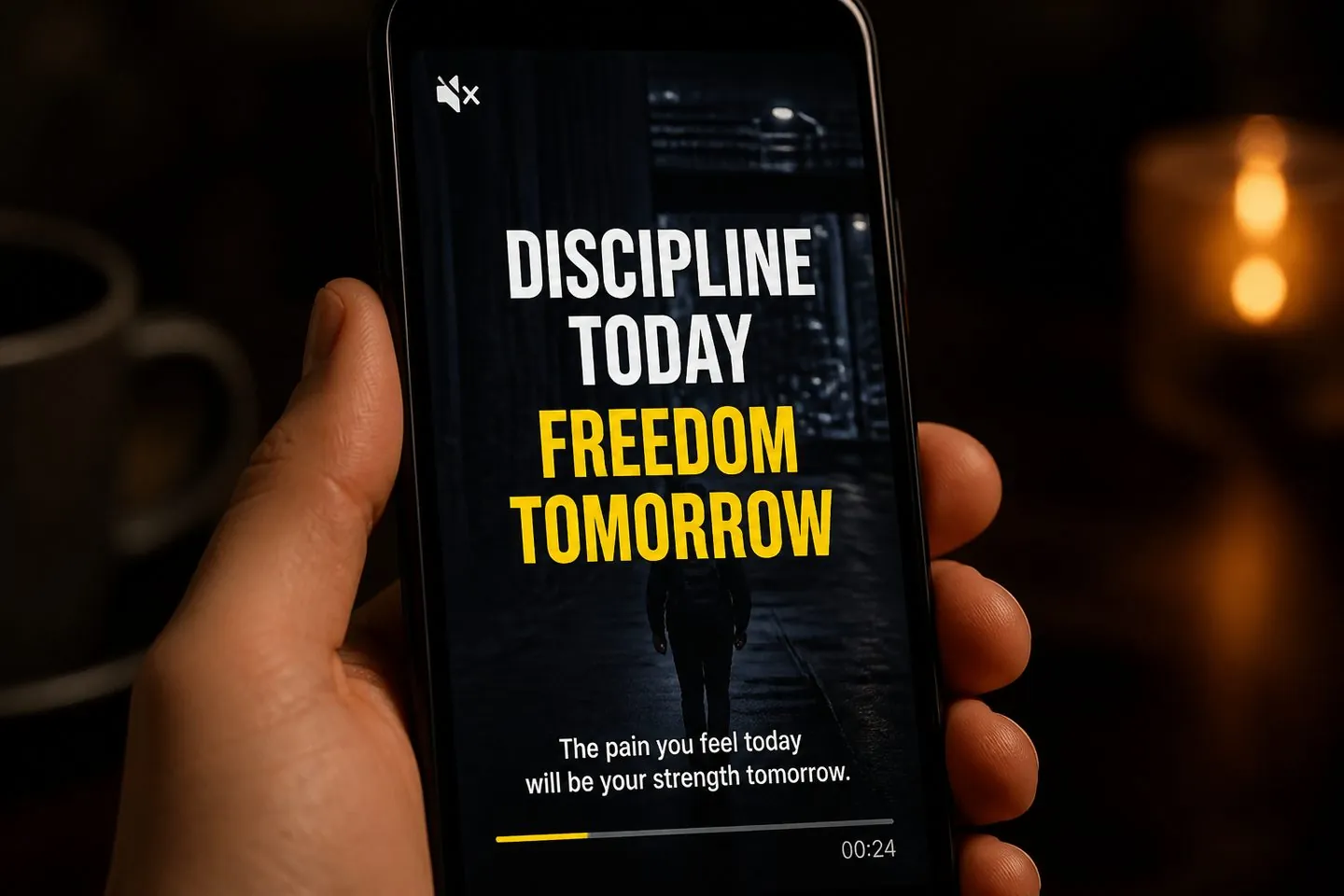
Most people watch without sound first. Platform defaults are hard to brand. This auto caption generator puts clear, timed text on screen — in a look you choose — so the hook still lands silent.

Fast path
Skip the multi-app hop. Drop a clip, get captions, preview styles on your footage, and export before the idea cools.
Look
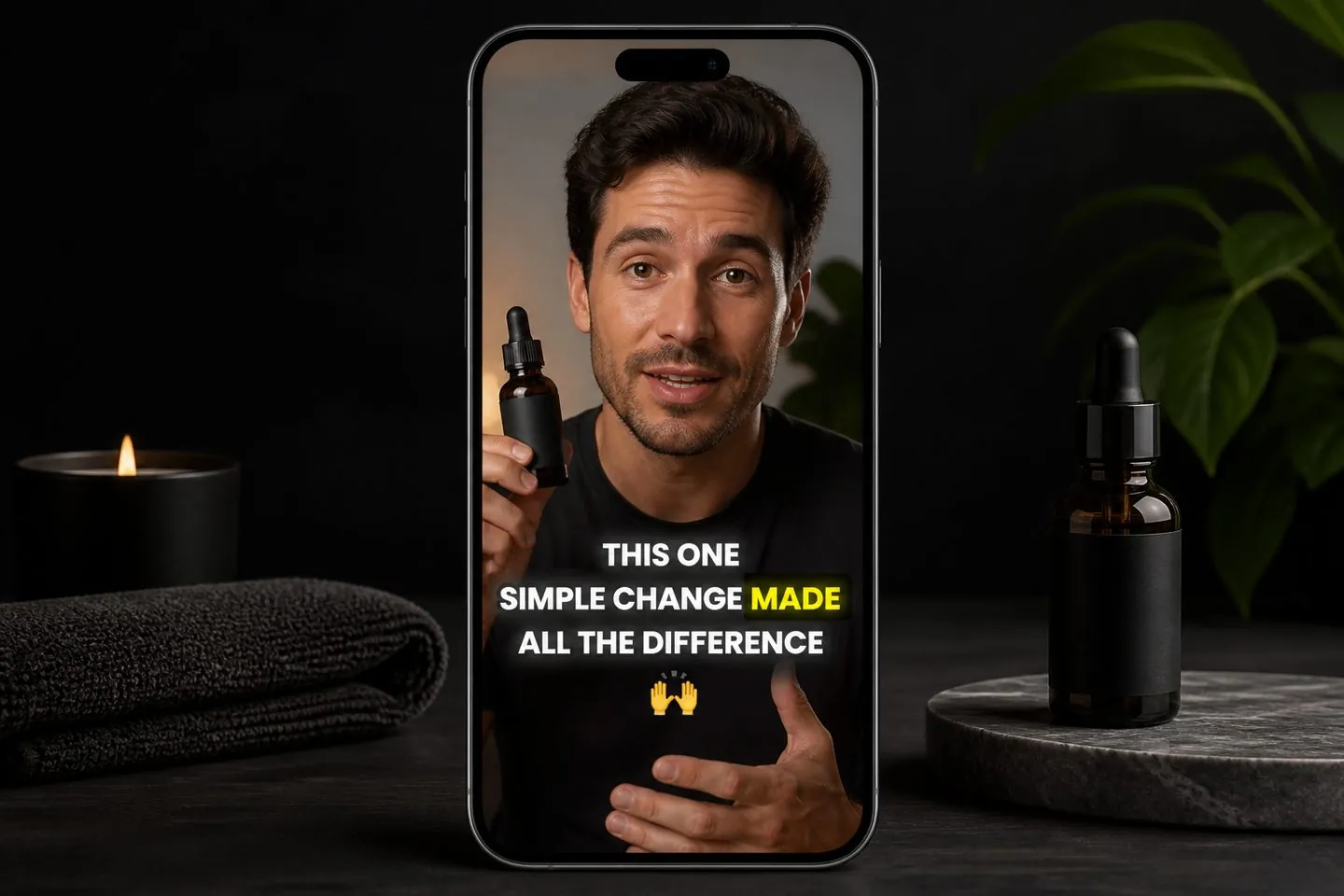
Karaoke, word-highlight, and emoji styles keep auto captions feeling intentional next to the clips you already scroll.

Feeds
After captions generate, set 9:16 or other ratios so text sits correctly for TikTok, Reels, and Shorts — then export without rebuilding the project.
Ship today
Finish with an MP4 that carries your captions into the feed. When a client wants a subtitle file too, download SRT from the same project.
If you ship short talking clips weekly and need mute-friendly captions the same day, start here.
Drop a vertical clip, apply a bold style, and post captions that still read on mute.
Explore TikTok caption generator
Keep a consistent caption look across a Reels batch without fighting in-app defaults.
Explore Reels subtitles
Turn longer takes into Shorts-ready cuts with captions that survive silent scroll.
Explore YouTube subtitle generator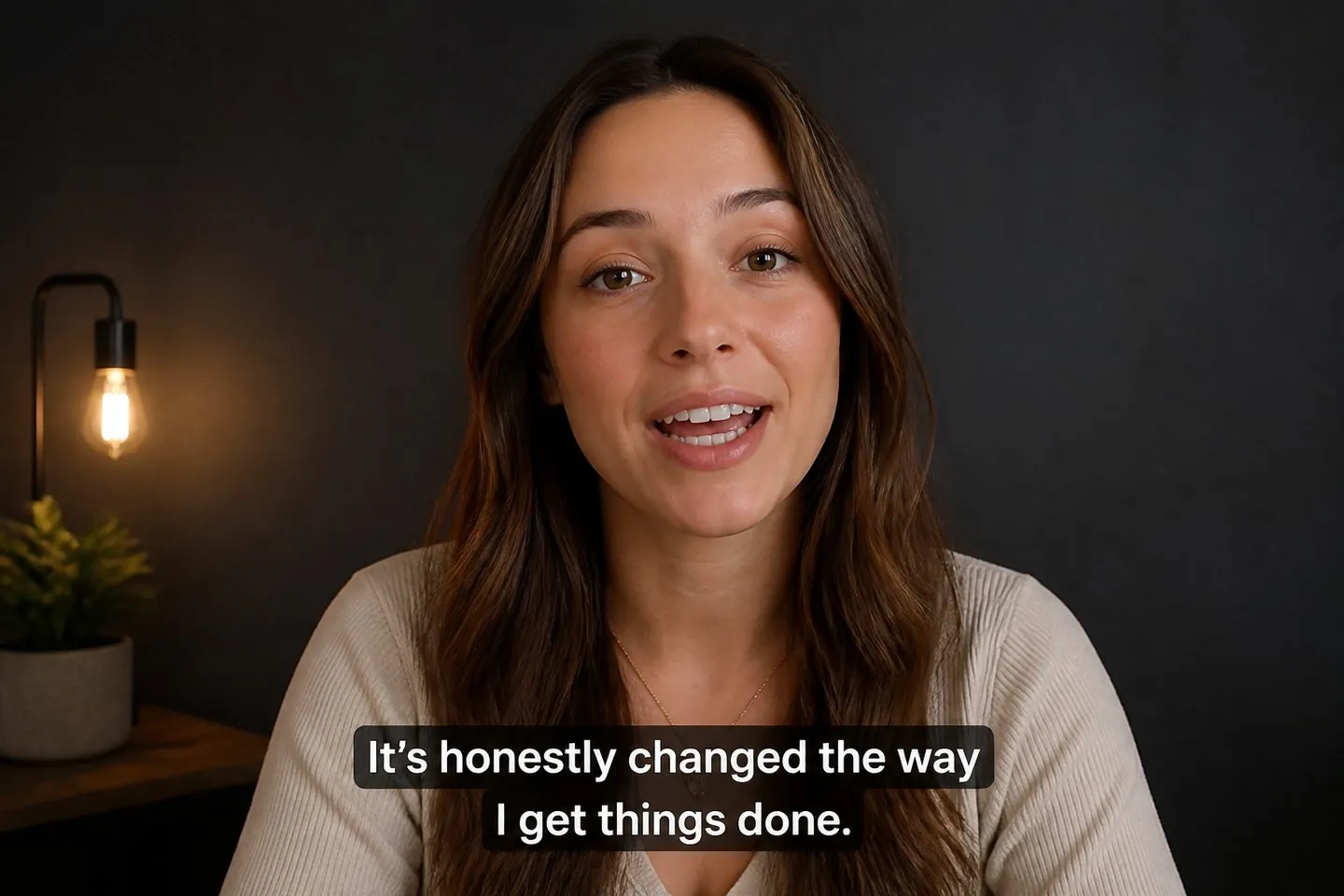
Caption talking UGC fast so every draft ships with readable on-screen text.
Explore Add subtitles to videoPlatform defaults are hard to brand. Here you style, time, and keep captions on the file you upload — so the look travels with the video.
Yes — edit text and timing in the studio before you export.
Yes. After generation, set 9:16 or other ratios. Or start from the TikTok caption generator or Reels subtitles pages for a vertical default.
This page is built for mute-first speed on short clips. If you need deeper polish and “not just a transcript” framing, open the AI subtitle generator.
Yes — after captions exist, download .srt / .vtt / .txt from the export menu, or use the SRT generator.
Most short clips go from drop to styled export in one session — built for same-day posting, not a multi-day edit.
Plan details live on pricing. This page is about finishing mute-friendly captions — drop a video above to start.
Drop a video above to open the full caption studio on this page — same URL, no separate app install.