
Stay with VEED if…
Teams editing branded marketing or course video · Screen/webcam recording plus captions · Workflows that need collaboration and brand kits
Comparison
TL;DR: VEED is a broader online studio for teams, recording, and branded edits. AutoCaptions stays caption-first with a simpler Free → Pro → Max path. Choose VEED for collaboration and brand kits. Choose AutoCaptions for solo caption speed.
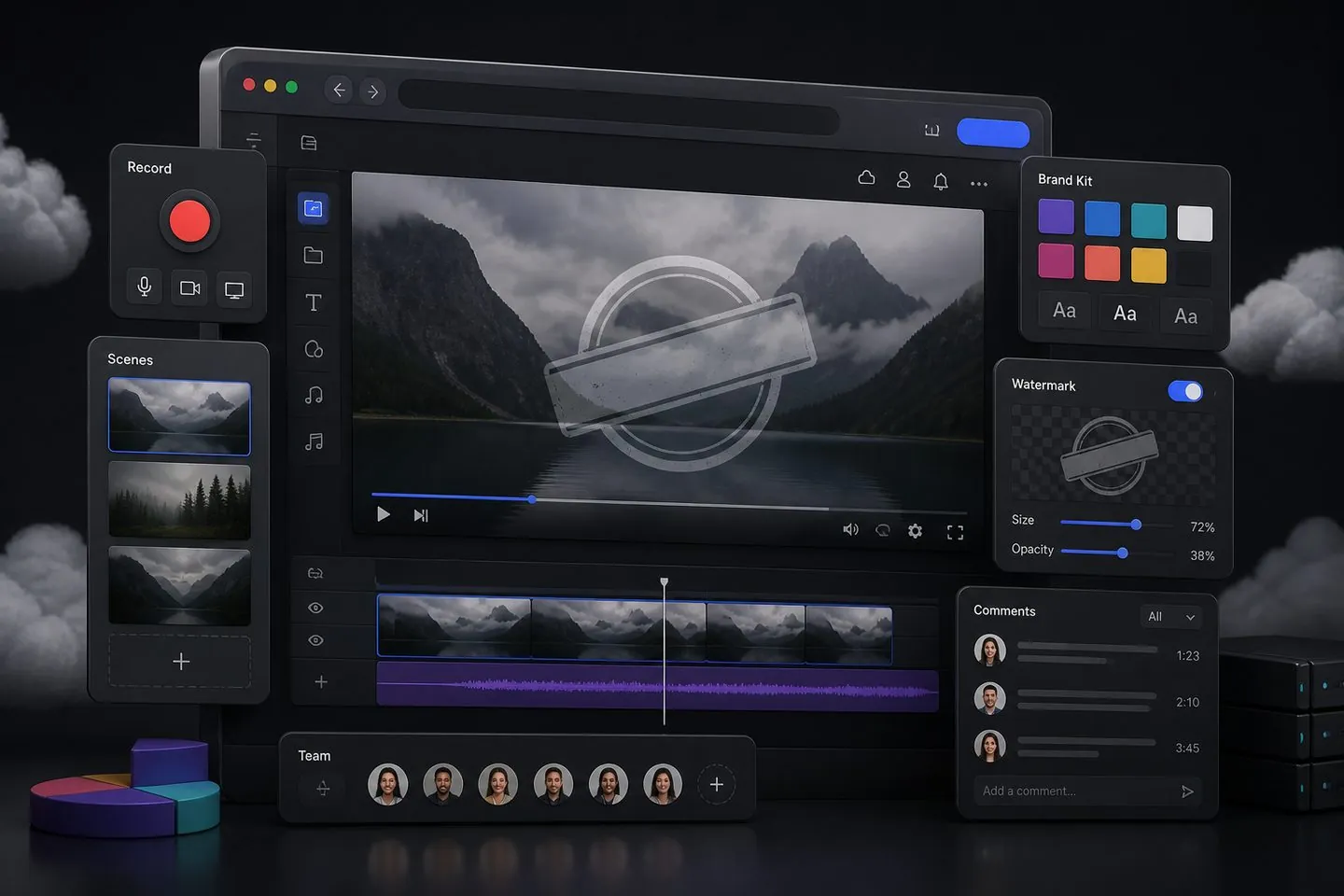
Why people look
People look past VEED when free exports feel gated, or when they are paying suite prices for a job that is mostly auto captions. A caption-first tool keeps the UI and plan focused on subtitles instead of a full online studio.
At a glance
A quick read of how AutoCaptions and VEED differ when the job is captions. Details below explain when each side wins.
| Dimension | AutoCaptions | VEED |
|---|---|---|
| Primary job | Captions first | Full online editing + teams |
| Where it runs | Browser | Browser |
| Start without an account | Yes | Usually requires signup |
| Team / brand kit | Solo-focused caption studio | Strong team & brand tooling |
| Free export | Watermarked 720p trial | Typically watermarked / capped |
| Paid focus | Remove watermark, HD, translate, Max tools | Broader editor + seats / storage |
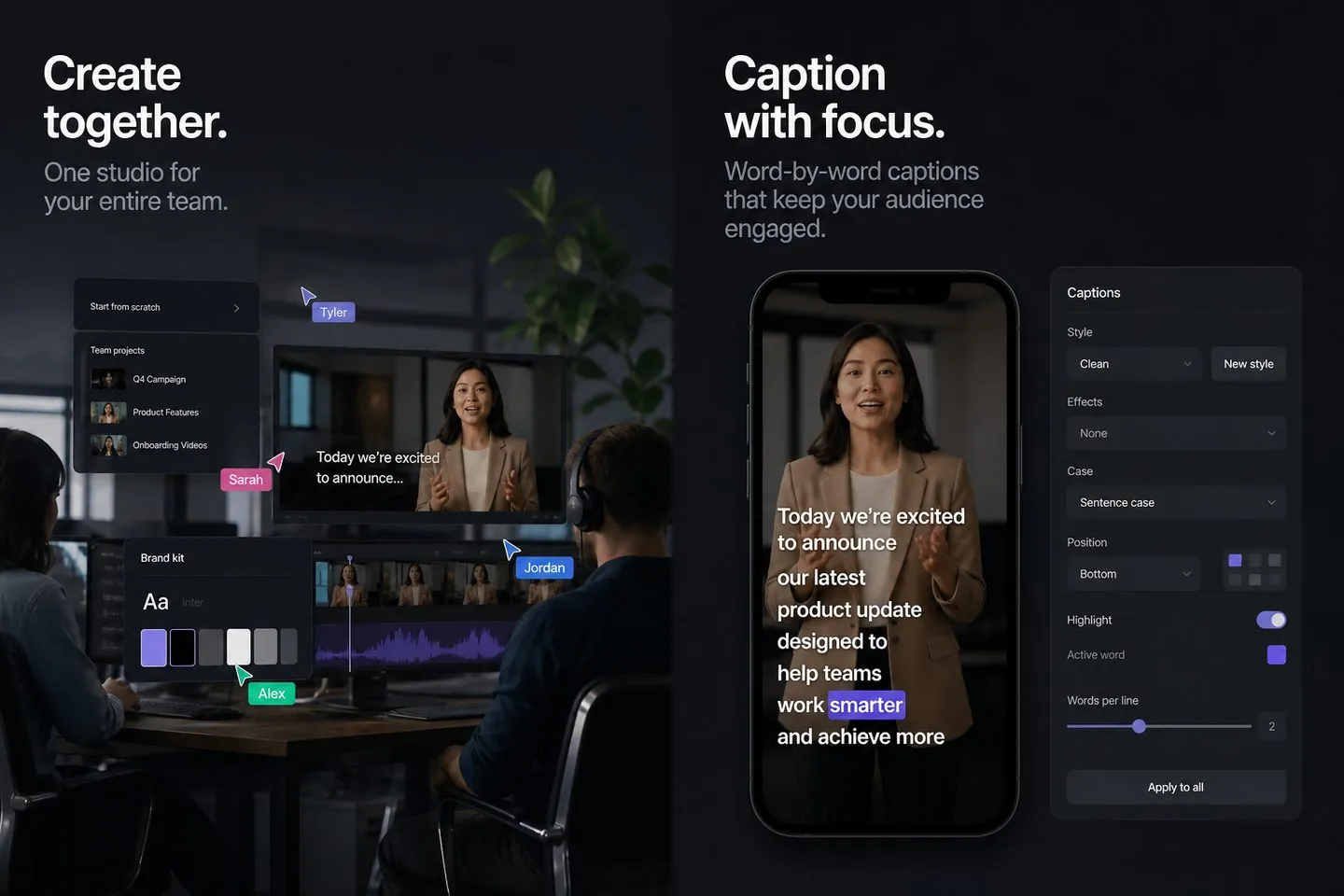
Captions & workflow
VEED layers captions onto a general browser editor with recording and team surfaces. AutoCaptions skips that breadth: the studio centers transcription, style presets, canvas ratios for short-form, and burn-in export — the path from speech to post-ready captions.
Pricing & value
VEED: Free tier is limited (often watermarked); paid plans start higher than caption-only tools. AutoCaptions keeps Free usable for real caption work (with a AutoCaptions watermark and 720p), then Pro from about $9.99/month for clean HD exports. Pay for caption depth when that is the job; keep a full editor when you still need the rest of the suite.
Who it’s for
Different tools fit different jobs. Stay where the product matches the work — switch when captions are the real bottleneck.
Teams editing branded marketing or course video · Screen/webcam recording plus captions · Workflows that need collaboration and brand kits
Paying for a suite when captions are the real job · Want a simpler caption-first browser flow · Prefer transparent Free → Pro → Max caption plans
Browser-native editing with recording and team features · Solid auto captions and translation for business video · Brand kits and collaboration suited to marketing teams
Caption generate, style, and burn-in · Browser studio without a full NLE · Clear Free → Pro → Max plans for subtitle work
How to switch
There is no fake one-click project import from VEED. Export or download the finished clip, then drop it into AutoCaptions. Generate captions, restyle, and export again. Most caption-only switches take one short session.
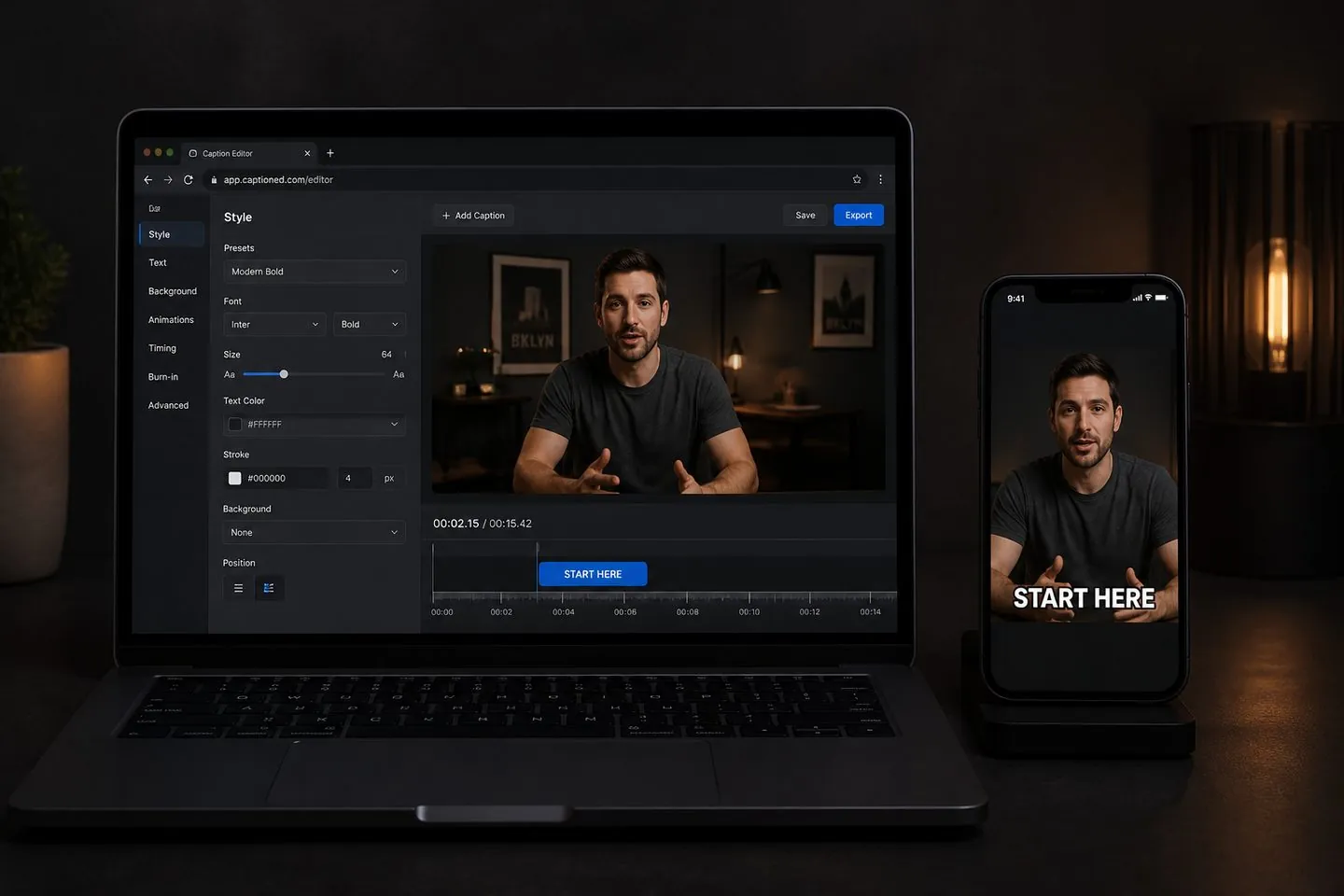
Yes when your job is captions: generate, style, and burn-in without a full VEED project. Keep VEED when you still need its broader editing or suite features.
You can use the full caption editor free. Free exports include a watermark and 720p limit. Pricing lists Pro and Max for clean HD and extras.
Teams editing branded marketing or course video Screen/webcam recording plus captions Workflows that need collaboration and brand kits
Yes. Set the canvas to 9:16 (or other ratios) after captions generate. Start from the TikTok caption generator or Instagram Reels subtitles pages for short-form defaults.
Export your video from VEED, open AutoCaptions, drop the file, generate captions, style, and export the burned-in MP4.
Open the free subtitle generator, drop a clip, and export styled captions in the browser.
Try free