
Stay with Kapwing if…
Teams co-editing the same project · Agencies that need shared online workspaces · Creators who want an all-purpose browser editor
Comparison
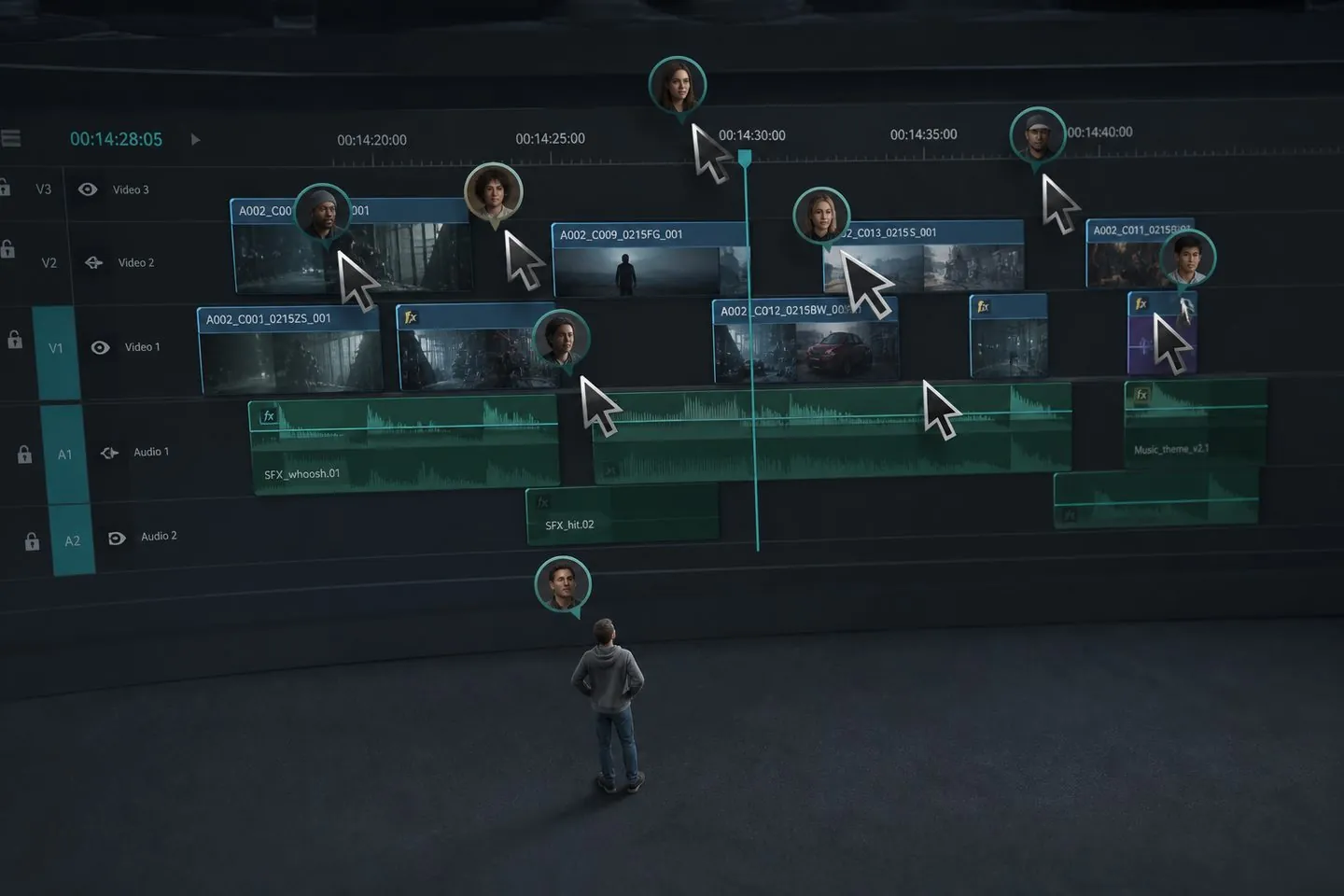
TL;DR: Kapwing shines when teams edit together in the browser. AutoCaptions is for solo creators who need styled captions without a collaborative suite. Choose Kapwing for multiplayer editing. Choose AutoCaptions for caption-only passes.
Why people look
Solo creators often leave Kapwing when collaboration seats and cloud projects are more than they need. If nobody else is in the timeline, a lighter caption studio finishes the same subtitle job with less overhead.
At a glance
A quick read of how AutoCaptions and Kapwing differ when the job is captions. Details below explain when each side wins.
| Dimension | AutoCaptions | Kapwing |
|---|---|---|
| Primary job | Captions generate → style → export | Collaborative full editing |
| Collaboration | Solo workflow | Real-time team editing |
| Start without an account | Yes | Account required |
| Media handling | Browser caption studio | Cloud project workspace |
| Free export | Watermarked 720p trial | Limited free / watermarked paths |
| Best fit | Solo short-form captions | Teams sharing one editor |
Captions & workflow
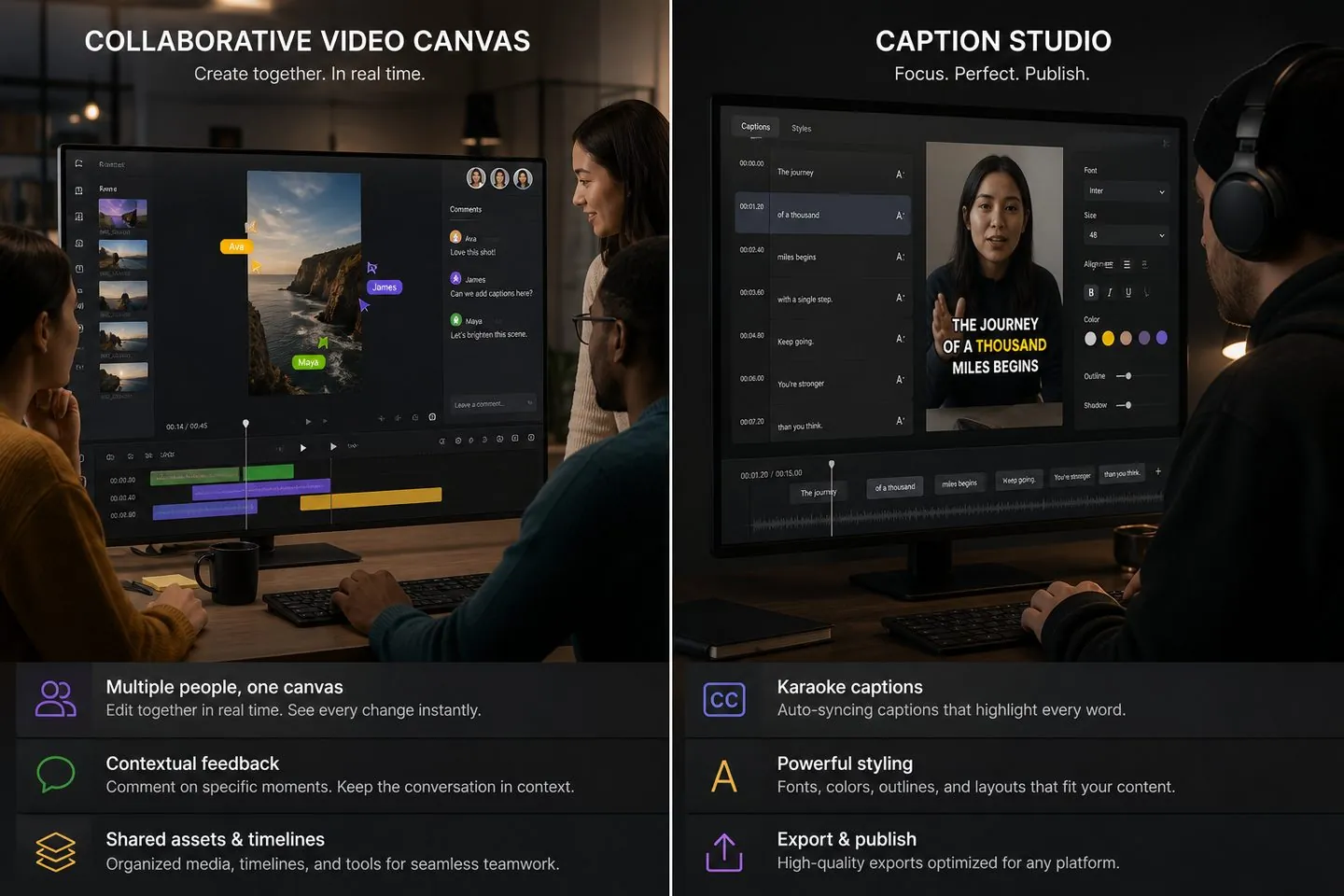
Kapwing’s strength is shared projects. AutoCaptions is a single-creator caption loop: upload, generate, style, export. No multiplayer canvas — just the controls you need to make mute-friendly captions look intentional.
Pricing & value
Kapwing: Free tier exists; paid plans lean toward teams and collaboration (often higher monthly spend). AutoCaptions keeps Free usable for real caption work (with a AutoCaptions watermark and 720p), then Pro from about $9.99/month for clean HD exports. Pay for caption depth when that is the job; keep a full editor when you still need the rest of the suite.
Who it’s for
Different tools fit different jobs. Stay where the product matches the work — switch when captions are the real bottleneck.
Teams co-editing the same project · Agencies that need shared online workspaces · Creators who want an all-purpose browser editor
Do not need multiplayer editing · Want a lighter caption studio in the browser · Prefer plans aimed at captions, not team seats
Real-time collaboration for teams · Broad template and meme / social toolkit · Auto subtitles inside a general editor
Caption generate, style, and burn-in · Browser studio without a full NLE · Clear Free → Pro → Max plans for subtitle work
How to switch
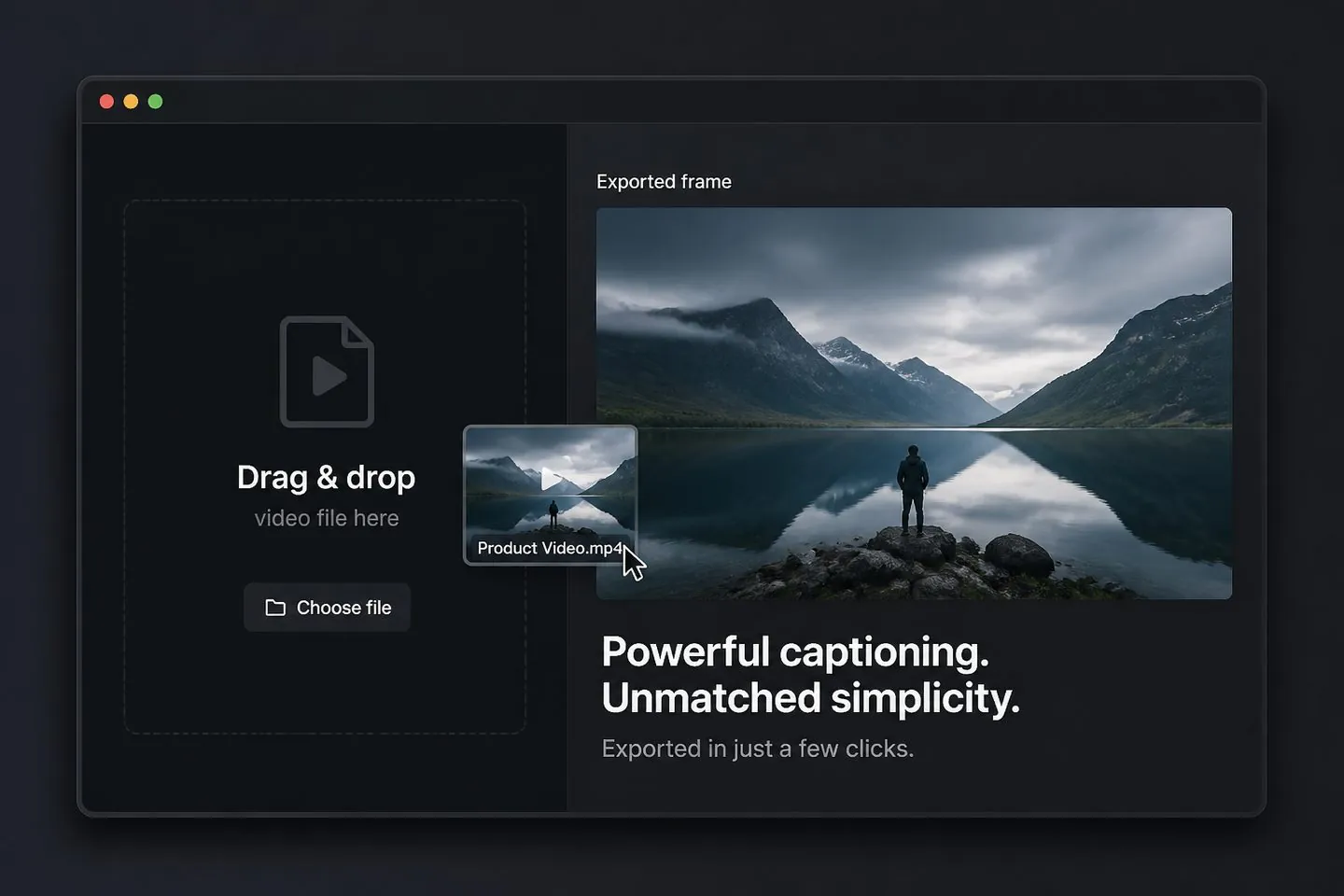
There is no fake one-click project import from Kapwing. Export or download the finished clip, then drop it into AutoCaptions. Generate captions, restyle, and export again. Most caption-only switches take one short session.
Yes when your job is captions: generate, style, and burn-in without a full Kapwing project. Keep Kapwing when you still need its broader editing or suite features.
You can use the full caption editor free. Free exports include a watermark and 720p limit. Pricing lists Pro and Max for clean HD and extras.
Teams co-editing the same project Agencies that need shared online workspaces Creators who want an all-purpose browser editor
Yes. Set the canvas to 9:16 (or other ratios) after captions generate. Start from the TikTok caption generator or Instagram Reels subtitles pages for short-form defaults.
Export your video from Kapwing, open AutoCaptions, drop the file, generate captions, style, and export the burned-in MP4.
Open the free subtitle generator, drop a clip, and export styled captions in the browser.
Try free