
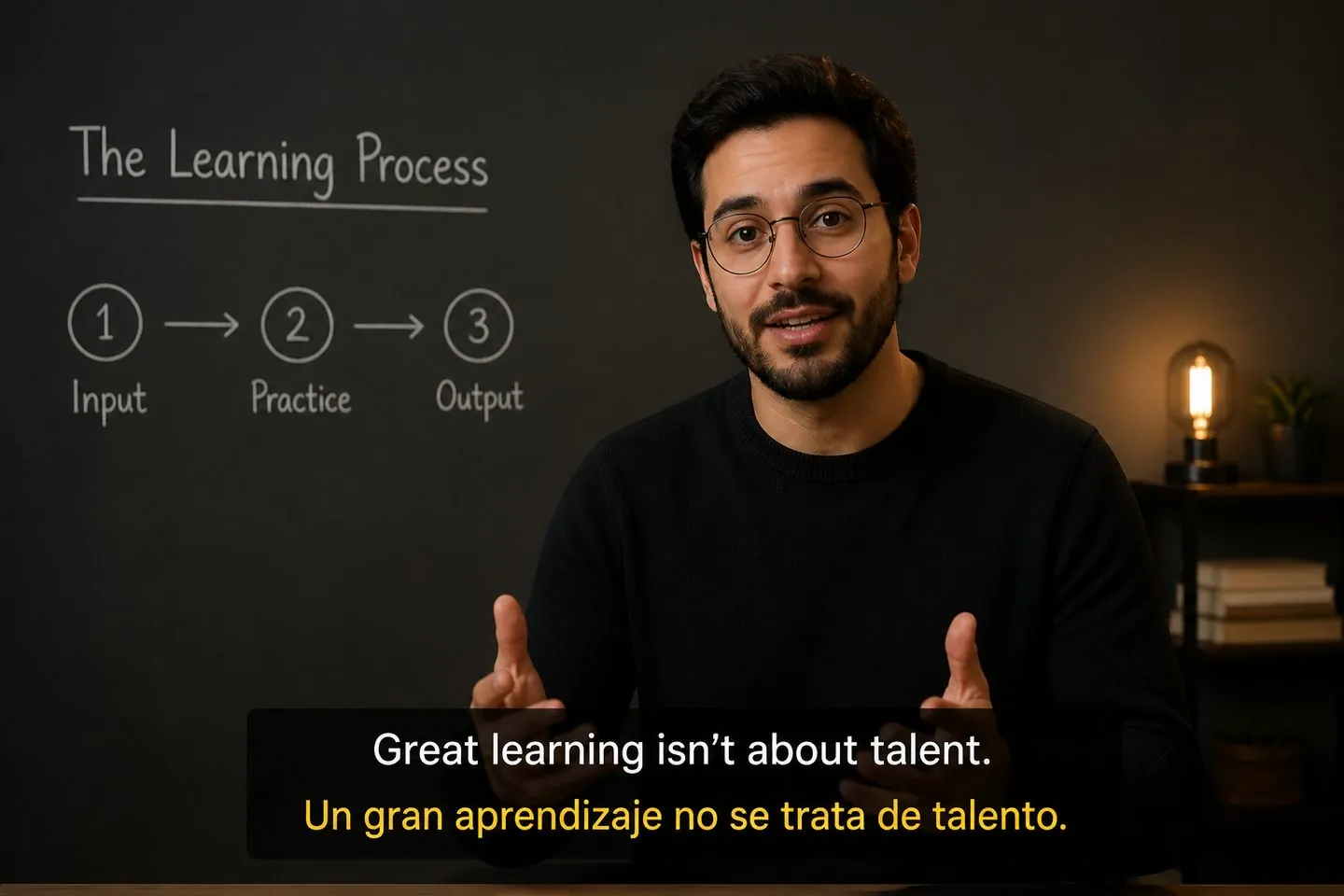
Educators & coaches
Localize lesson videos without re-timing every line.
Explore Add subtitles to videoBilingual captions
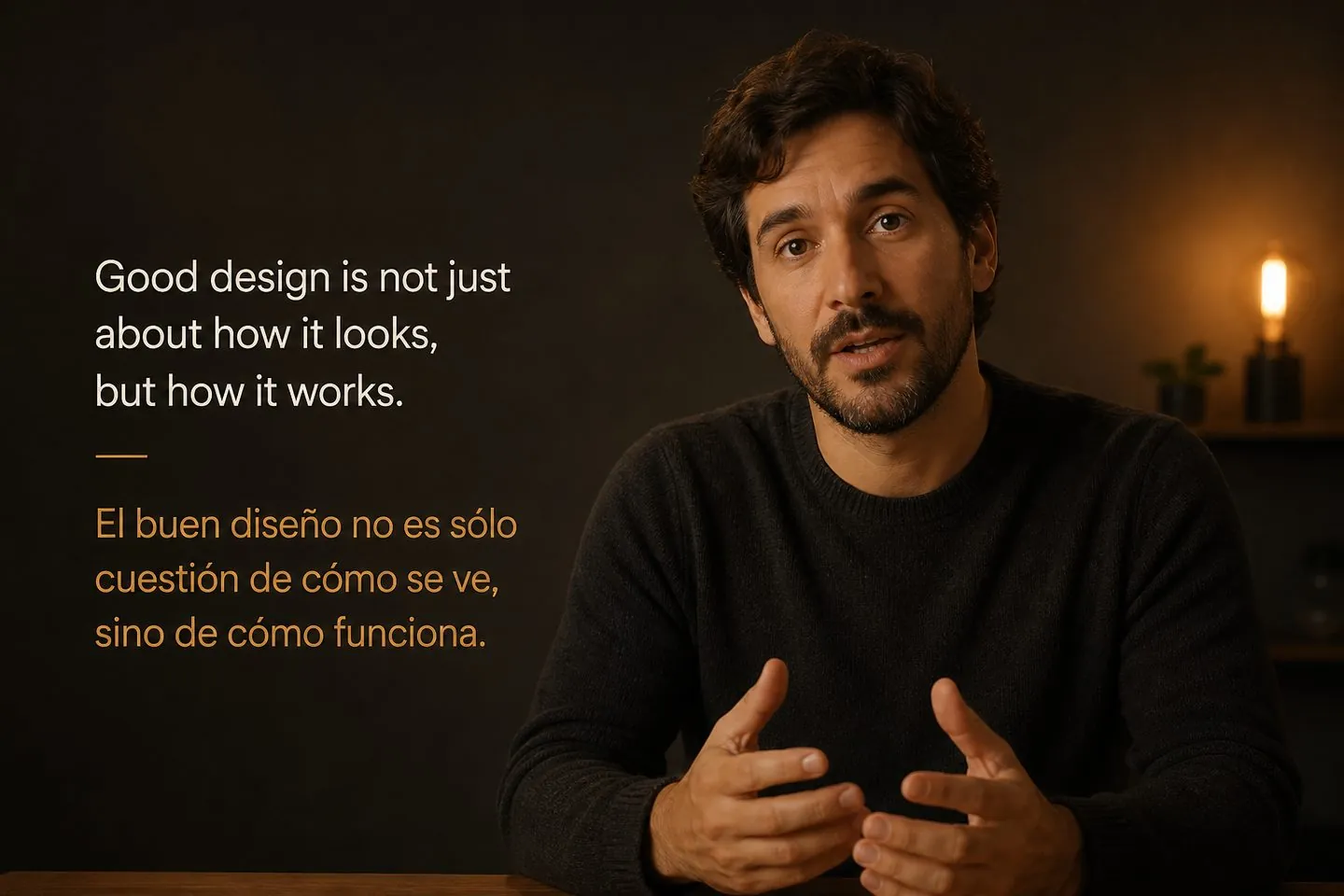
Translate captions after speech so one clip reaches more audiences — timing stays aligned while the language changes.
Drop a video to caption
MP4, MOV, WebM, or MKV. Drop a clip — get captions you can style and export.
Definition
A subtitle translator maps a new language onto your existing caption cues. You keep timing, preview on the video, and export bilingual or localized subtitles — not a paste into a generic text box.
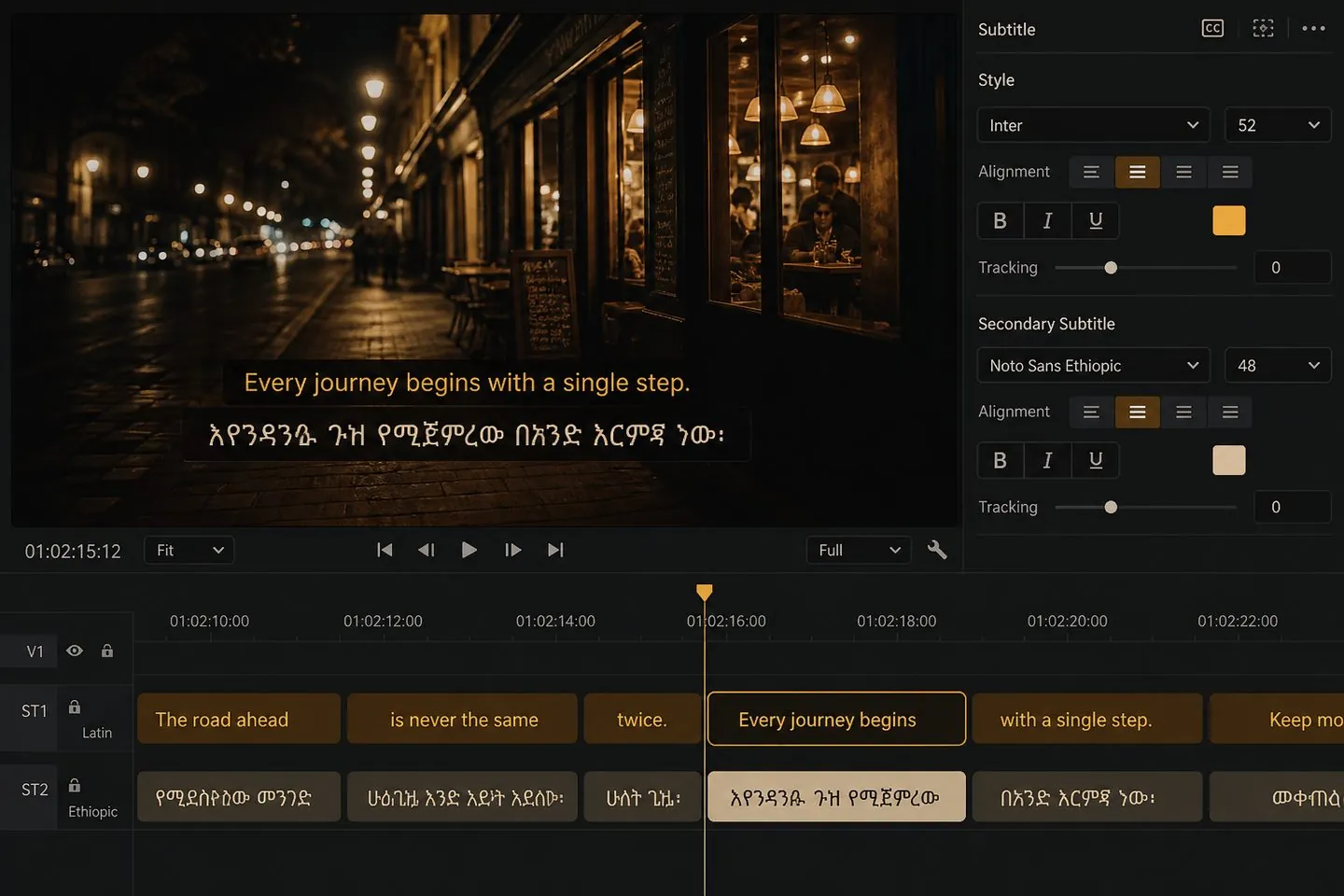
Keep timing
Generate source captions, open translation in the studio, and keep starts and ends aligned so you are not rebuilding every cue by hand.
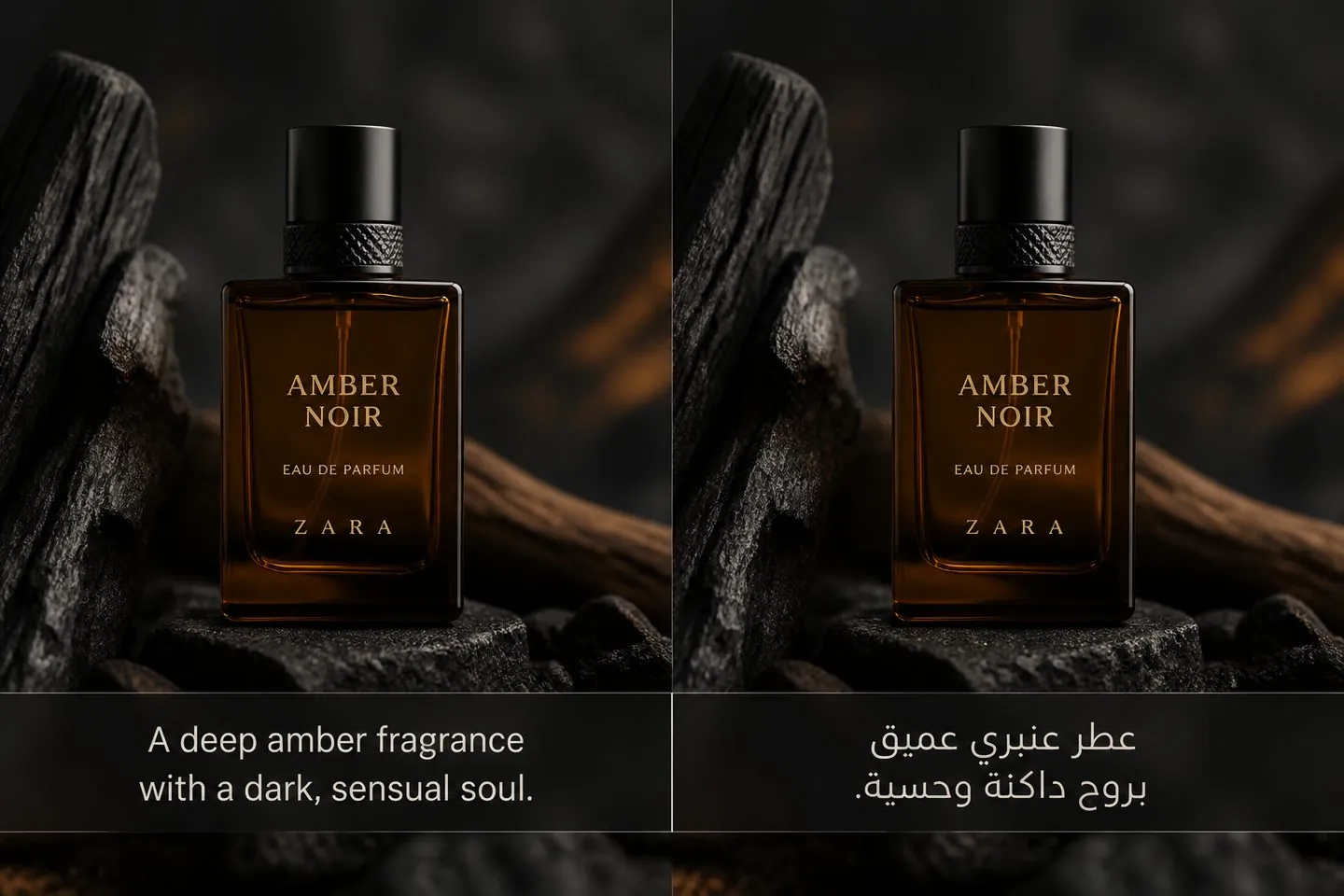
Flow
Drop the video, create captions, then add a translation track. Preview the active language before you export.
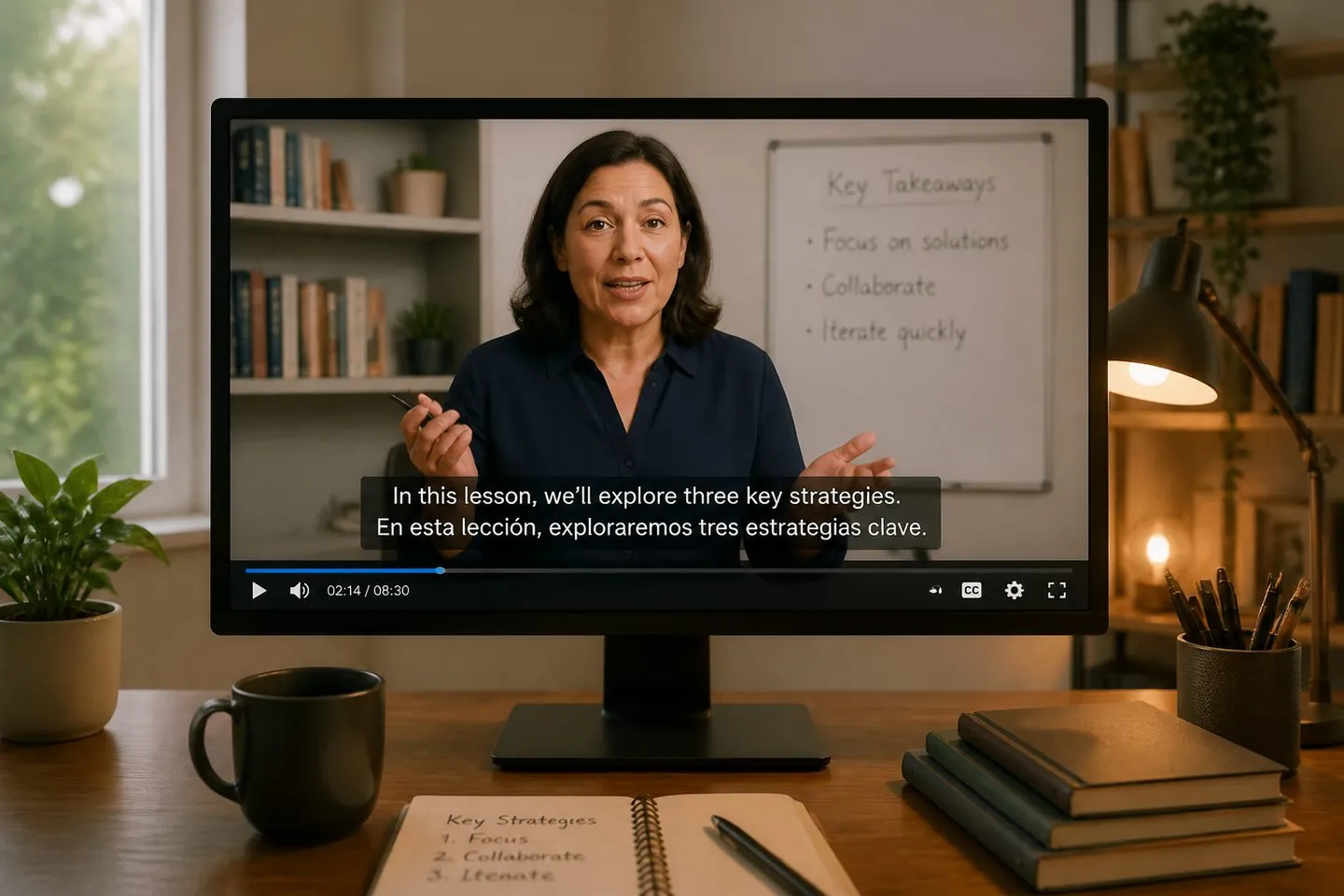
Not a doc tool
You translate caption segments tied to your footage, so the export stays a watchable subtitled video.
Ship
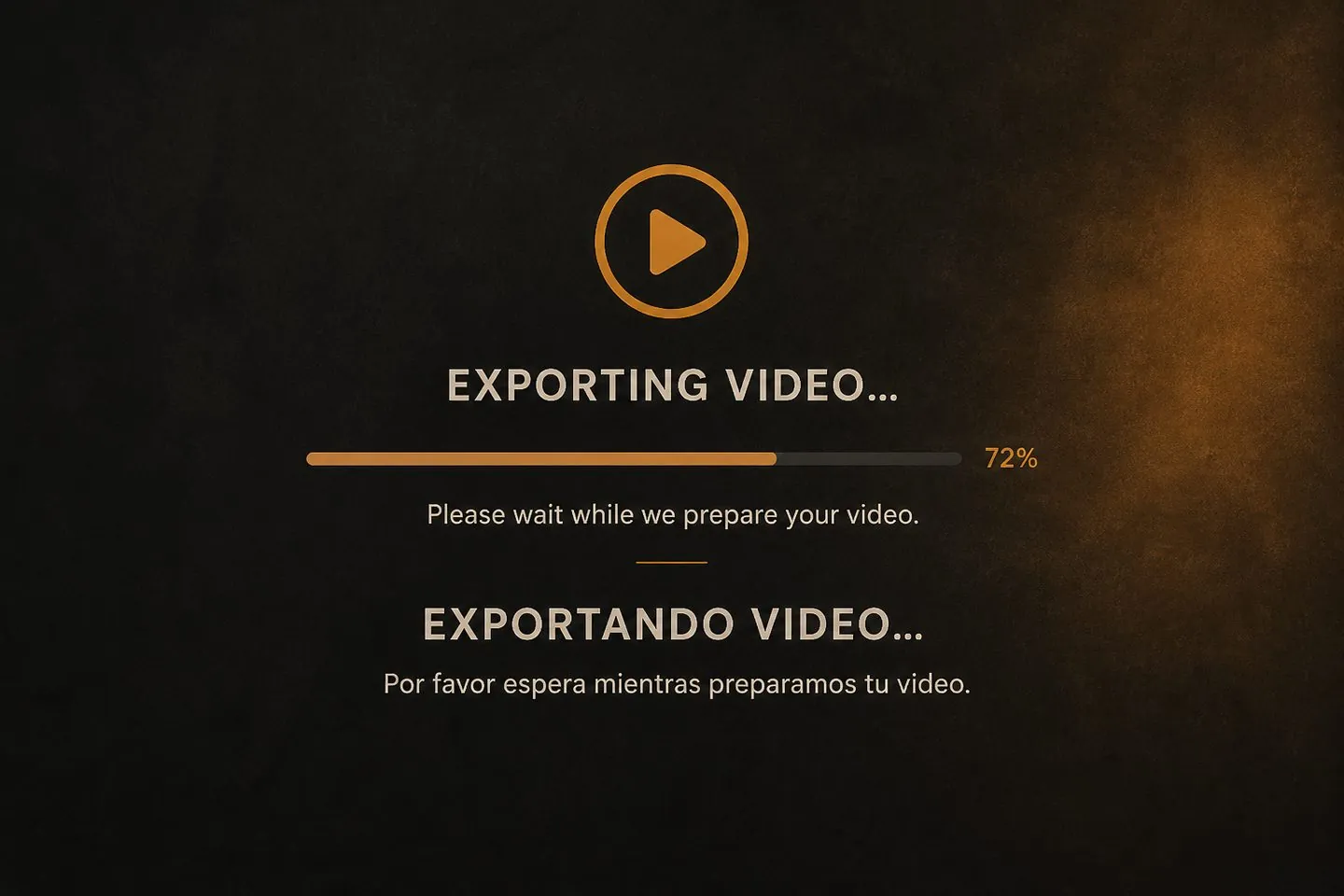
Keep translated text on the MP4, or download SRT/VTT for platforms that want soft files.
If you need a second language on the same cues, start here.
Localize lesson videos without re-timing every line.
Explore Add subtitles to video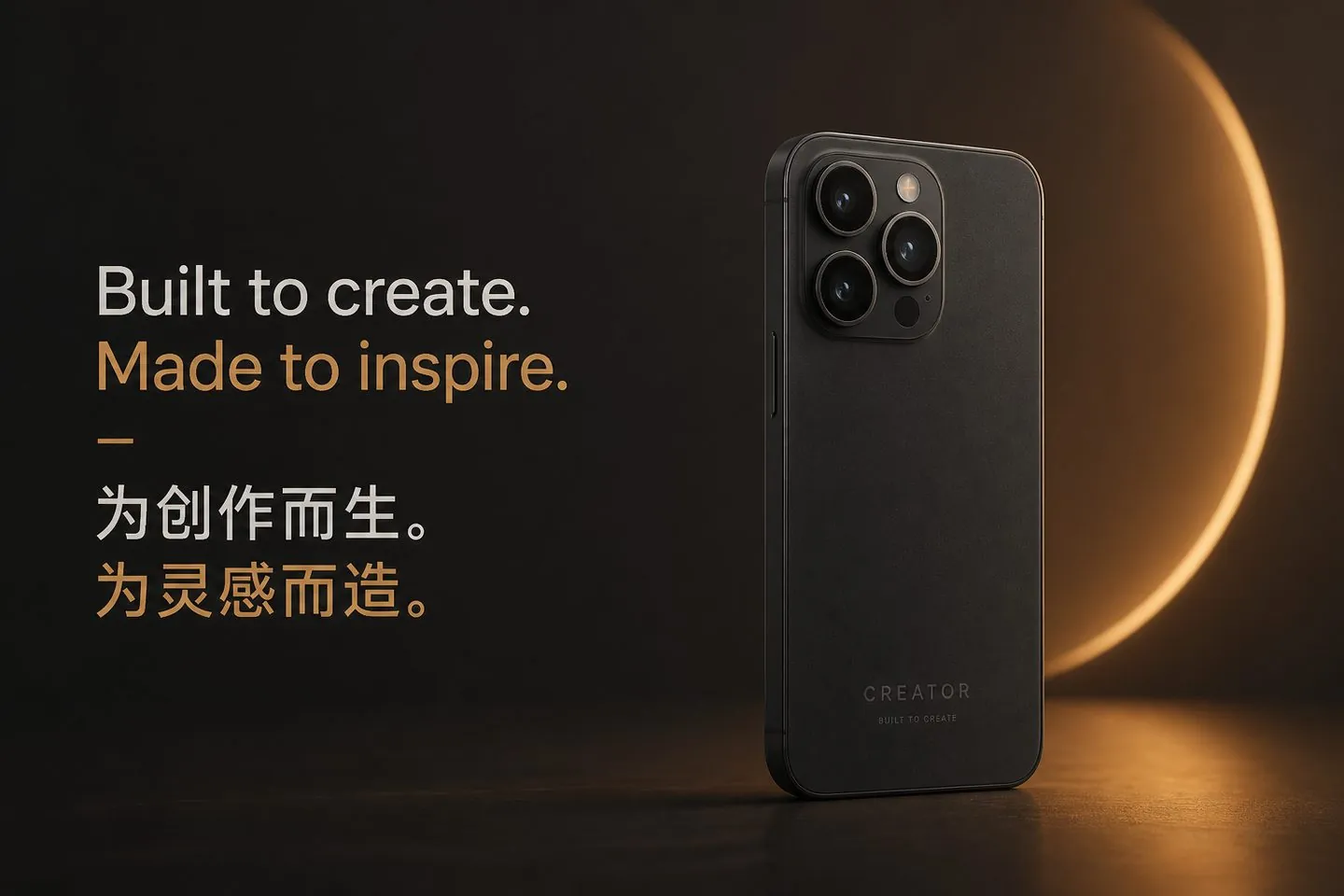
Reach a second audience from one talking clip.
Explore AI subtitle generator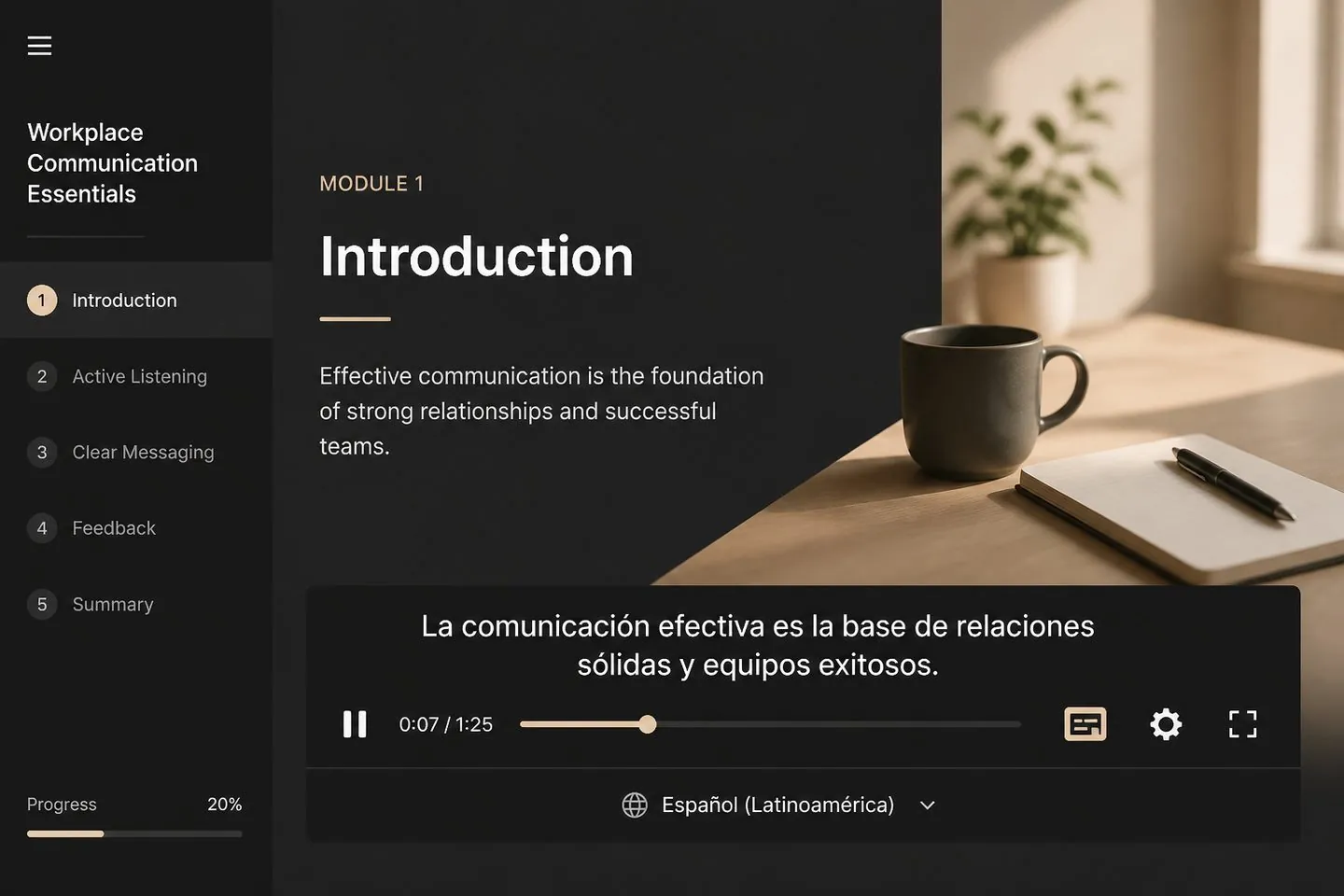
Ship localized modules with captions that stay on the recording.
Explore YouTube subtitle generator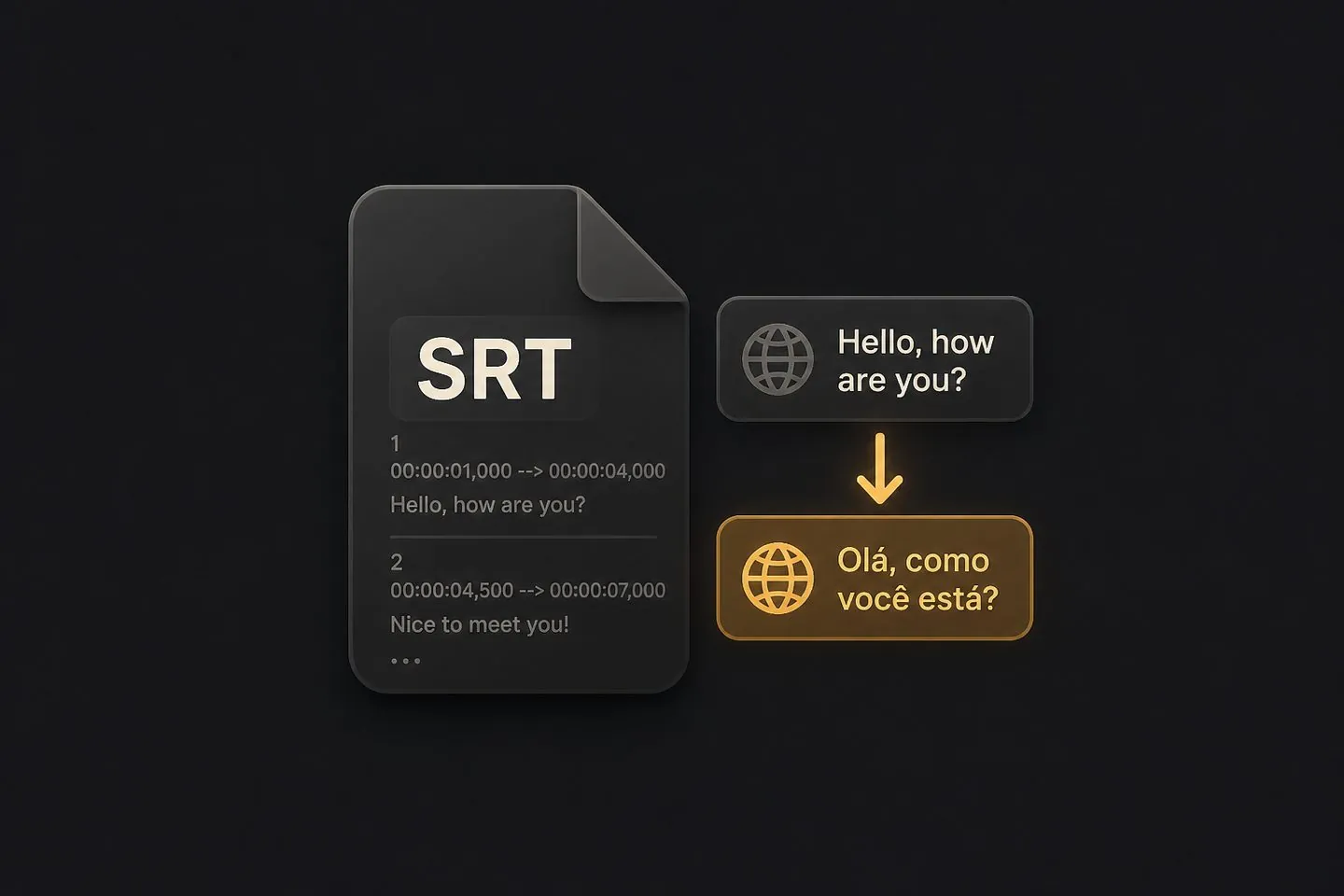
Hand off timed translations as SRT when the CMS needs a file.
Explore SRT generatorYes — translation tracks attach to your existing caption timing so you are not rebuilding every cue from scratch.
Yes — preview the active language in the studio, then export an MP4 with captions on the picture.
After captions exist, download subtitle files from the export menu, or use the SRT generator.
No — you translate timed caption segments tied to your video, then preview and export as subtitled media.
Yes. Generate source captions first (this page opens Translate focus), or start from the AI subtitle generator.
See pricing. Drop a video above to start translating captions.
Drop a video above to open the full caption studio on this page — same URL, no separate app install.