
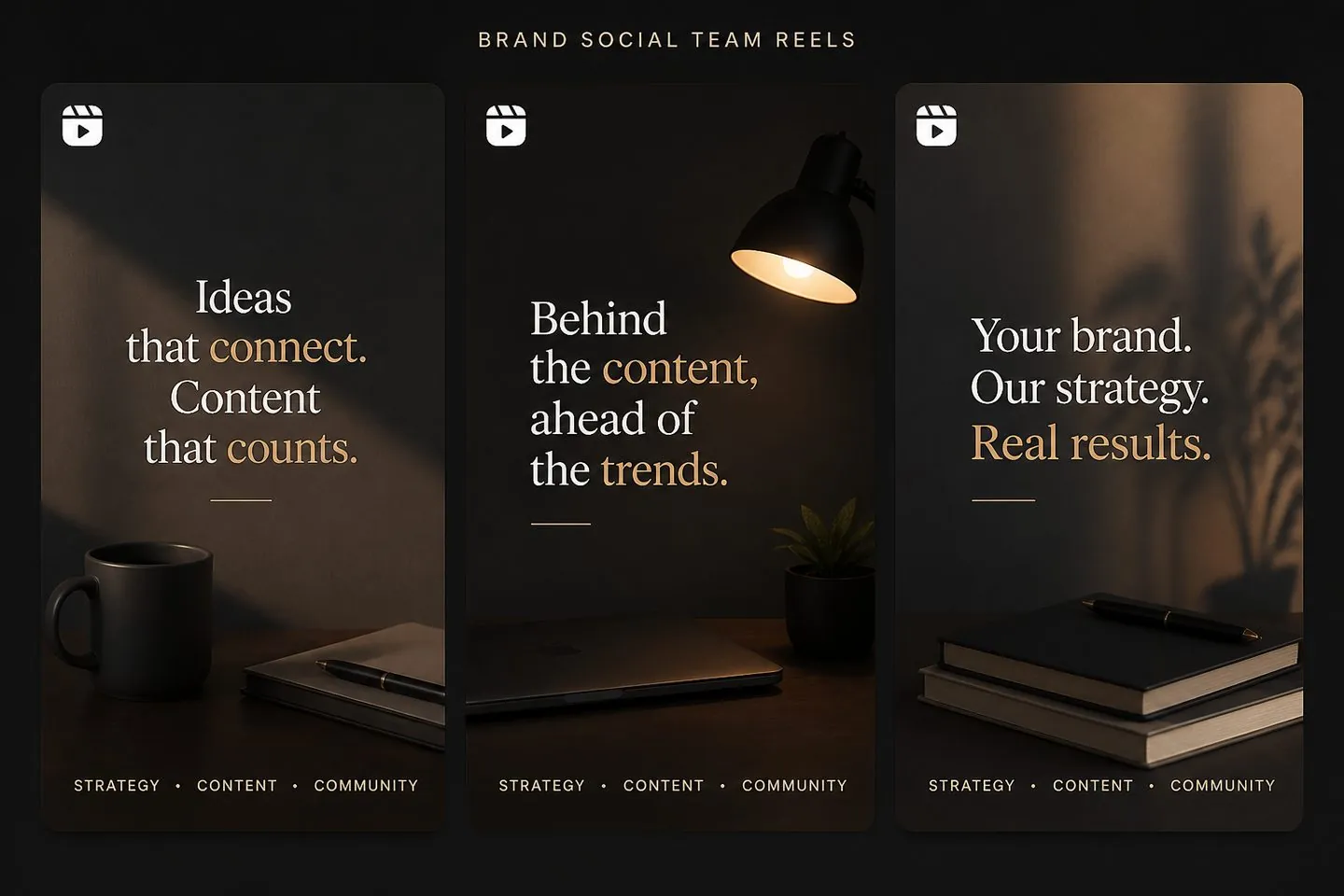
Brand social teams
Keep subtitle styling consistent across a Reels calendar.
Explore Add subtitles to videoReels-ready
Create Reels subtitles with a 9:16 studio default. Auto-caption your talking clip, match your brand look, and export before you hit Post.
Drop a video to caption
MP4, MOV, WebM, or MKV. Drop a clip — get captions you can style and export.
Definition
Reels subtitles are on-screen captions framed for Instagram’s vertical feed. This tool auto-captions your clip, keeps a consistent style across posts, and exports text that stays on the video.
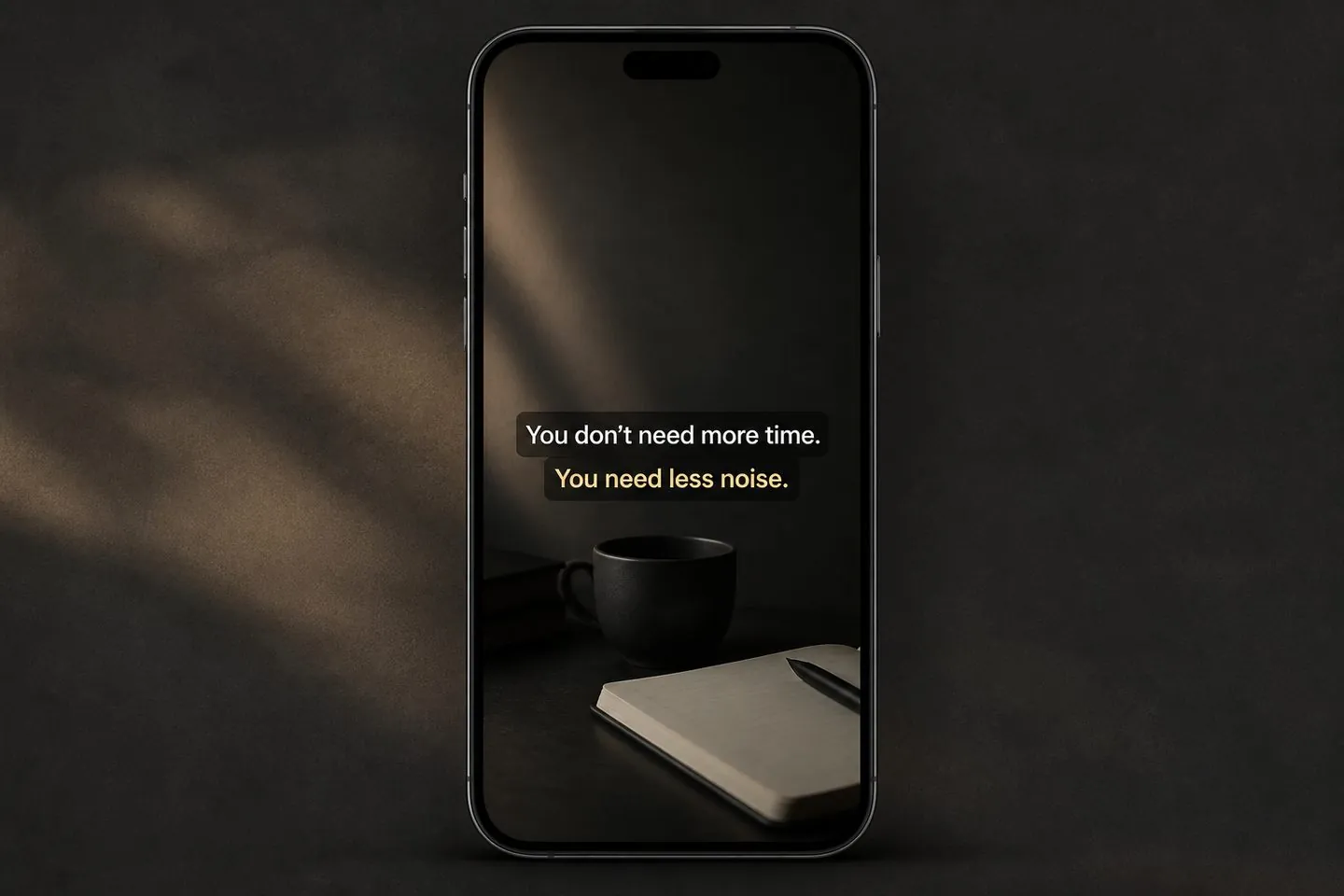
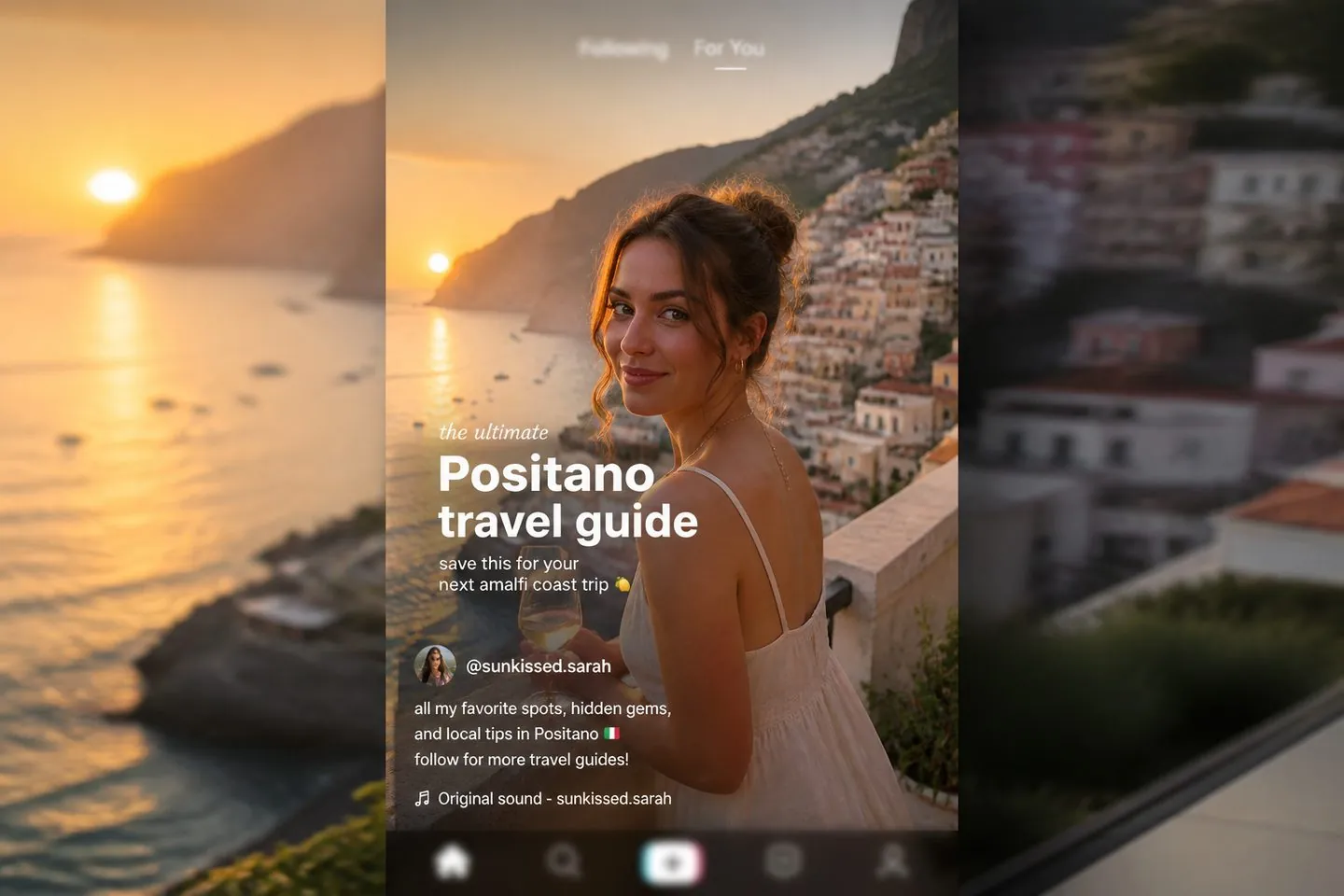
9:16
Opening from this page sets 9:16 so subtitles sit in a vertical-safe layout from the first preview.
Brand
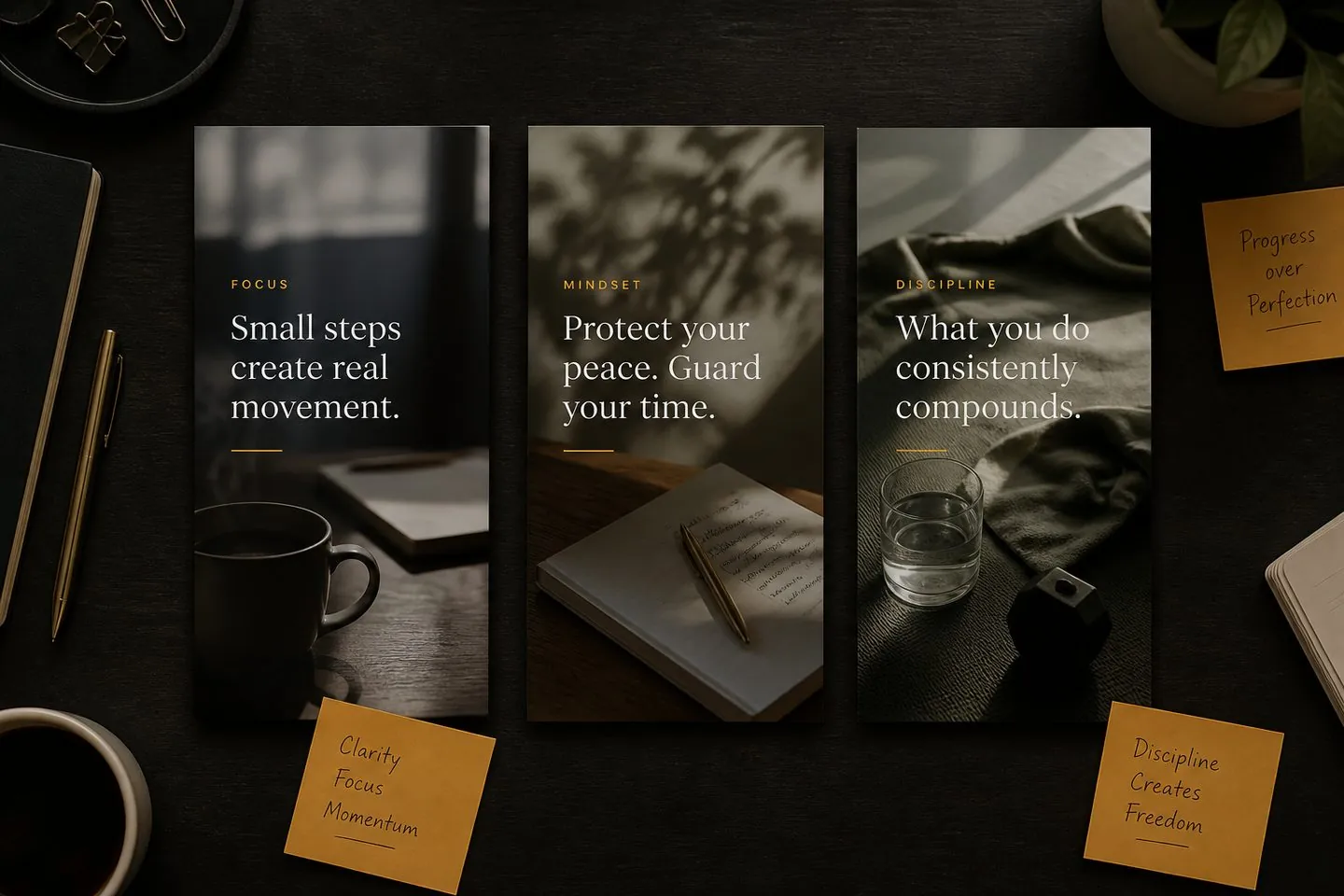
Apply presets and fonts so every Reel in a series shares the same subtitle language — cleaner than one-off in-app styles.
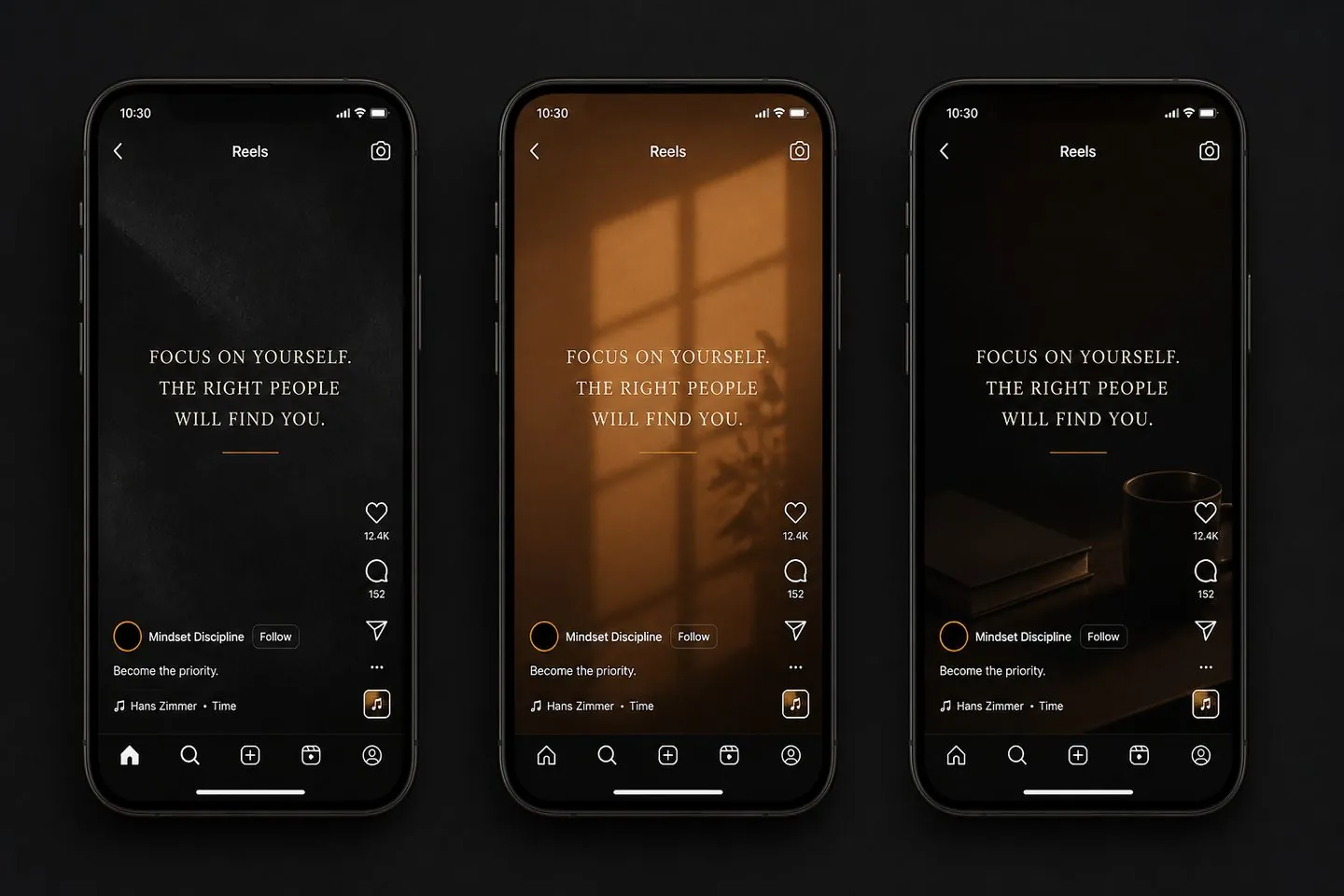
Series
Reuse the same style pass when you ship multiple talking Reels in a week — less redesign per post.
Post
Put captions on the MP4 so the look survives drafts, approvals, and final upload — even if platform captions are off.
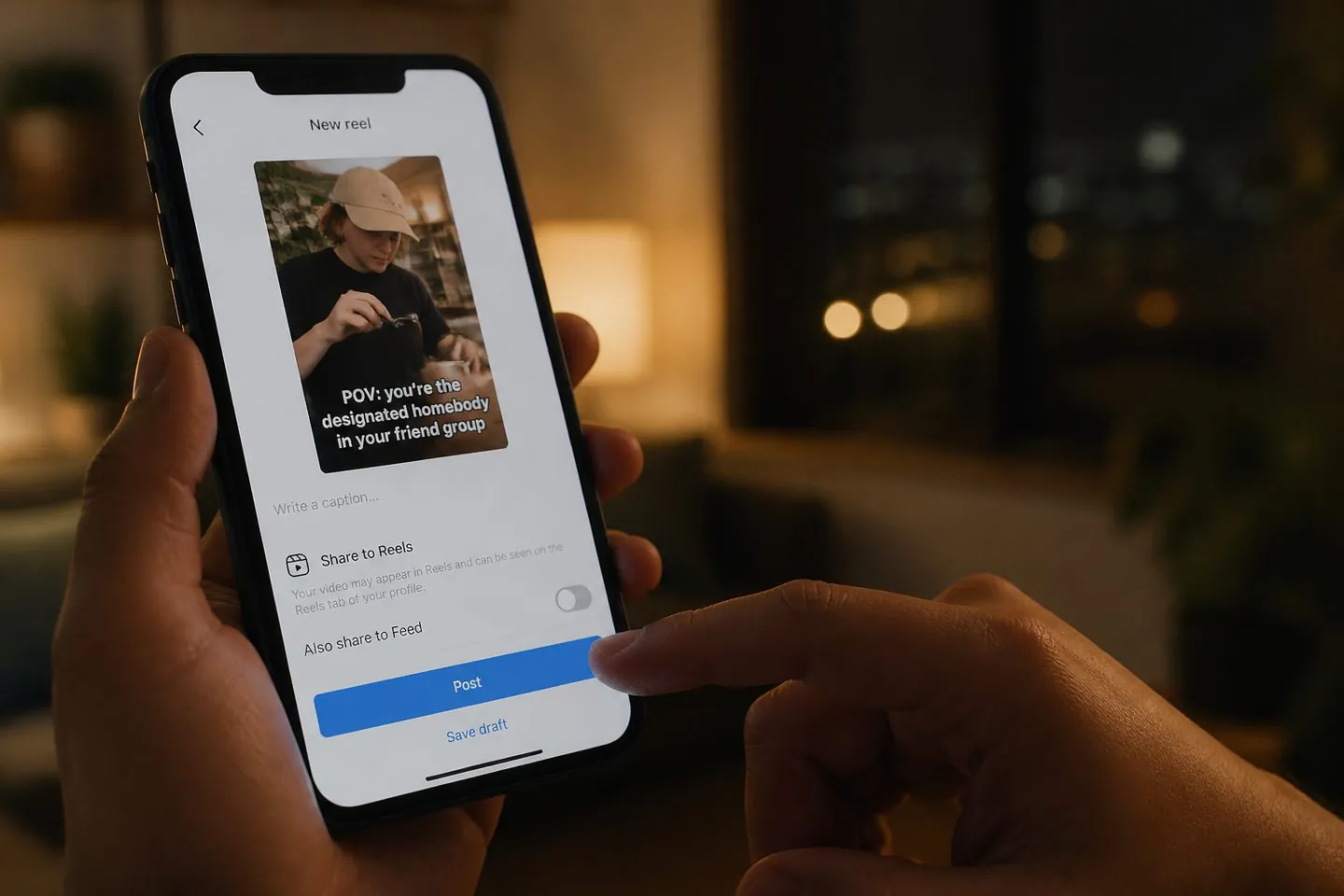
For brands and creators who care how captions look in the Reels feed.
Keep subtitle styling consistent across a Reels calendar.
Explore Add subtitles to video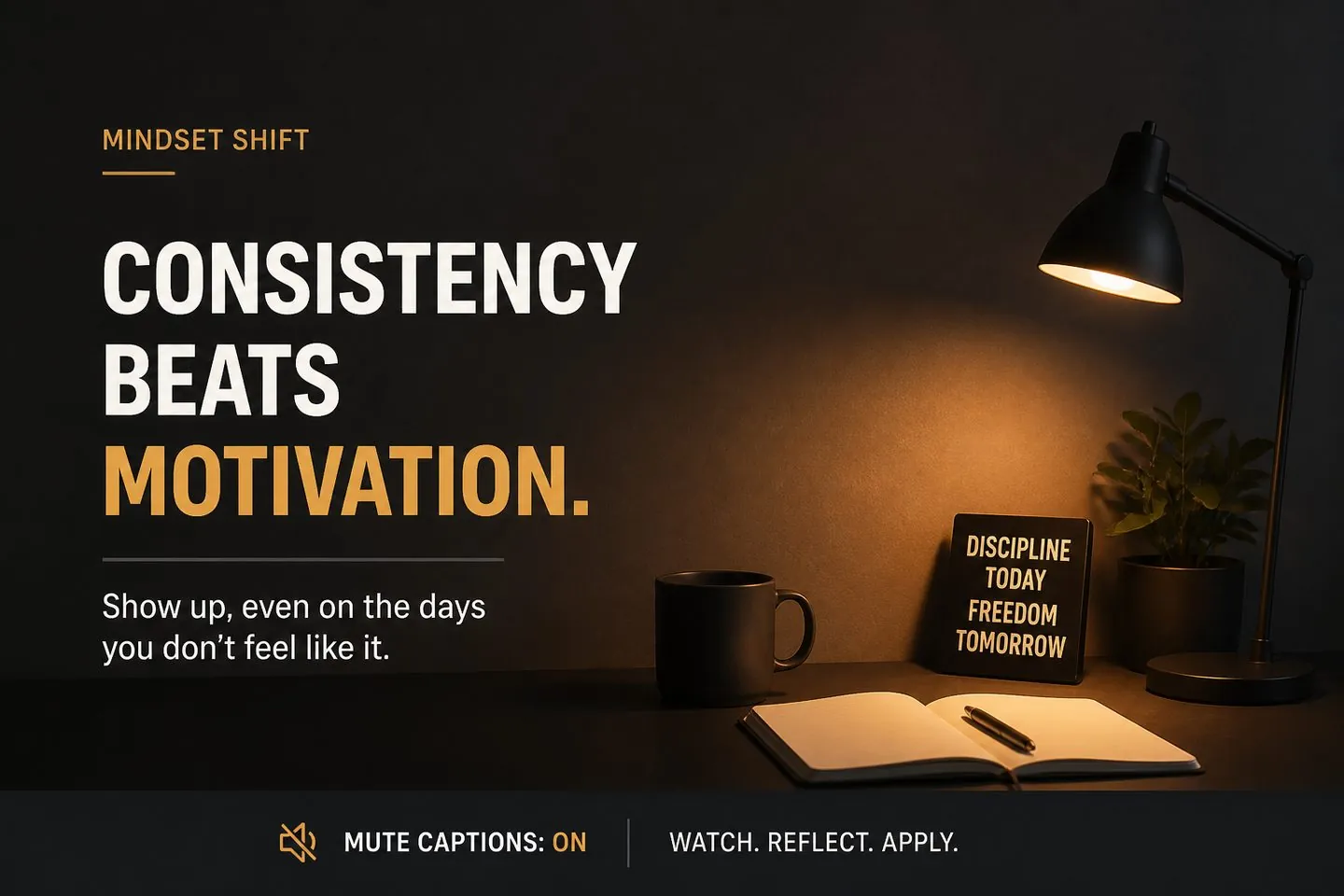

Deliver captioned verticals that already match brand fonts.
Explore TikTok caption generator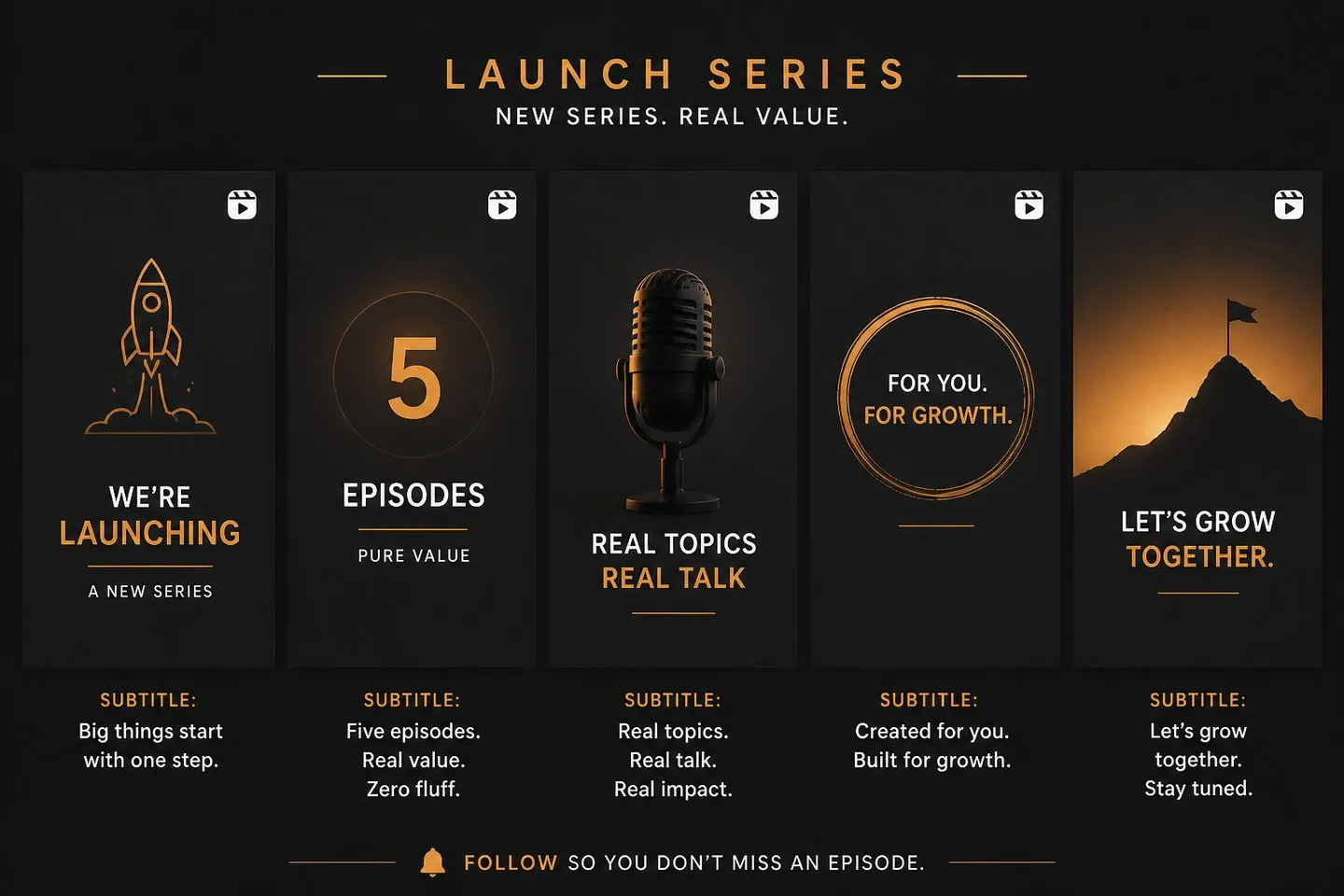
Ship a launch week of Reels with the same subtitle language.
Explore AI subtitle generatorYes — text on the MP4 shows even if Instagram captions are off.
Yes. This entry applies 9:16 when you upload so Reels framing is ready immediately.
Upload it, keep or adjust the canvas, and reposition captions so they remain readable after the vertical crop.
Both are vertical — this page emphasizes Reels branding and batch consistency. For TikTok-first framing, see the TikTok caption generator.
Yes — same studio. Start general with the auto caption generator if you prefer.
See pricing. Drop a Reel above to start.
Drop a video above to open the full caption studio on this page — same URL, no separate app install.