
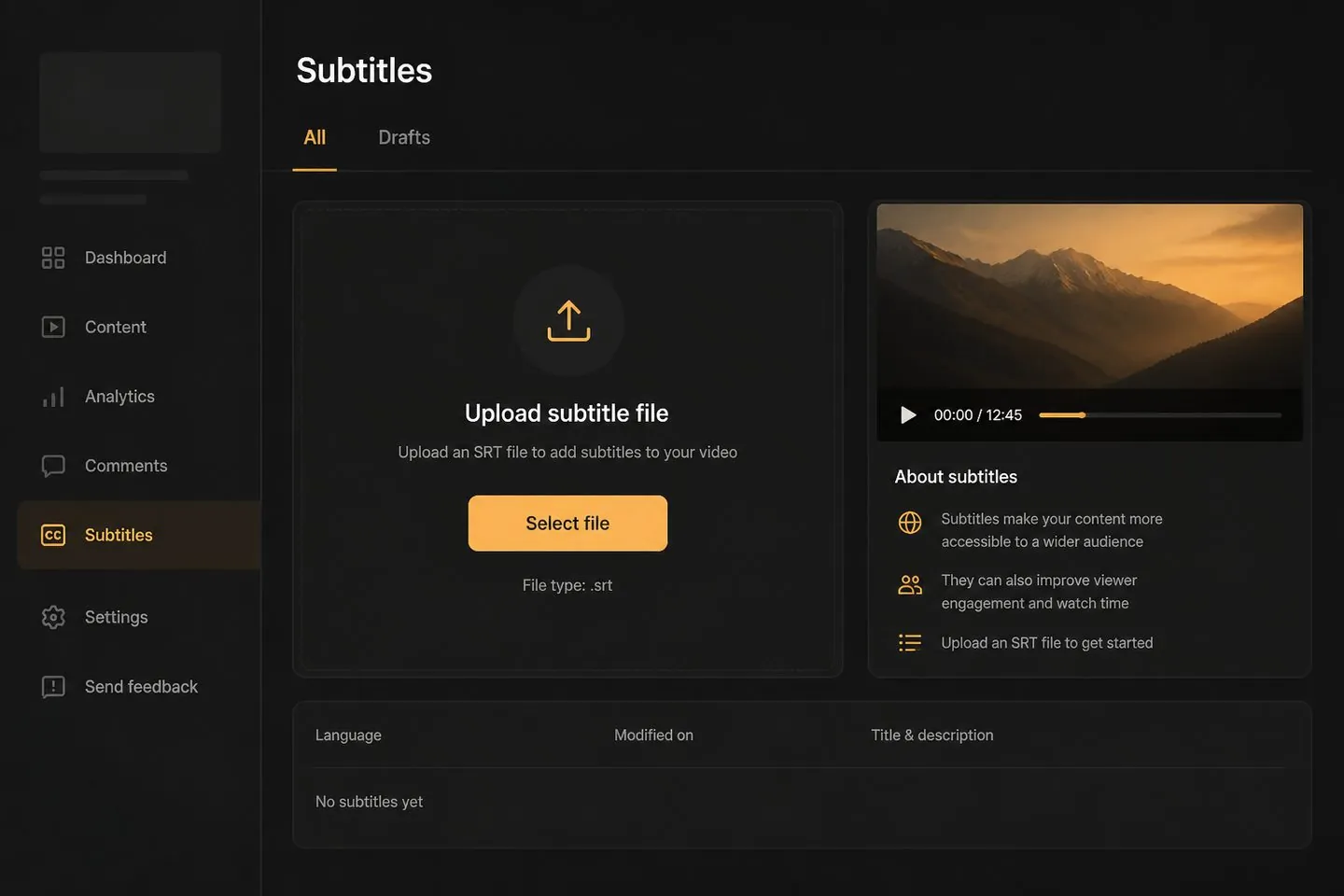
YouTube Studio uploads
Generate .srt and upload it beside your video in Studio.
Explore YouTube subtitle generatorSubtitle files
Generate timed captions from your clip, clean them up, and download an SRT — or keep captions on the video when you need both.
Drop a video to caption
MP4, MOV, WebM, or MKV. Drop a clip — get captions you can style and export.
Definition
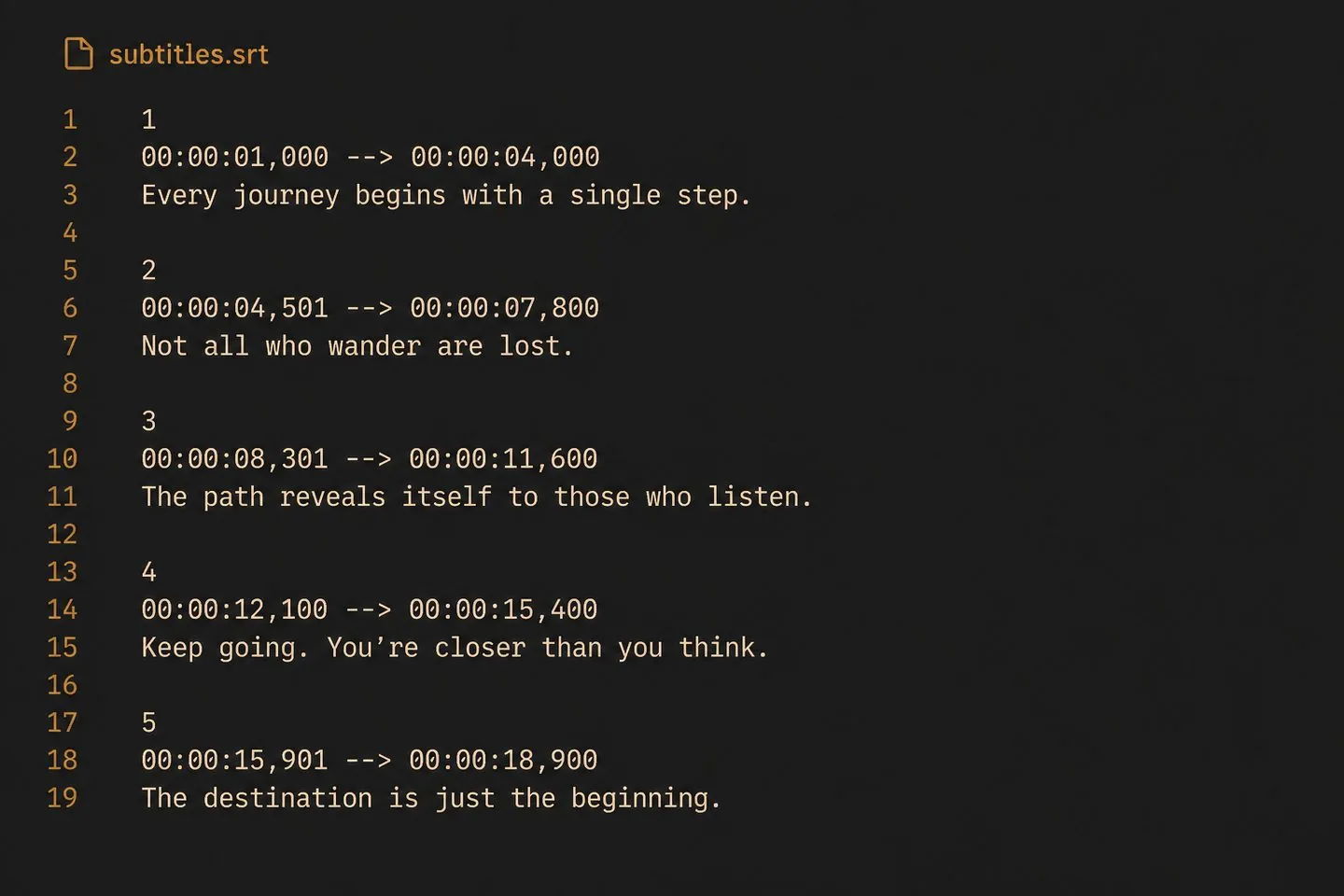
An SRT generator turns speech into timed caption cues you can download as a subtitle file. Start from video, fix wording, then export .srt — without hand-typing timestamps.
File-first
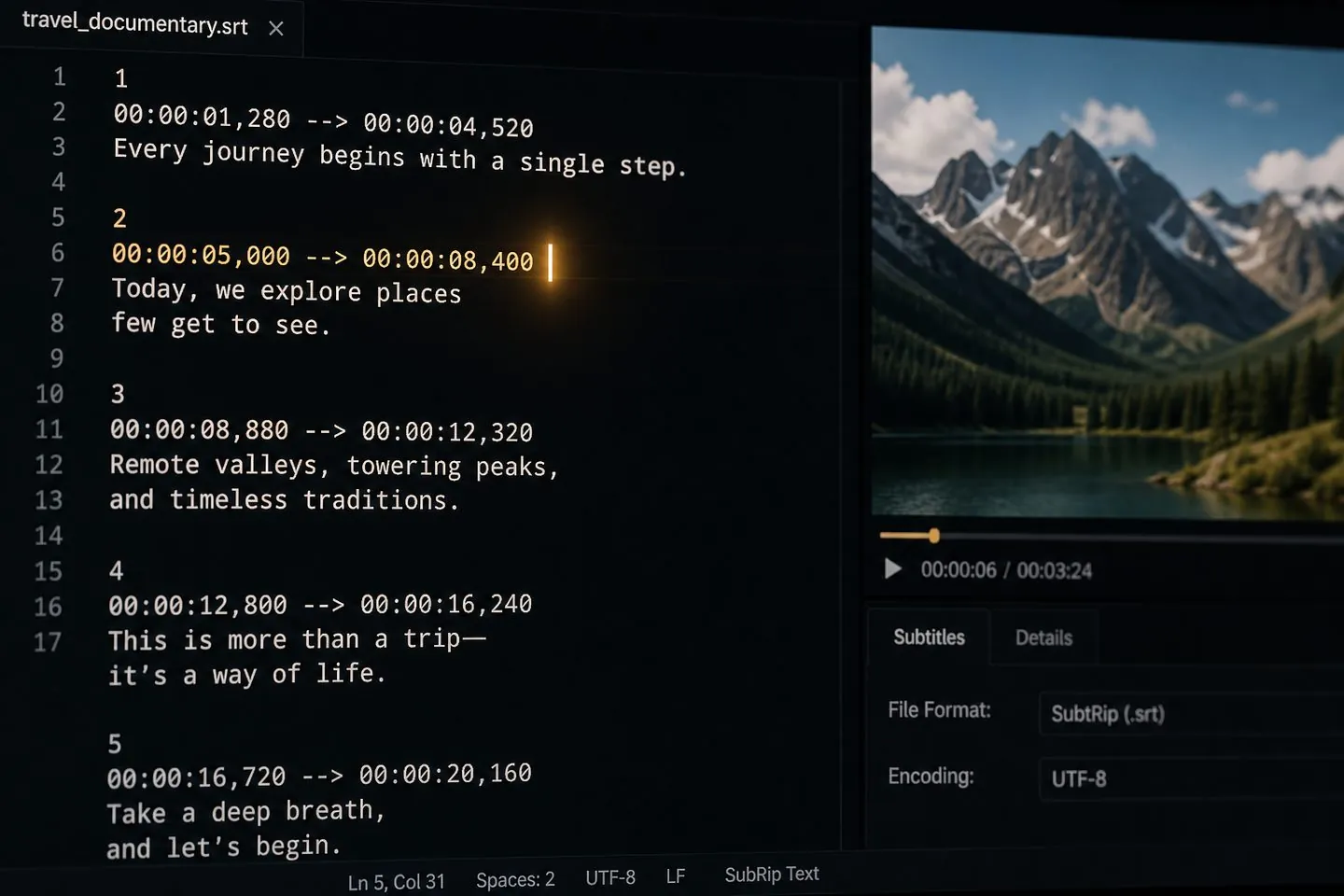
Drop a video, get timed captions, then download .srt for platforms that want soft subtitles. You can still put text on the MP4 when the upload needs it.
Clean cues
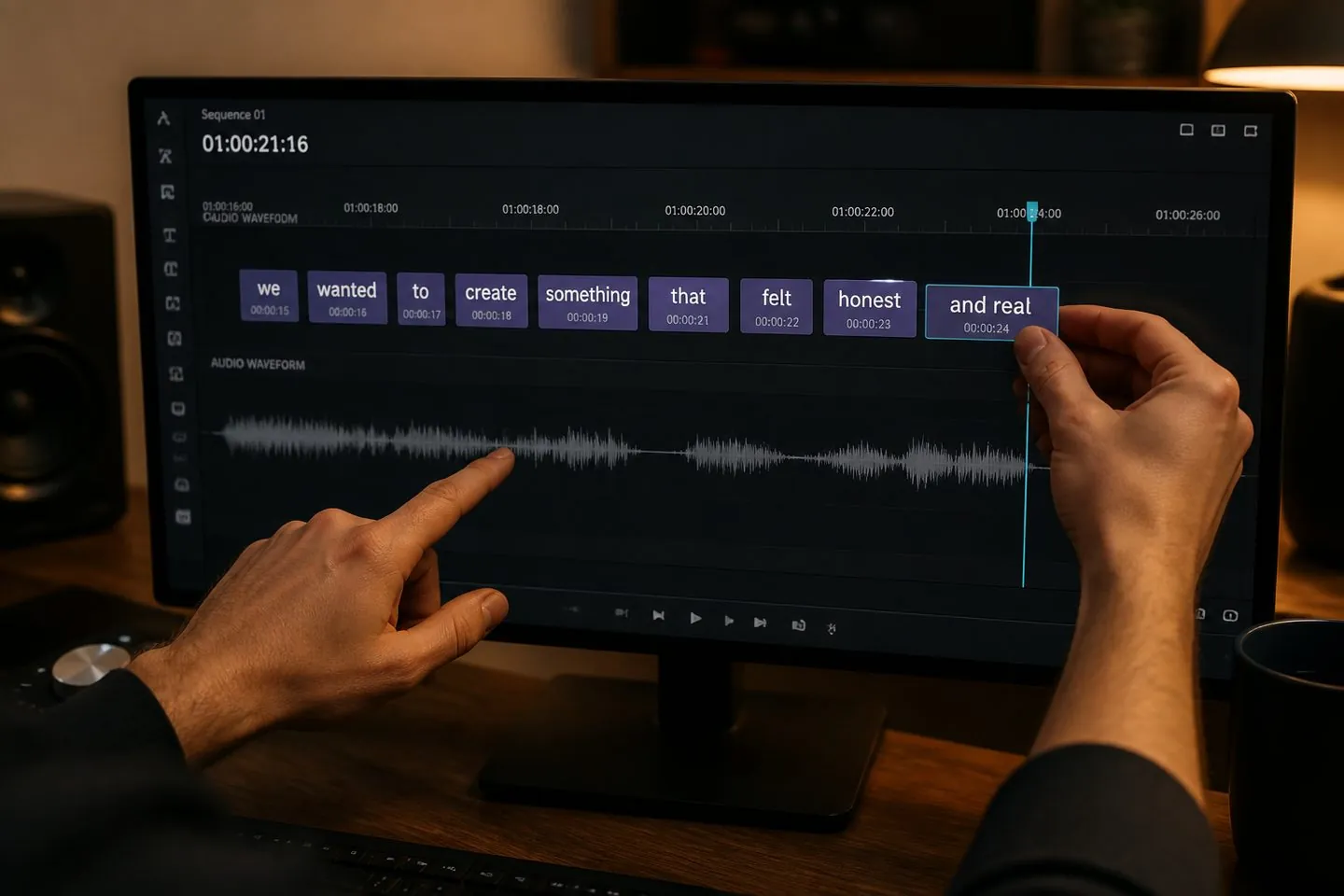
SRT quality is cue quality. Merge lines, correct spelling, and adjust starts/ends so the file you ship is usable.
Formats
One caption pass powers multiple downloads from the export menu — pick what your platform or client asked for.
Ship
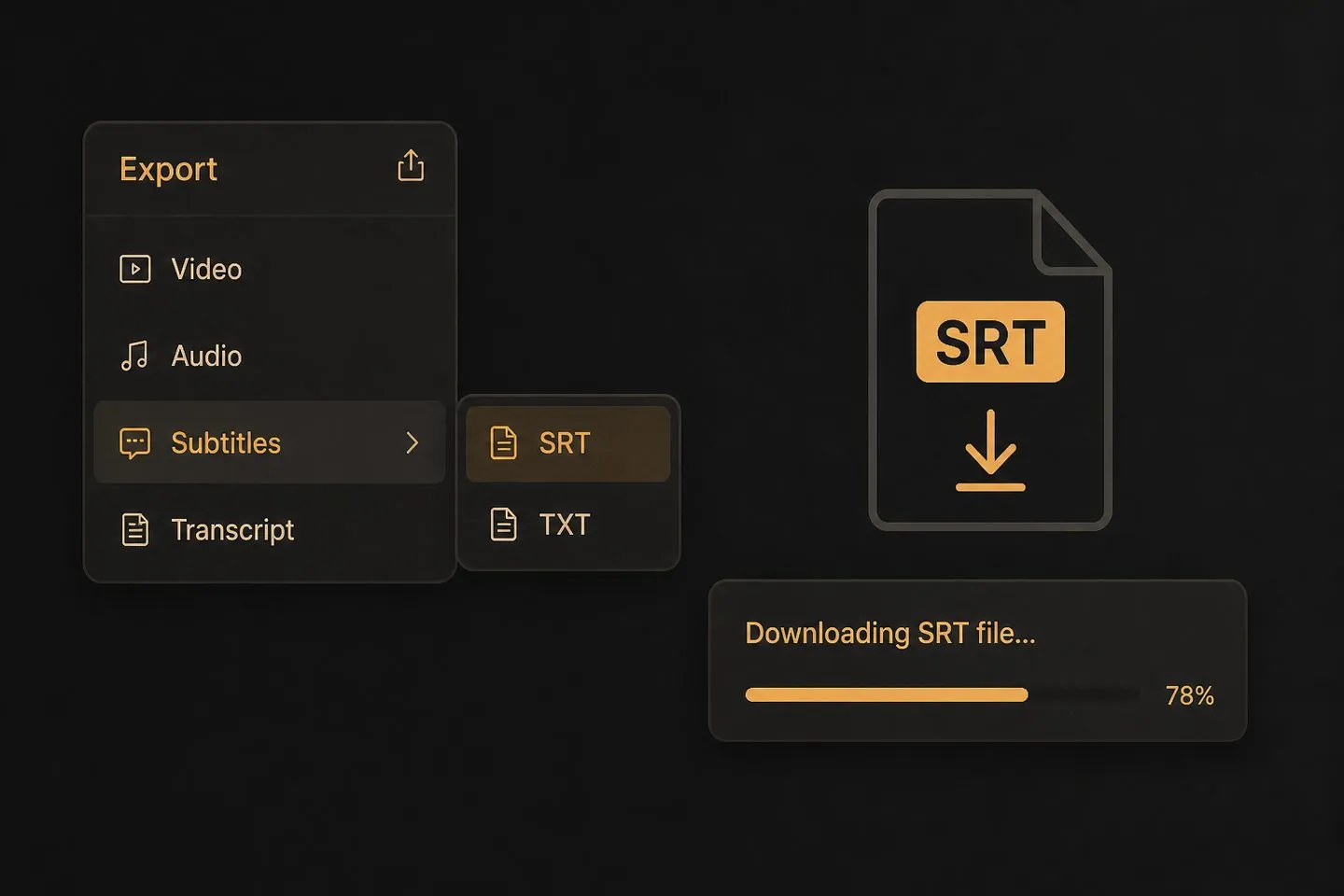
Open the export menu chevron and choose .srt, .vtt, or .txt. Need captions on the picture instead? Export the MP4 from the same project.
If the deliverable is a subtitle file, start here.
Generate .srt and upload it beside your video in Studio.
Explore YouTube subtitle generator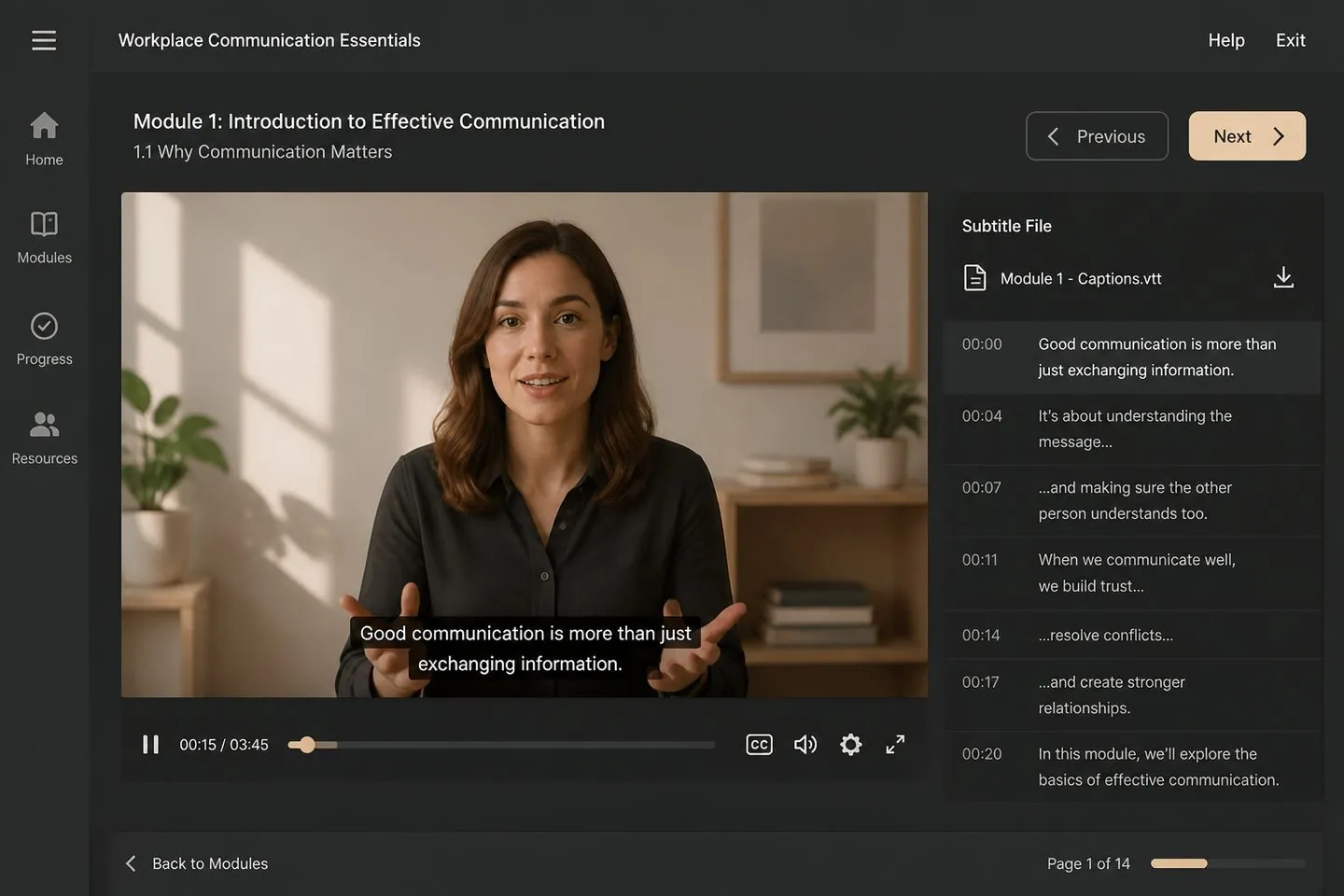
Hand off timed subtitle files for lesson players.
Explore Add subtitles to video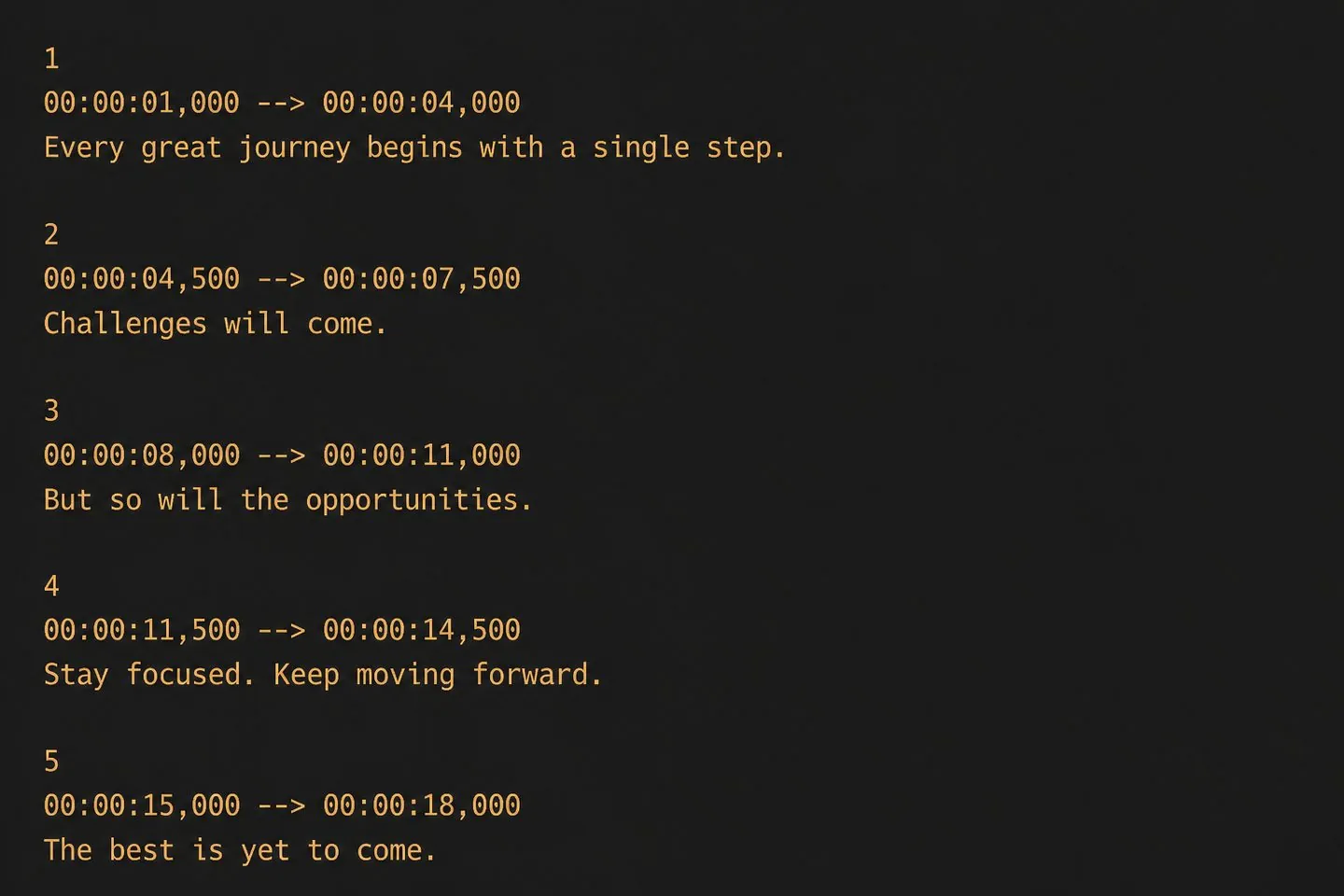
Ship clean SRT/VTT without rebuilding cues in a blank editor.
Explore Subtitle translator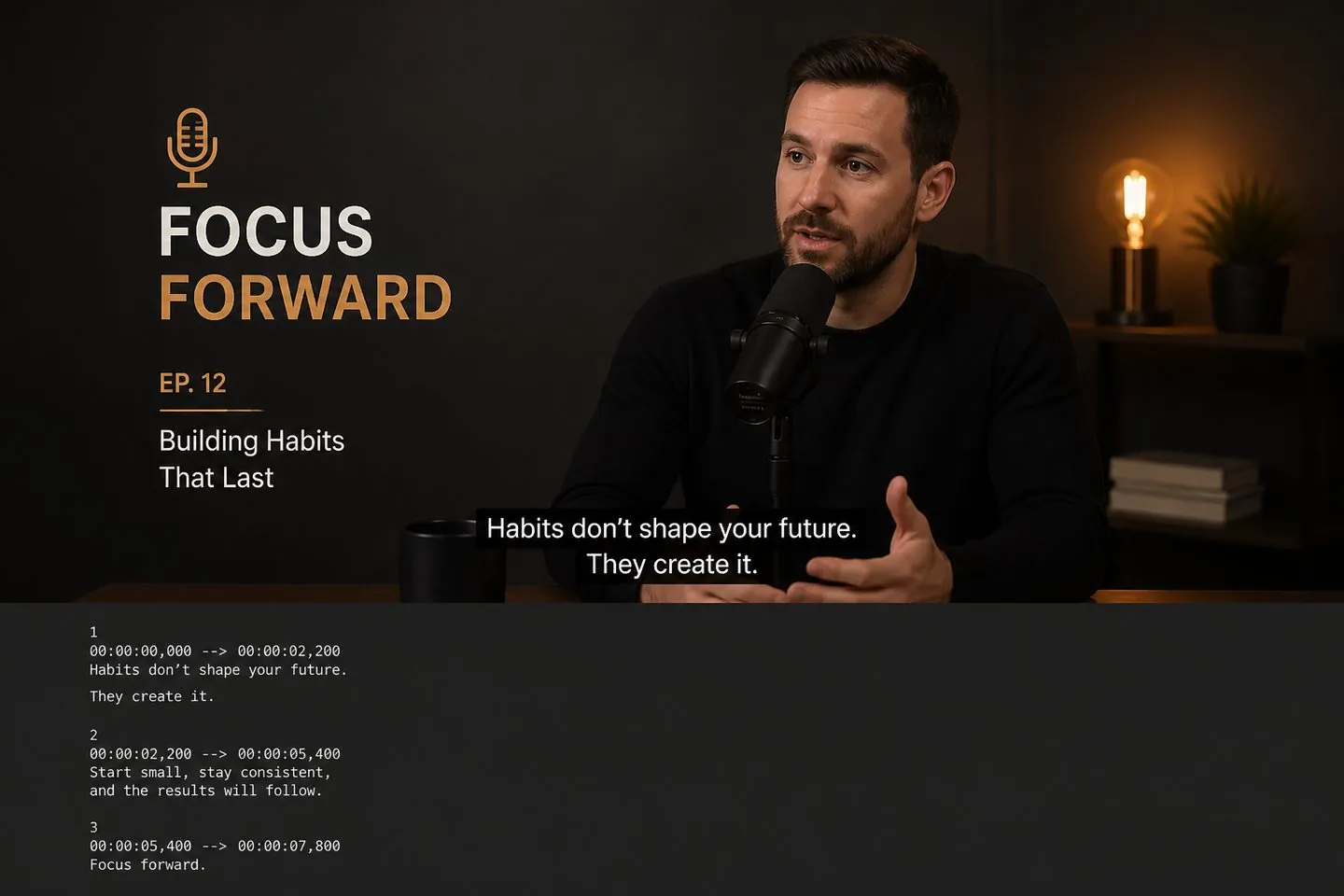
Turn episode speech into cue files for clips and show notes.
Explore Auto caption generatorOpen the export menu chevron next to Export and choose .srt (or .vtt / .txt).
Yes — download the .srt and upload it in YouTube Studio, or start from the YouTube subtitle generator for a 16:9 default.
No. Once captions exist you can download subtitle files without exporting a new video.
Yes — fix words and timing in the studio so the SRT you ship is clean.
Add a translation track first with the subtitle translator, then download the file.
See pricing. Drop a video above to generate SRT.
Drop a video above to open the full caption studio on this page — same URL, no separate app install.