
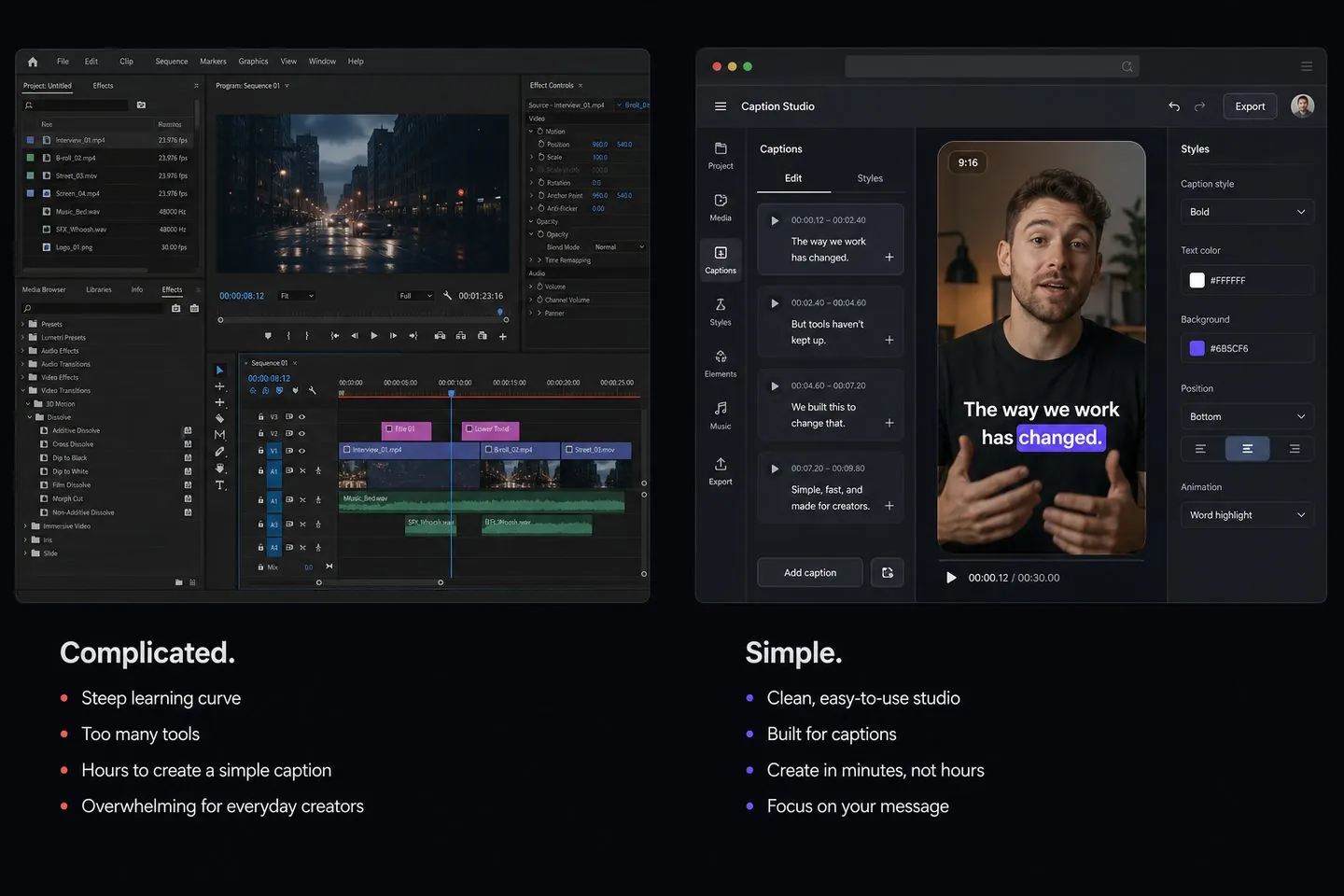
CapCut alternative
Powerful all-in-one editor — heavy if you only need styled captions.
AutoCaptions vs CapCutAlternatives
Evaluating CapCut, VEED, Kapwing, Zubtitle, or AutoSubtitles? These guides compare AutoCaptions on the caption job — generate, style, burn-in — so you can switch with clear eyes or stay where you belong.
Comparisons
Each page covers both “X alternative” and “AutoCaptions vs X” intent — honest strengths, who should stay, and how to switch.
Powerful all-in-one editor — heavy if you only need styled captions.
AutoCaptions vs CapCut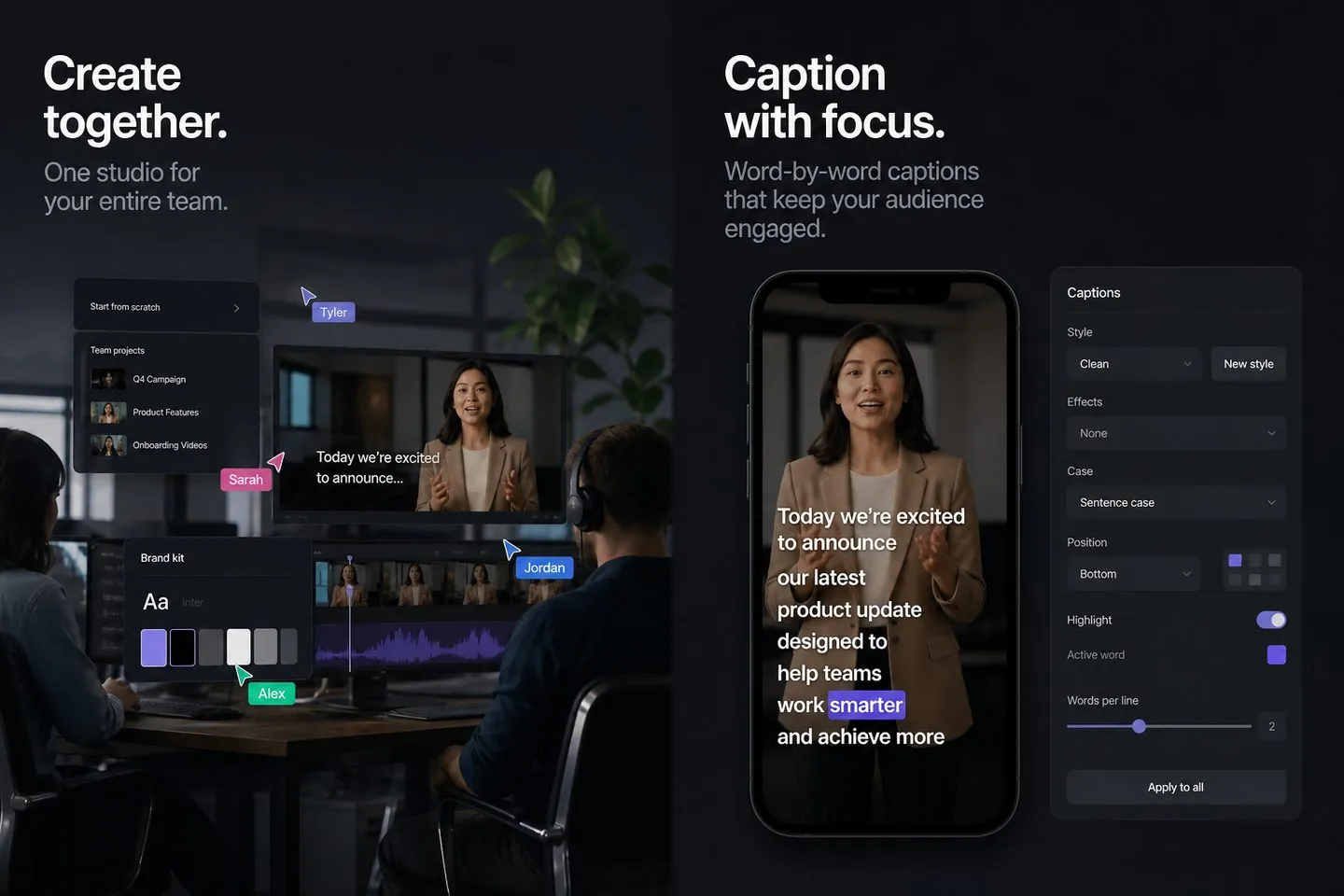
Pro browser studio with teams and brand kits — more than captions.
AutoCaptions vs VEED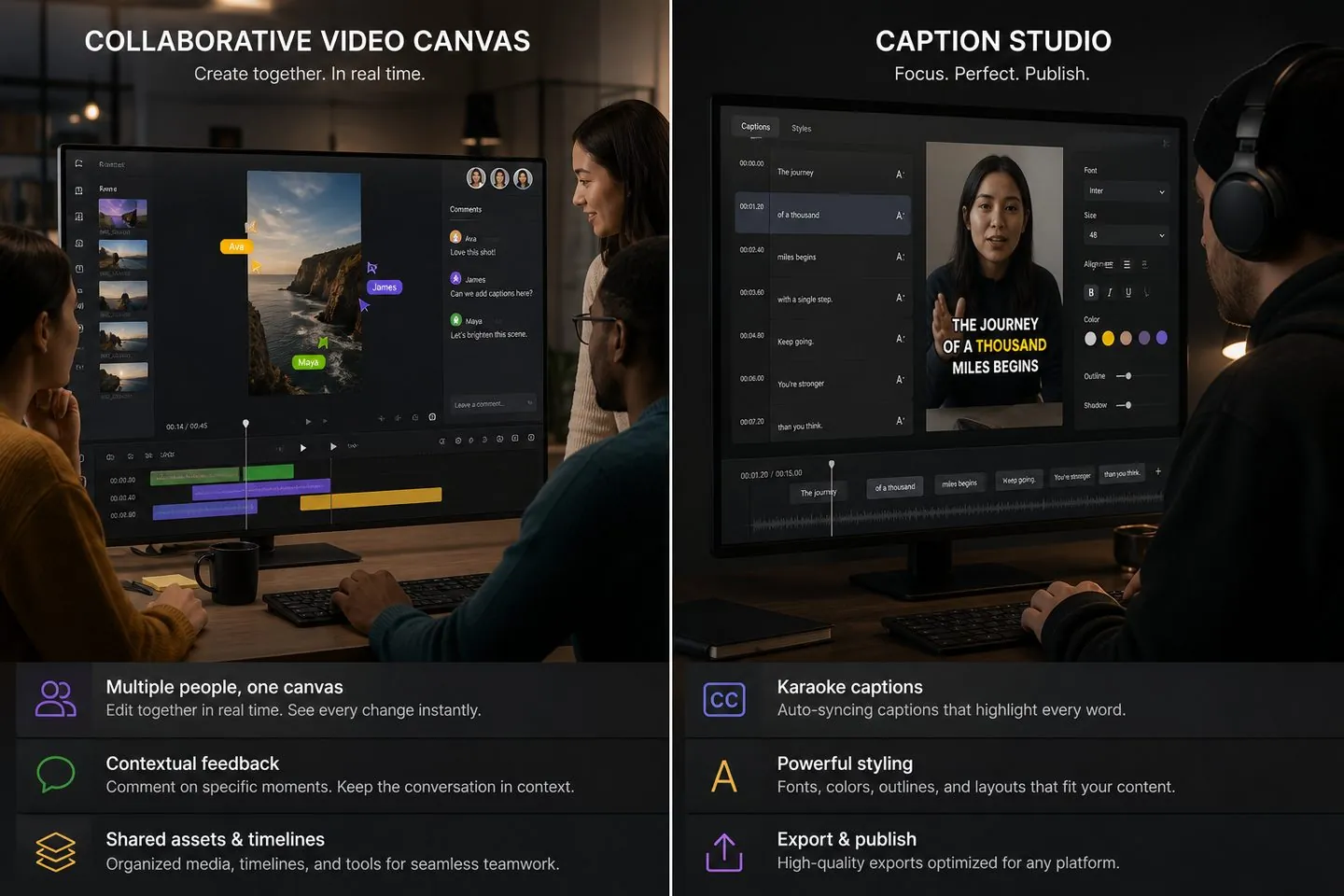
Team-friendly online editor — premium if you only caption alone.
AutoCaptions vs Kapwing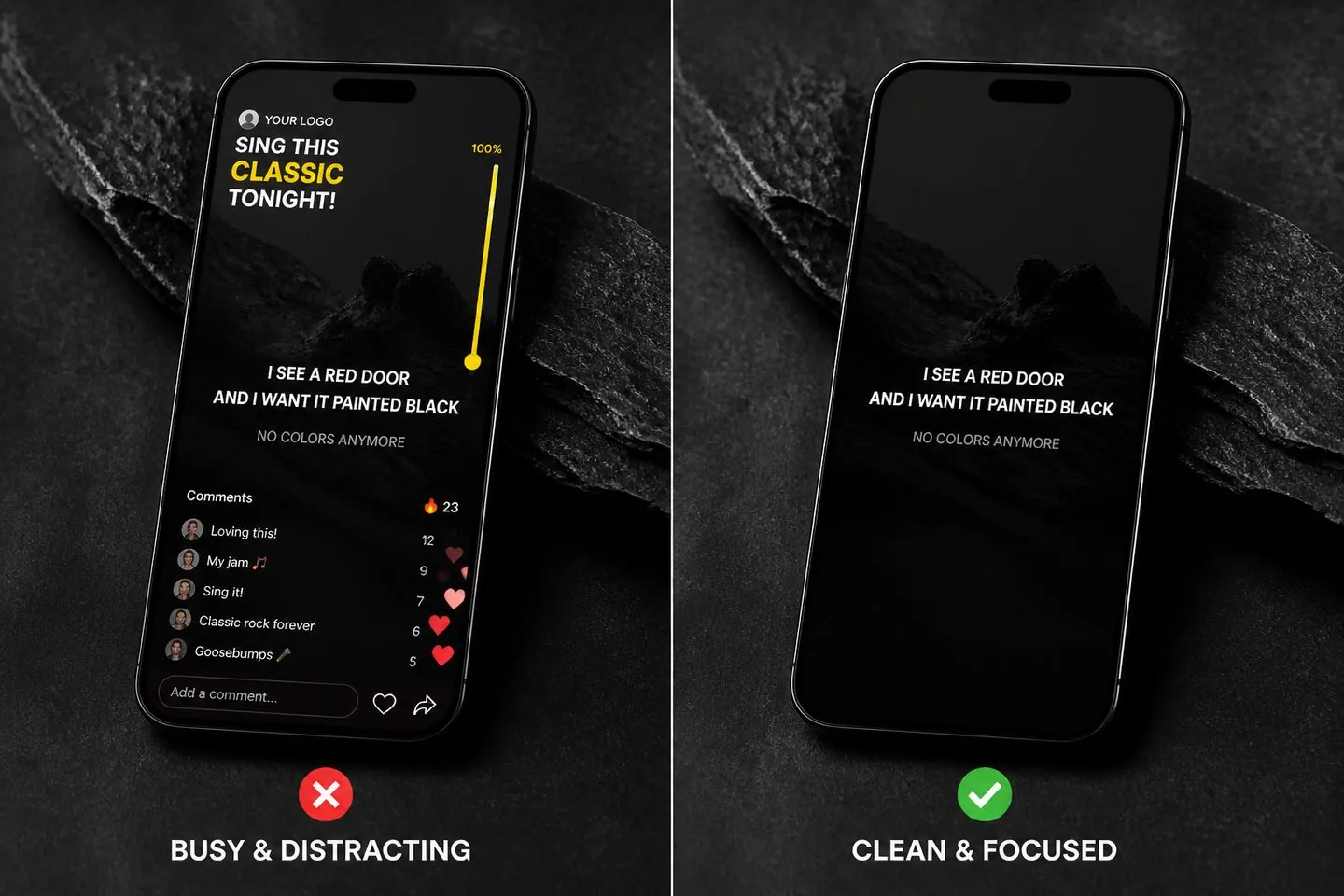
Social overlays and branding extras — more suite than subtitle studio.
AutoCaptions vs Zubtitle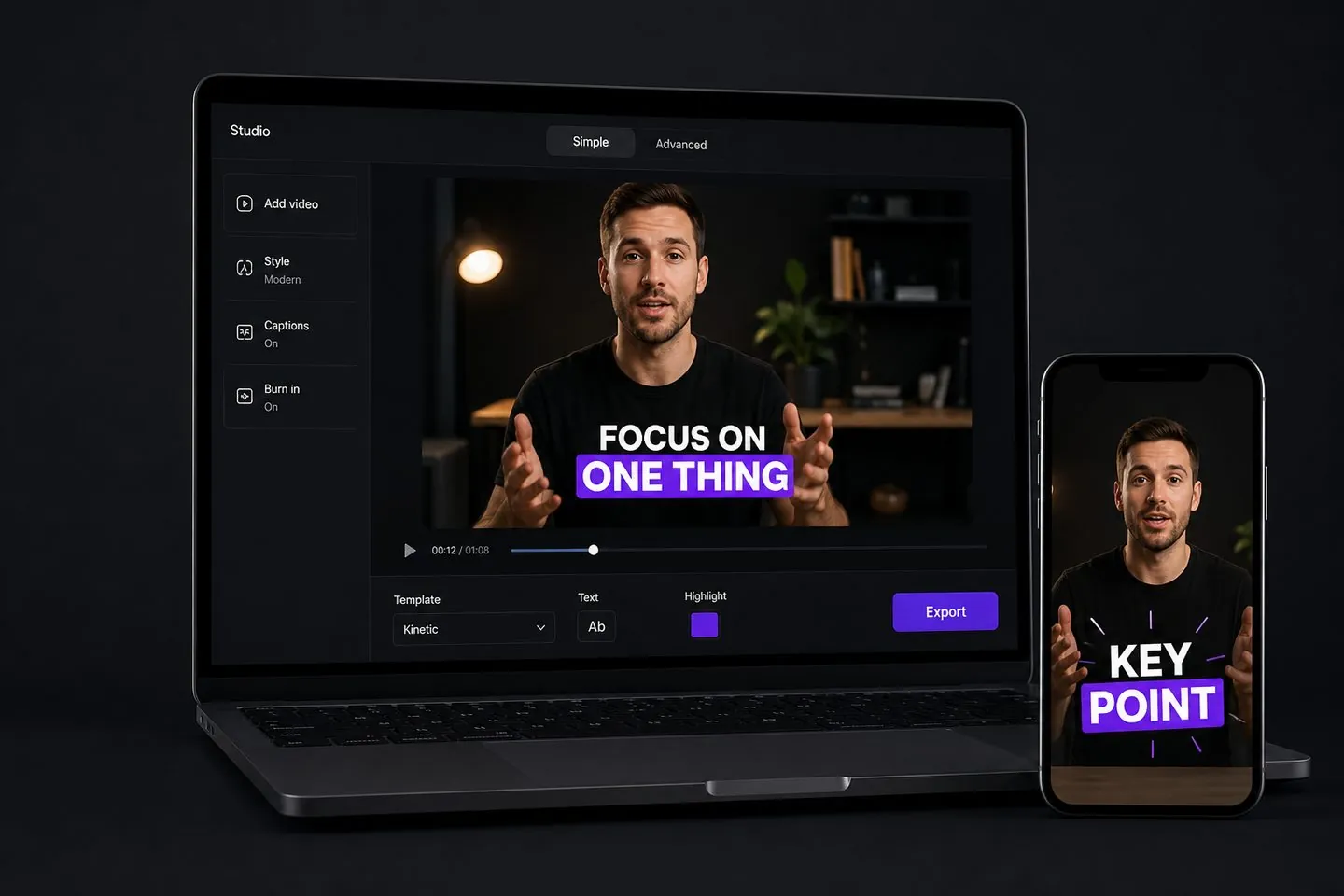
Peer caption product — compare Max features and studio UX, not marketing spin.
AutoCaptions vs AutoSubtitlesHow to choose
Use these to pick a caption studio versus a full editor — and to ignore marketing that pretends they are the same.
If the picture is done and you only need subtitles, a caption tool wins. If you still cut effects and B-roll, keep a full editor.
AutoCaptions runs in the browser for generate → style → export. Suites that need mobile apps or heavy installs make sense when you live in that ecosystem.
Free caption trials usually watermark exports. Pay to remove the mark — or pay a suite tax for teams, recording, and brand kits you may not need.
AutoCaptions
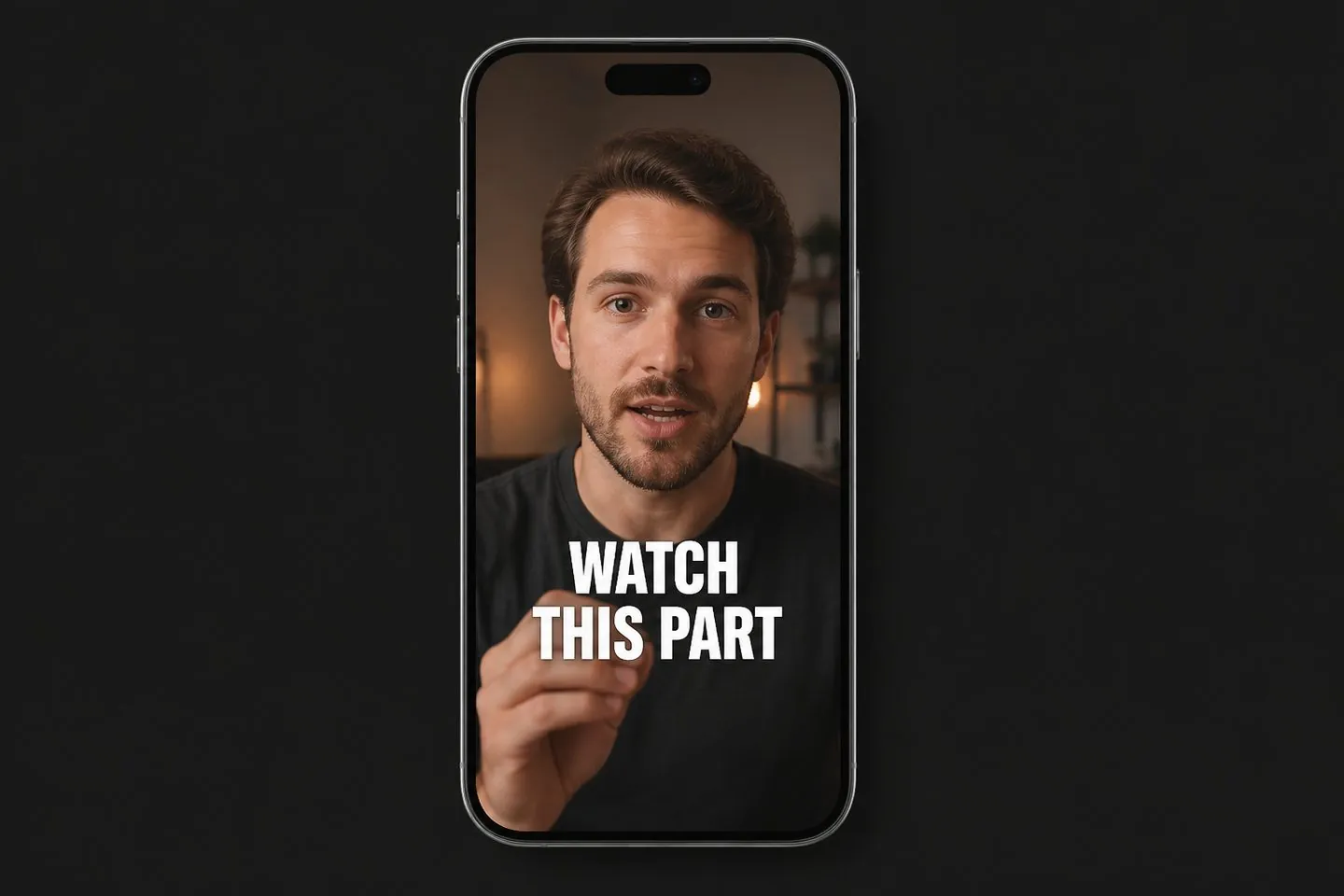
A free-to-start caption studio: drop a video, get timed captions, apply viral styles, and export an MP4 with subtitles burned in. Pro removes the watermark; Max adds multi-speaker captions, Auto Clips, and keyword highlighting.
If you only need styled burn-in captions, AutoCaptions vs CapCut explains when a caption studio beats opening a full CapCut project.
AutoCaptions lets you caption free with a watermark. See VEED and Kapwing comparisons for suite vs caption-only pricing.
Same category. Read the AutoSubtitles alternative page for a peer comparison of studio modes and Max features.
No. We only publish AutoCaptions vs a named tool — not CapCut vs VEED style pages that dilute the site.
Skip the comparisons and open the free subtitle generator — or jump to the auto caption generator.
Open the free subtitle generator, drop a clip, and export styled captions in the browser.
Try free