
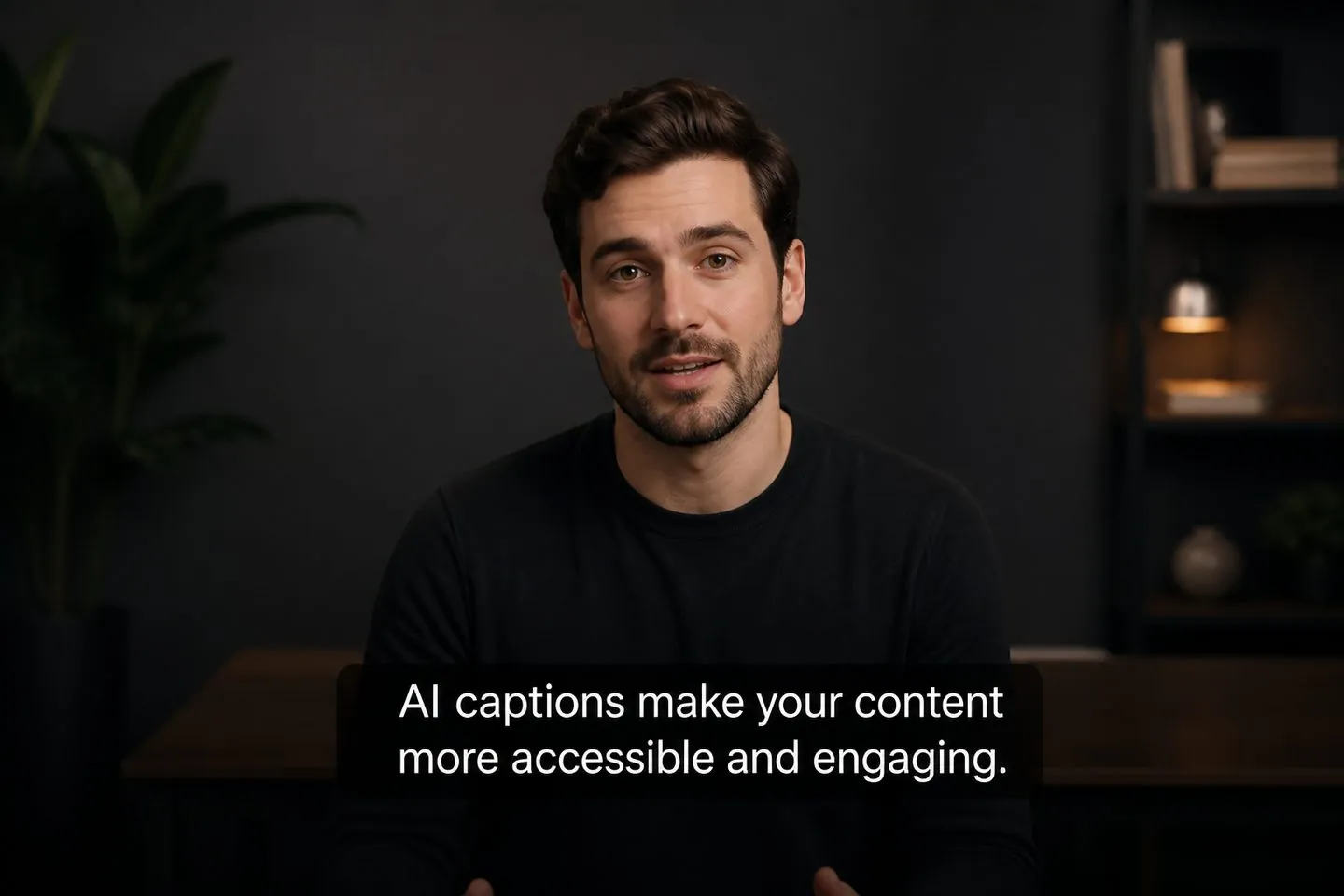
YouTube & talking-head creators
Generate AI captions once, tidy the lines, and keep them on widescreen or Shorts cuts.
Explore YouTube subtitle generatorAI captions
Drop a video and let AI turn speech into timed subtitles you can style and export — without installing a desktop suite.
Drop a video to caption
MP4, MOV, WebM, or MKV. Drop a clip — get captions you can style and export.
Definition
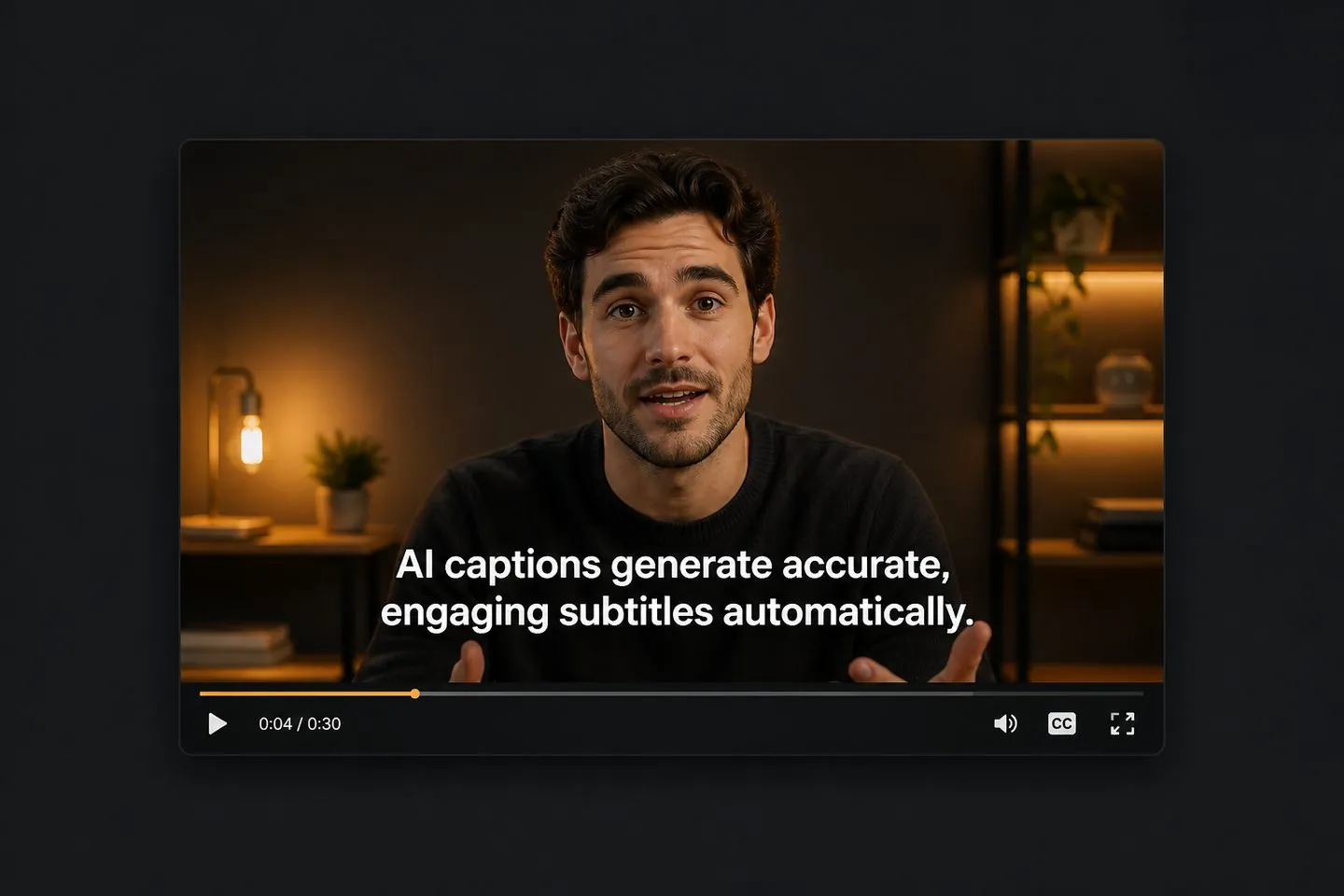
An AI subtitle generator turns spoken words into timed on-screen captions, then lets you style and export them. The result is a clip viewers can follow — not a plain transcript dump.
Why AI
Transcript tools stop at text. An AI subtitle generator should leave you with lines you can fix, restyle, and keep on the finished MP4 so the clip is ready to post.
Workflow
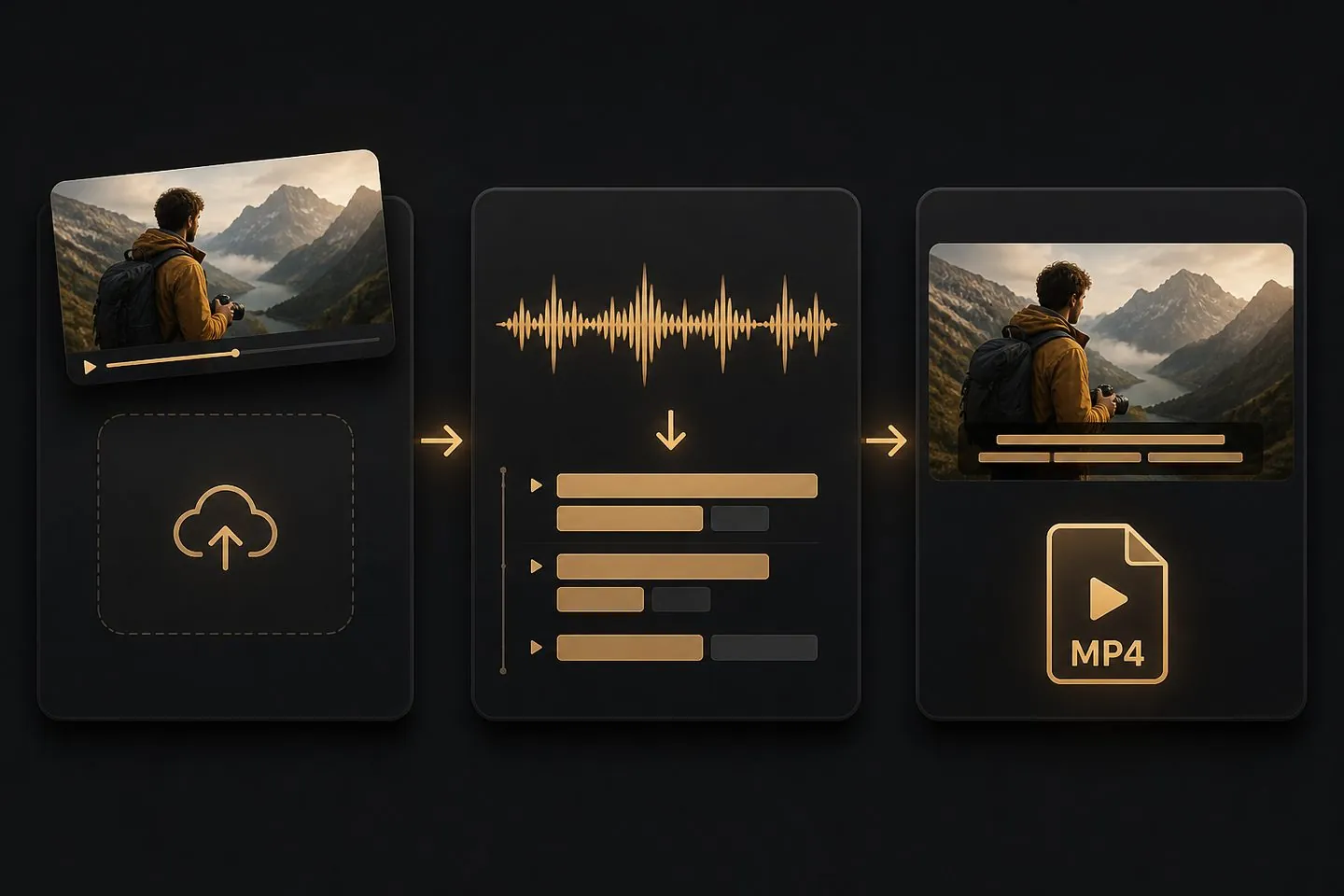
Drop a clip, let AI create captions, then refine. You stay on this page when the studio opens — no re-upload to restyle.
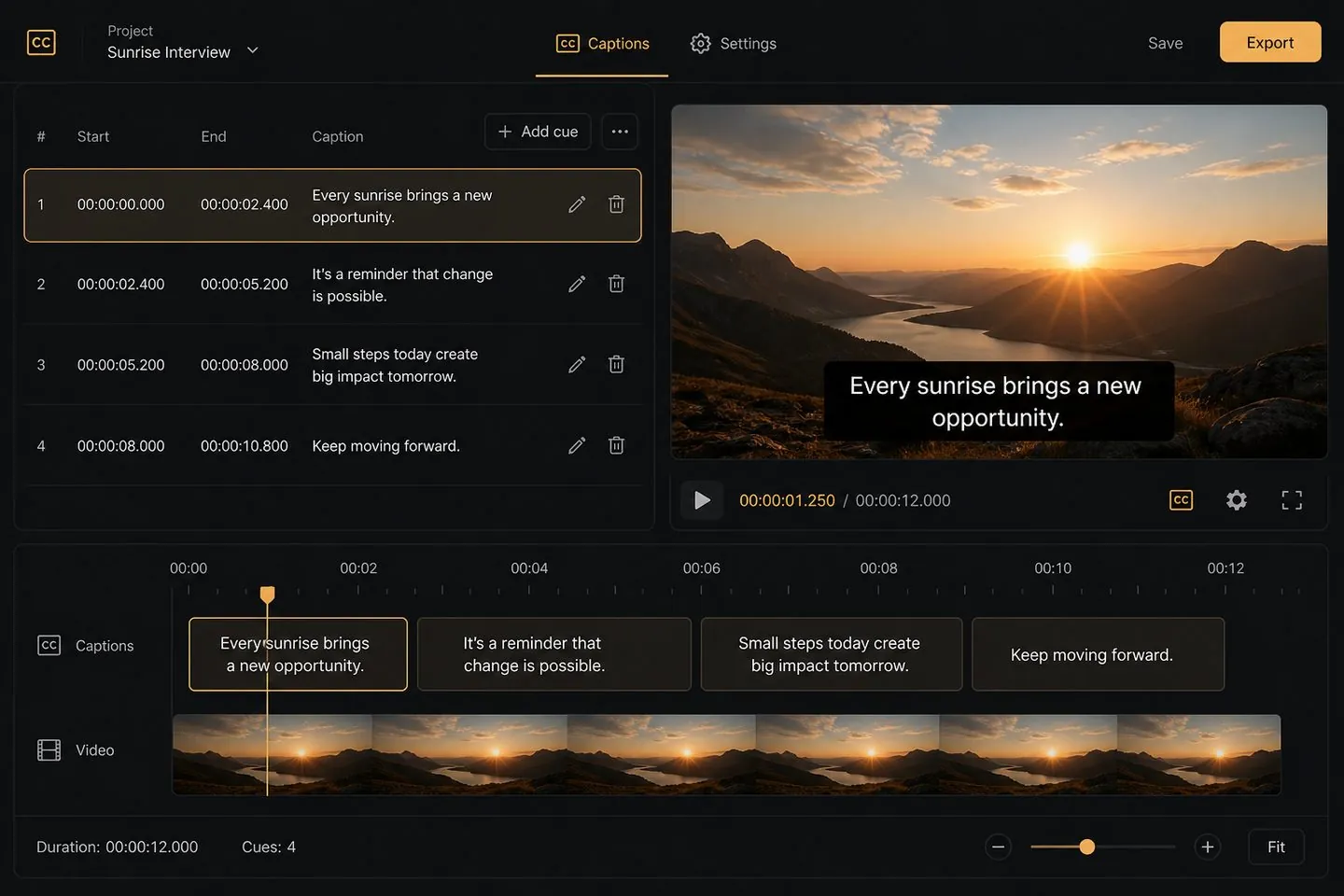
Refine
AI gets you most of the way. Skim wording, merge lines, and nudge timing so every caption reads clean before the final export.
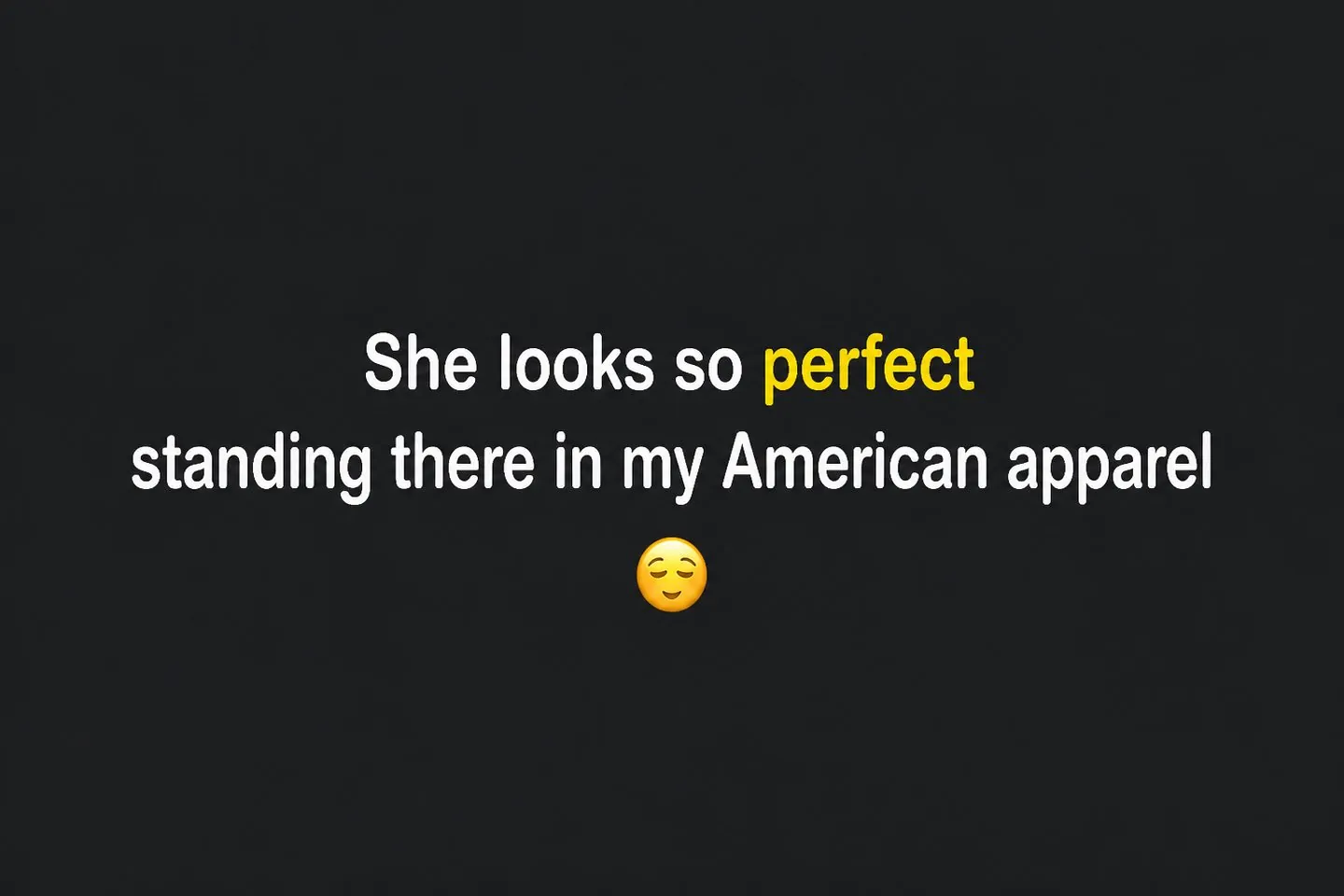
Look
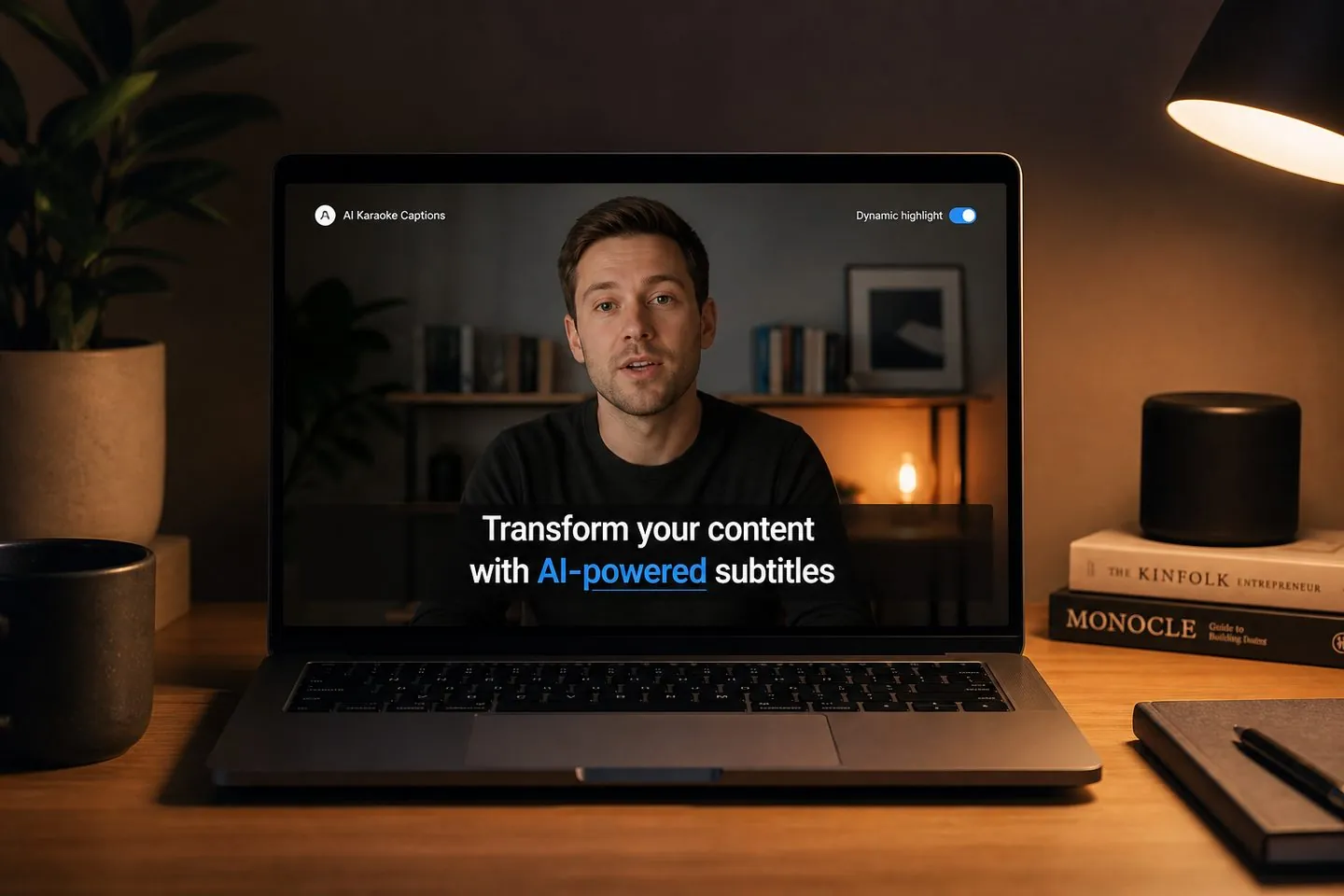
Karaoke, word-highlight, and emoji presets turn plain AI captions into scroll-stopping subtitles — previewed on your actual footage.
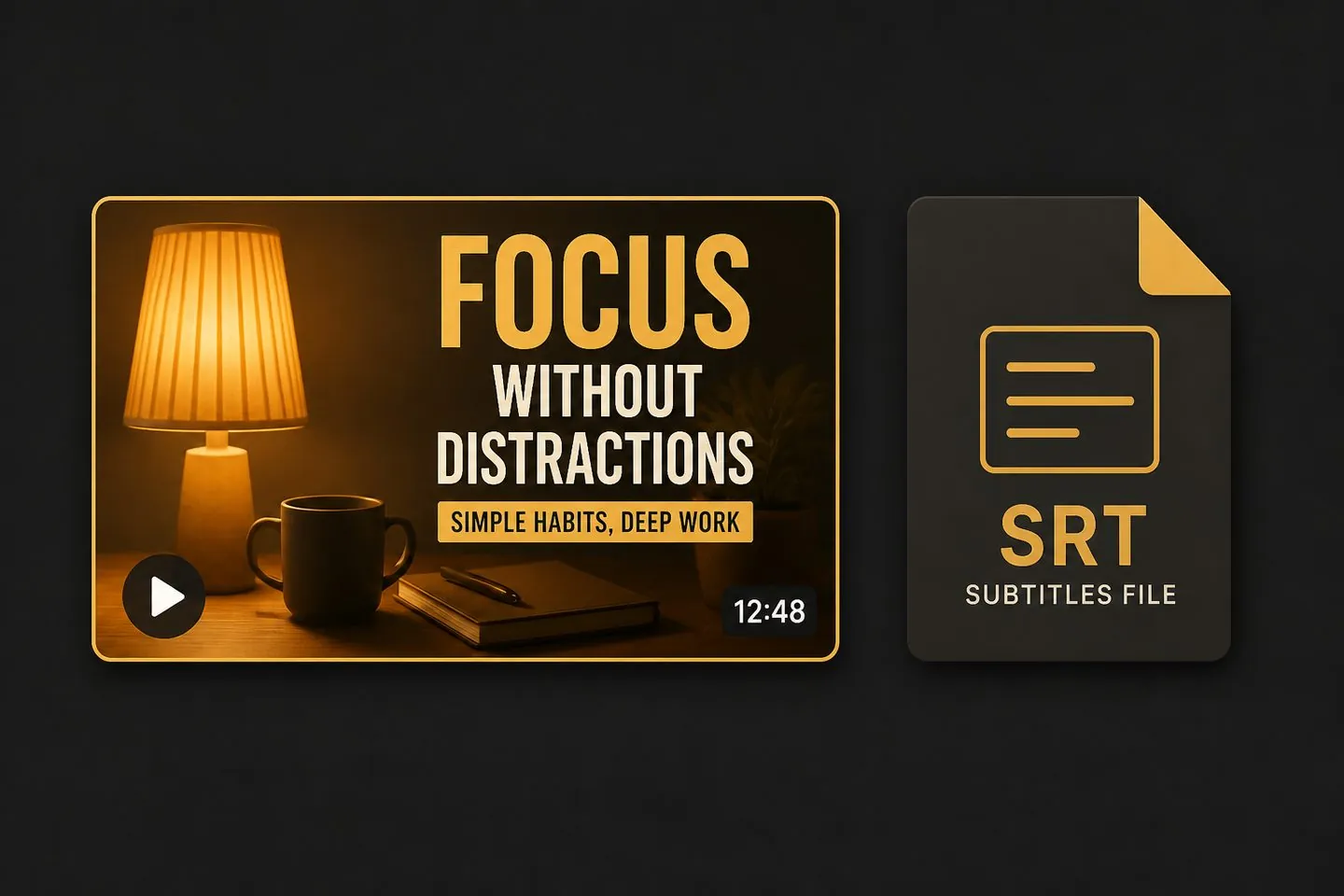
Outputs
Export an MP4 with captions baked in for social posts. When a platform or client wants a subtitle file, download SRT/VTT from the same project — or open translation for a second language.
Studio
Aspect ratios, translate tracks, and emoji tools live beside your AI captions so the final file is post-ready in one place.
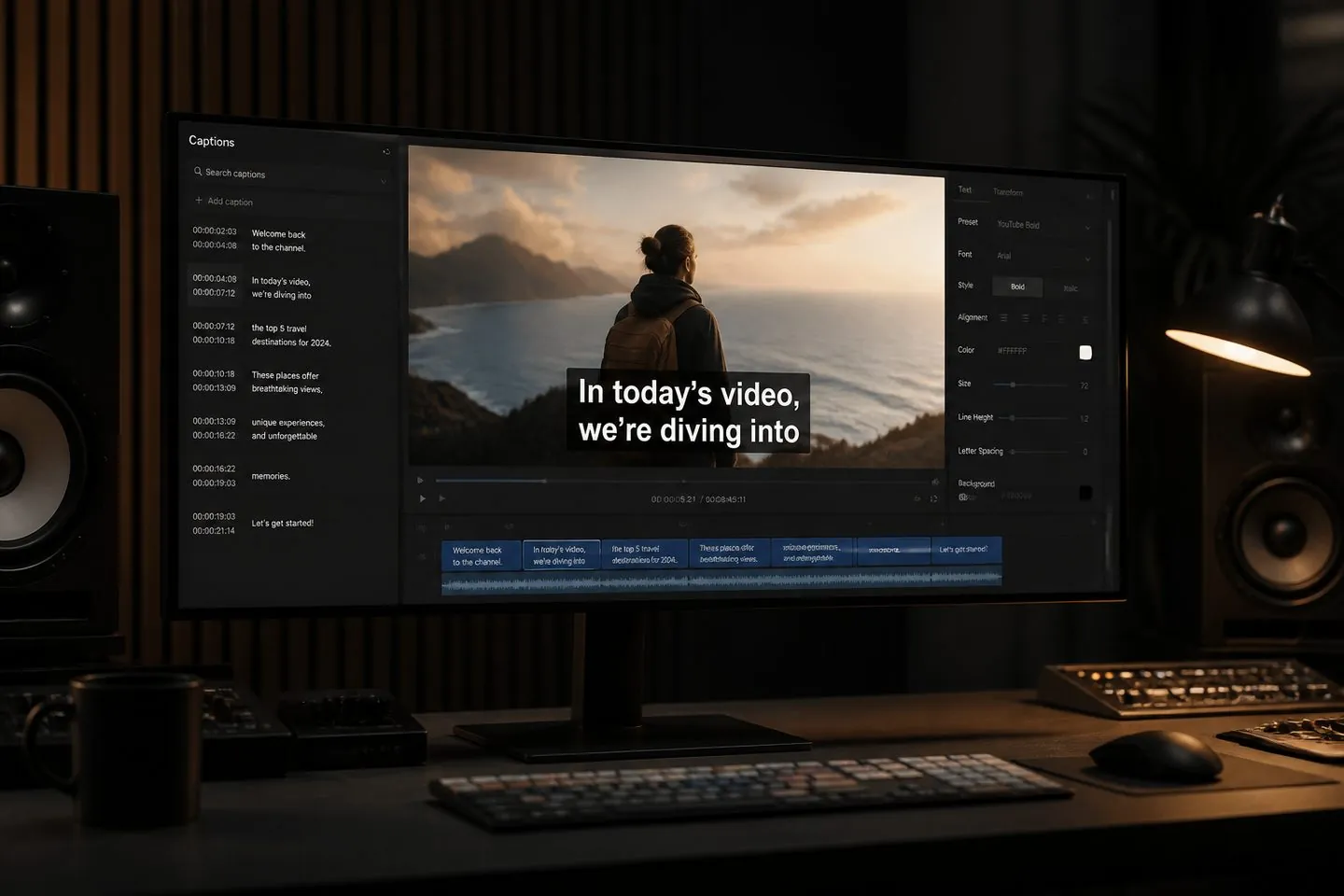
If you ship talking videos and need captions that look finished — not a raw transcript — start here.
Generate AI captions once, tidy the lines, and keep them on widescreen or Shorts cuts.
Explore YouTube subtitle generator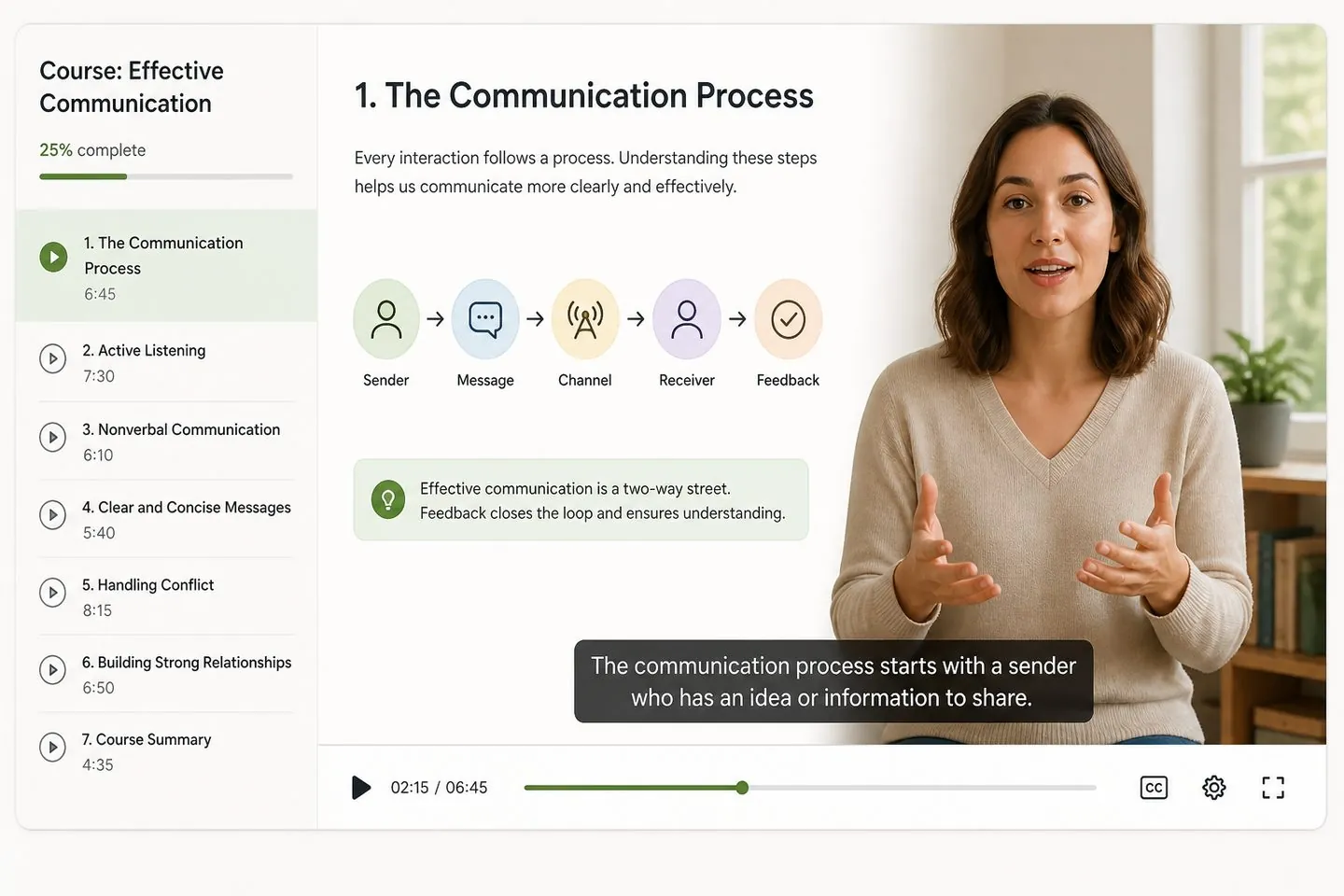
Caption lesson drafts so students can follow every line without a heavy desktop project.
Explore Add subtitles to video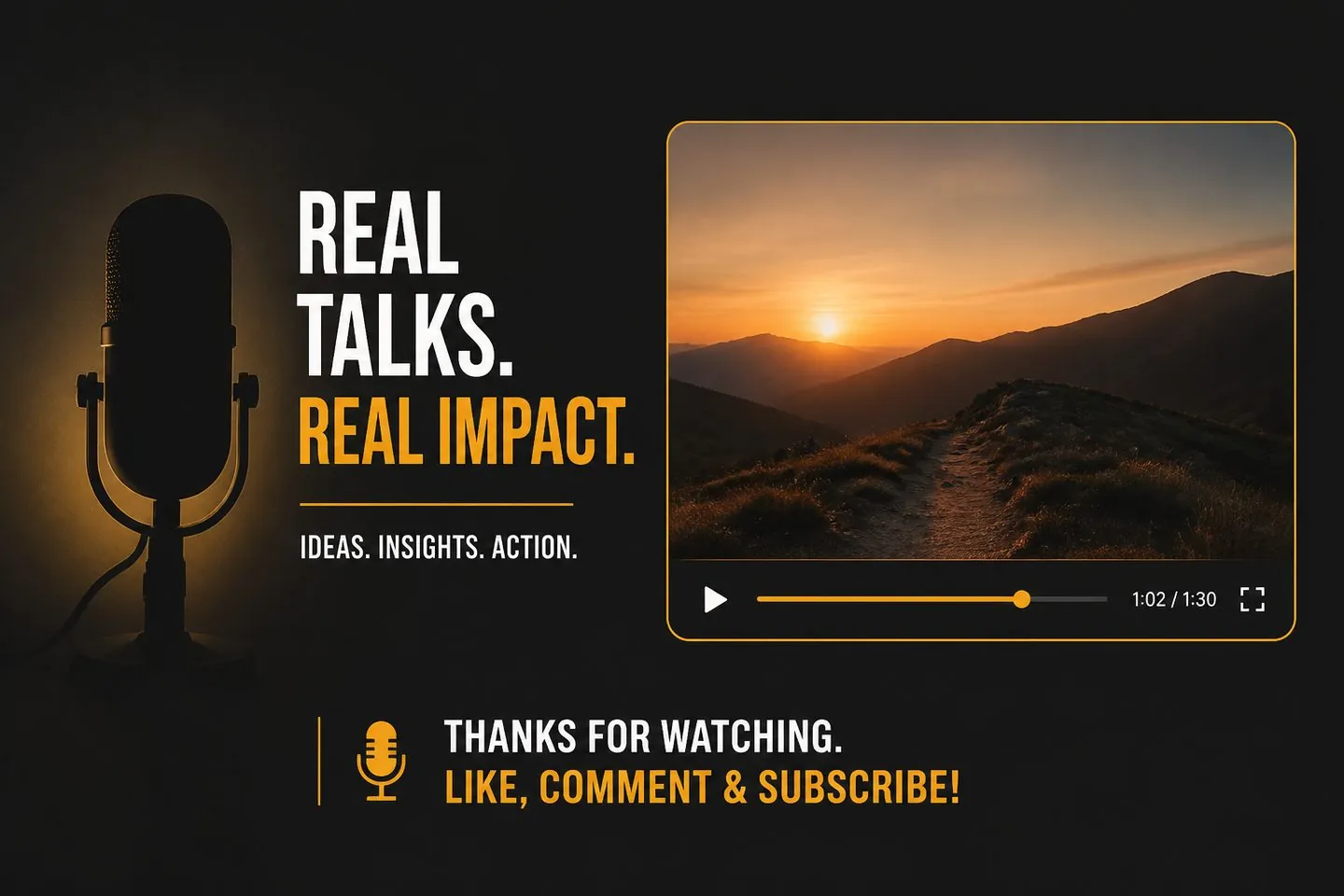
Turn episode audio into short clips with styled captions ready to publish.
Explore Auto caption generator
Apply AI captions, pick a vertical-friendly style, and export a feed-ready MP4.
Explore TikTok caption generatorAI gets you most of the way. Always skim timing and wording in the studio before you export captions on the final video.
Yes. Fix words, merge lines, change styles, and adjust the canvas before you export.
Both start from speech. This page emphasizes AI generation plus polish in the studio. If you mainly need mute-first short-form speed, try the auto caption generator.
Yes — after captions exist, download .srt, .vtt, or .txt from the export menu, or use the SRT generator.
Transcription covers the languages available in the editor. For a second language on the same cues, open the subtitle translator.
Desktop suites are great for full edits. This AI subtitle generator is built for captions you can style and post without another heavy project file. See AutoCaptions vs CapCut for a full comparison.
You open the tool, get AI captions, and export a captioned video — no long cloud render queue to wait on. Your footage stays private while you finish.
Plan details live on pricing. This page is about finishing AI captions — drop a video above to start.
Drop a video above to open the full caption studio on this page — same URL, no separate app install.