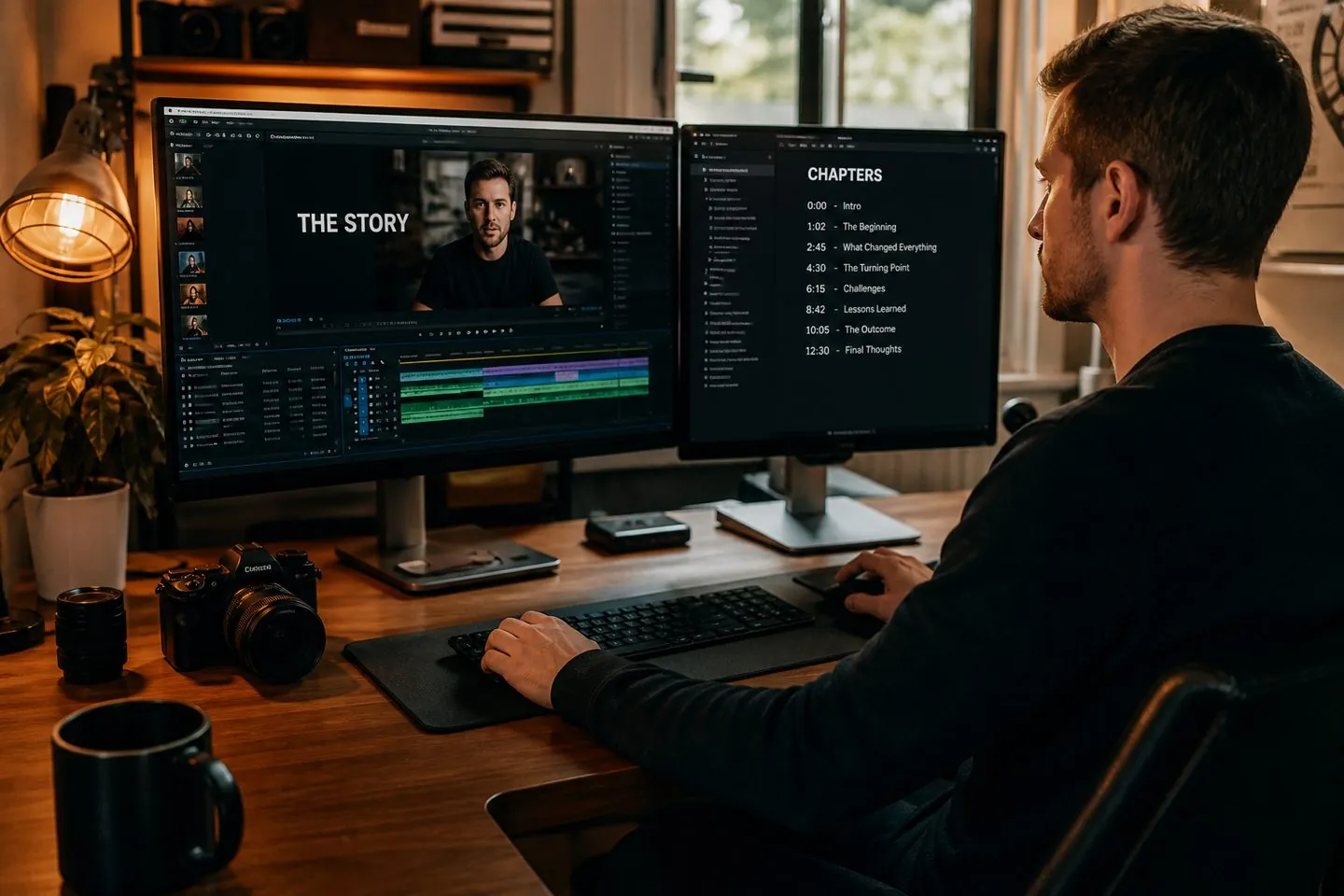
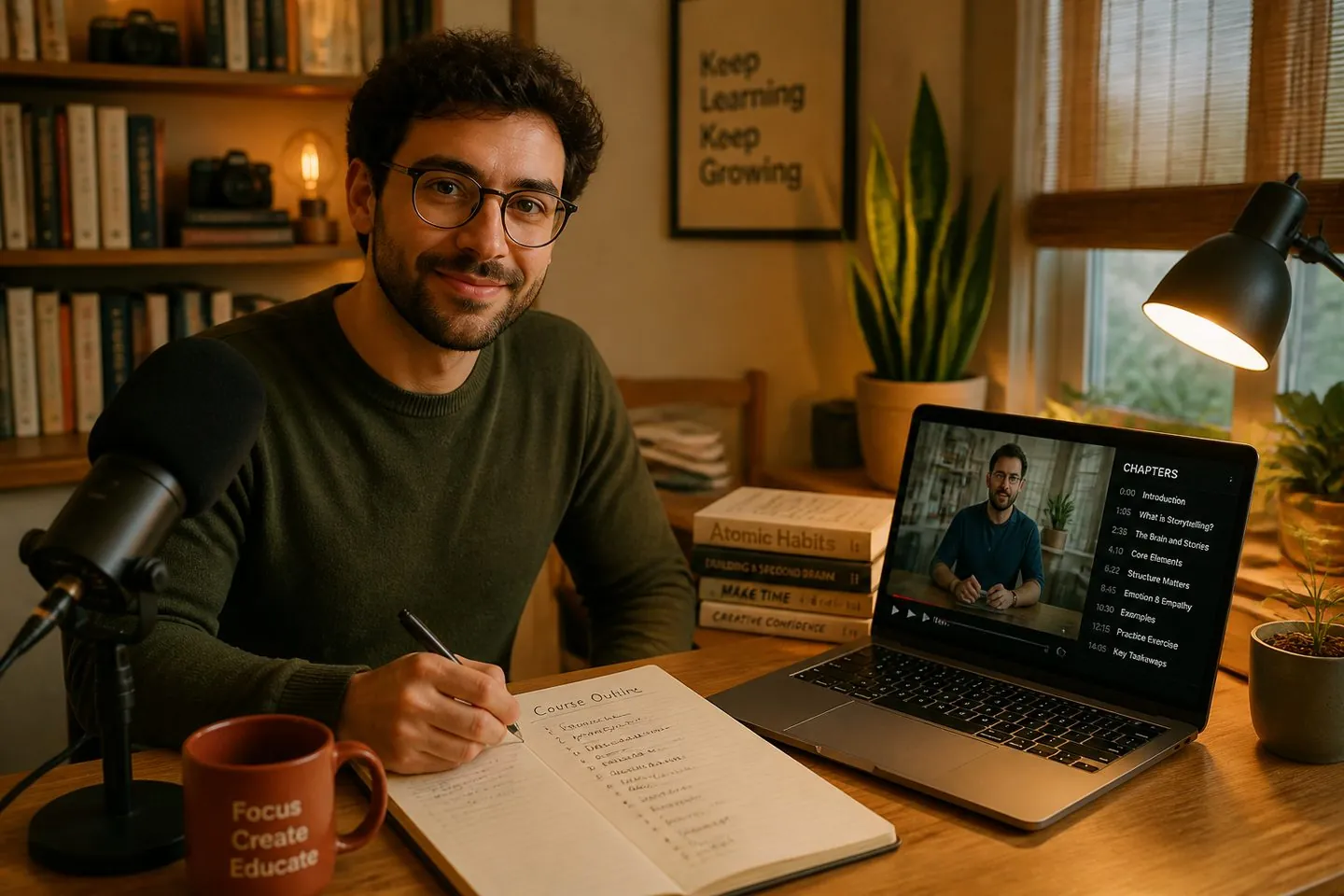
Paste-only workflow
Works from your transcript or outline — we never fetch a YouTube URL.
Free YouTube tool
Paste a timestamped transcript or section outline, generate chapter lines, and copy them into your YouTube description. We validate YouTube’s rules in your browser — no link scraping.
Paste your own transcript — no YouTube URL required. Processing stays in your browser.
Works from your transcript or outline — we never fetch a YouTube URL.
Warns if you are missing 0:00, three chapters, or 10-second gaps.
Output pastes straight into the YouTube Studio description field.
Definition
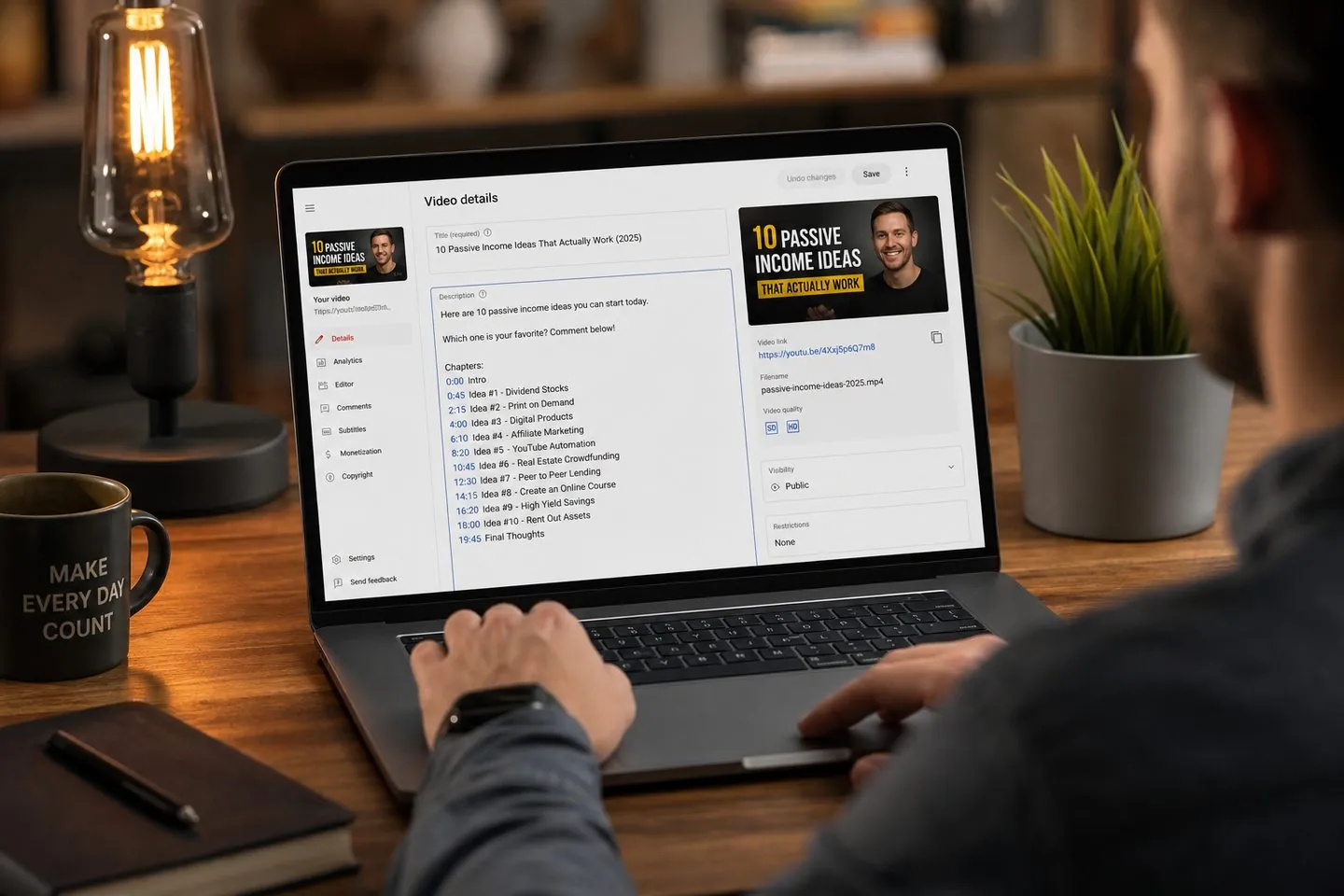
A YouTube timestamp generator turns a transcript or outline into chapter lines for your video description. Viewers jump by topic; you avoid hand-typing every 0:00 marker.
When you need it
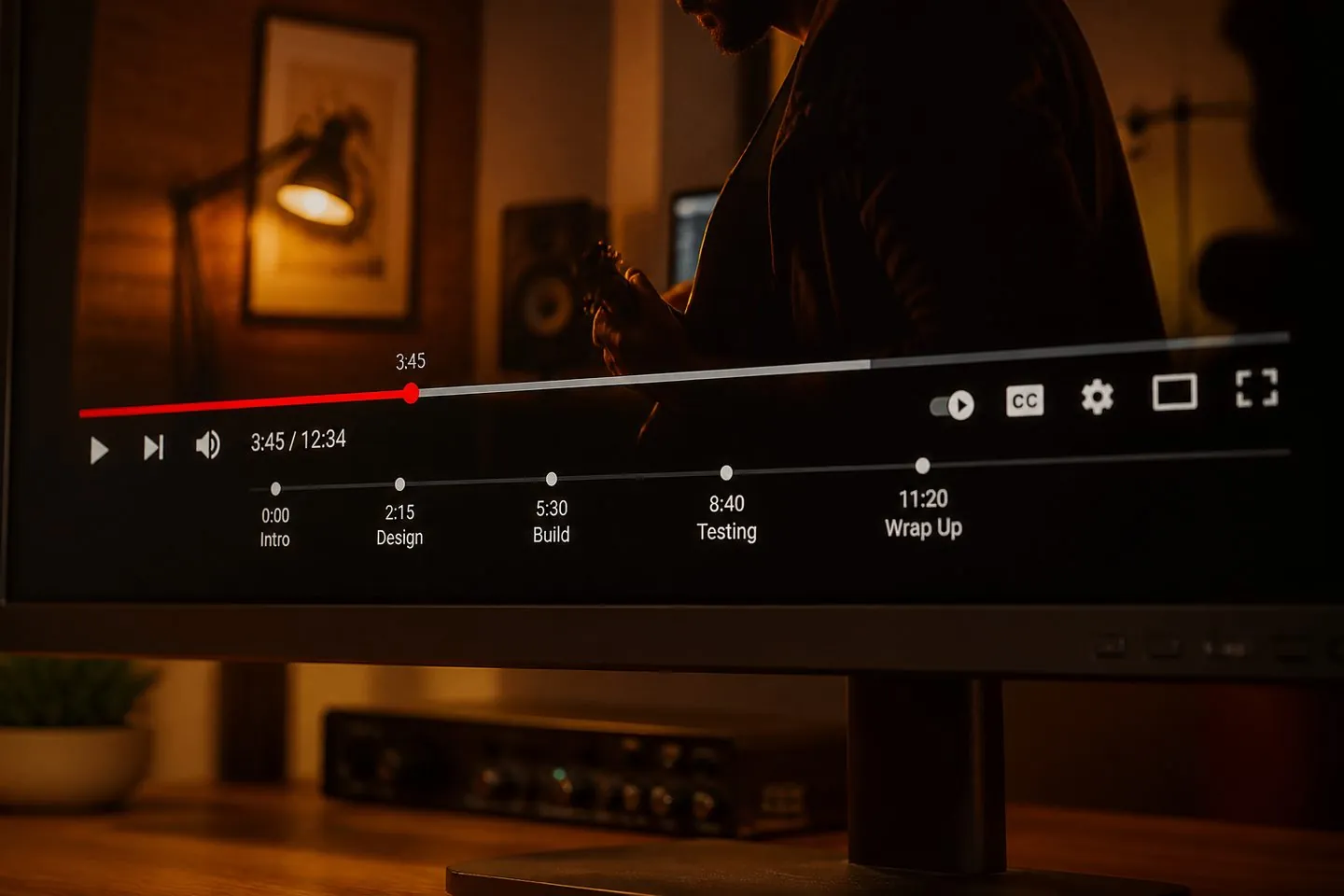
Chapters help viewers navigate long uploads and can support watch time. Build them from a transcript you already own — not by scraping someone else’s captions.
How it works
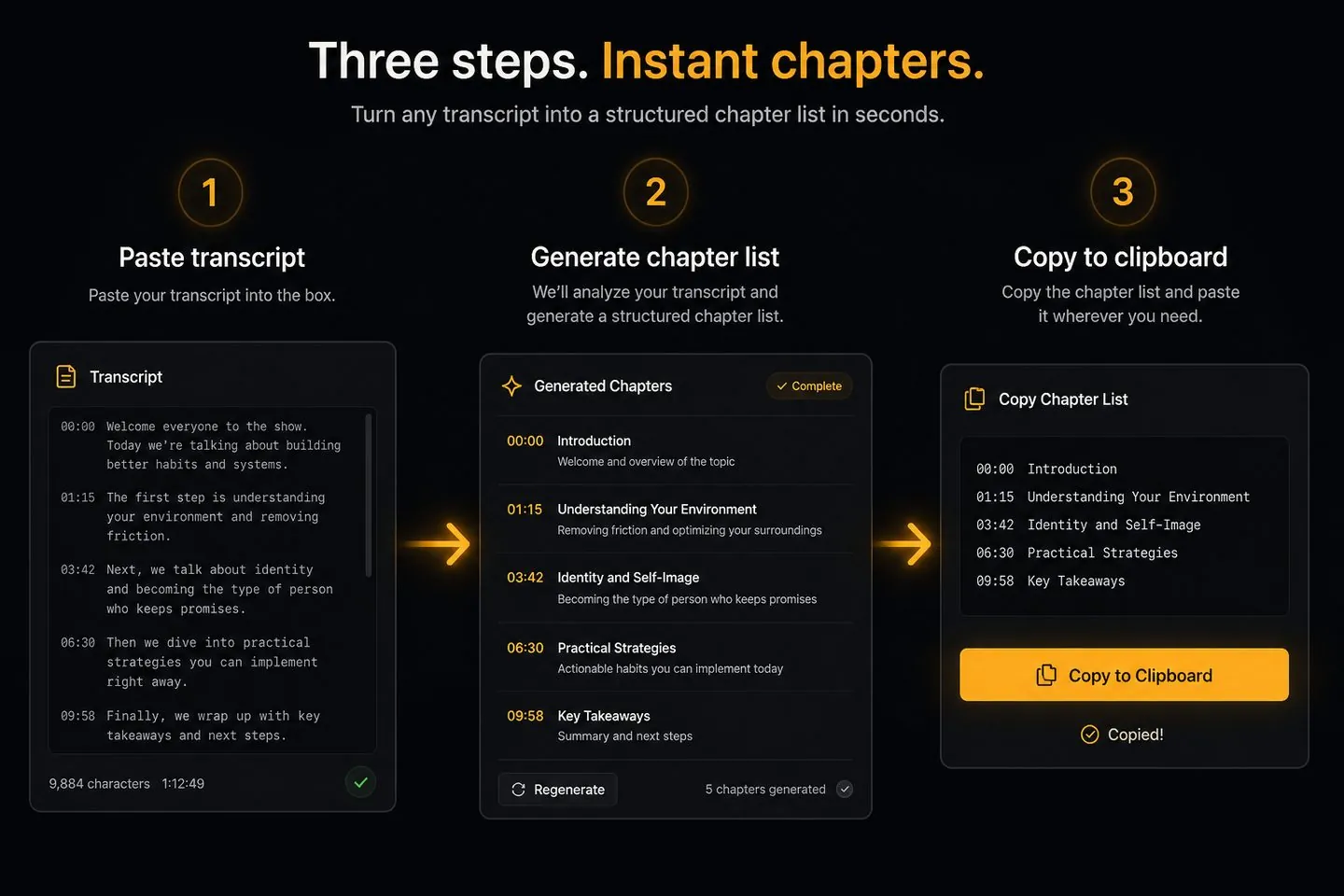
Paste, generate, copy — then drop the list into YouTube Studio.
01
Use timestamped lines like [00:00] intro, or blank-line sections for an outline.
02
Pick an interval or outline mode, then tweak any chapter title.
03
Paste the list into your description. First line should be 0:00.
Built for creators who already have a script or caption file.
The first chapter must start at 0:00, you need at least three chapters, and consecutive chapters should be at least 10 seconds apart.
Fetching captions from arbitrary URLs is unreliable and often against platform terms. This tool only processes text you paste — content you already have.
Use outline mode. We space sections evenly so you can edit times after you lock the final cut.
Yes. Paste SRT-style lines or convert with the SRT ↔ VTT tool first, then generate chapters from the timed text.
Chapters live in the description. On-screen captions are separate — create those with the YouTube subtitle generator or AI subtitle generator.
Chapters help navigation. Burned-in captions help mute playback — generate both from the same workflow.
Burn captions into your video